


Dark Mode on Unwanted Websites
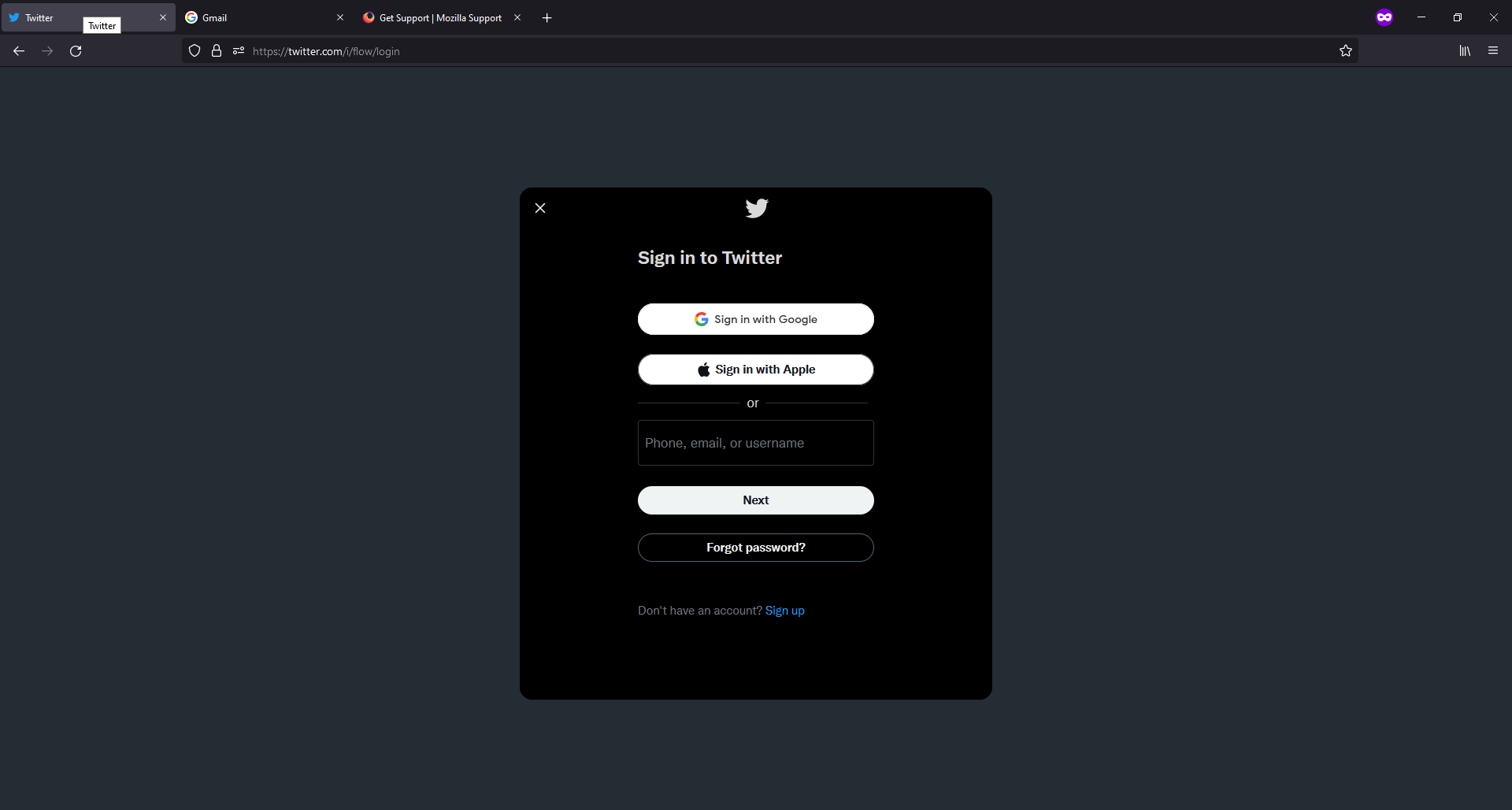
Before I made Firefox my default browser, I used private browsing on Firefox with dark mode enabled and was able to have the address bar/tabs/toolbar dark while all other websites I used were still in their default mode (for example, Twitter would always come up in light mode). After I changed Firefox to my default browser (or possibly after an update?), whenever I pull up Twitter, Google, YouTube, etc., they come up in dark mode instead of the default. Is there a way to keep the address bar in dark mode while still pulling up websites in light mode/default settings without having to manually change it every time?
All Replies (1)
Valitud lahendus
You can change this pref on the about:config page from 3 to 2 to revert to the Firefox 94 behavior.
- layout.css.prefers-color-scheme.content-override
Dark (0), light (1), system (2) or browser (3)
You can open the about:config page via the location/address bar. You can accept the warning and click "I accept the risk!" to continue.
See also this pref:
- ui.systemUsesDarkTheme [0:light; 1:dark; 2:no-preference]