


email accounts disabled

Since this morning there is no sign of my emails accounts and majority of functions appear disabled, it never happened before. Can somebody explain what happened?
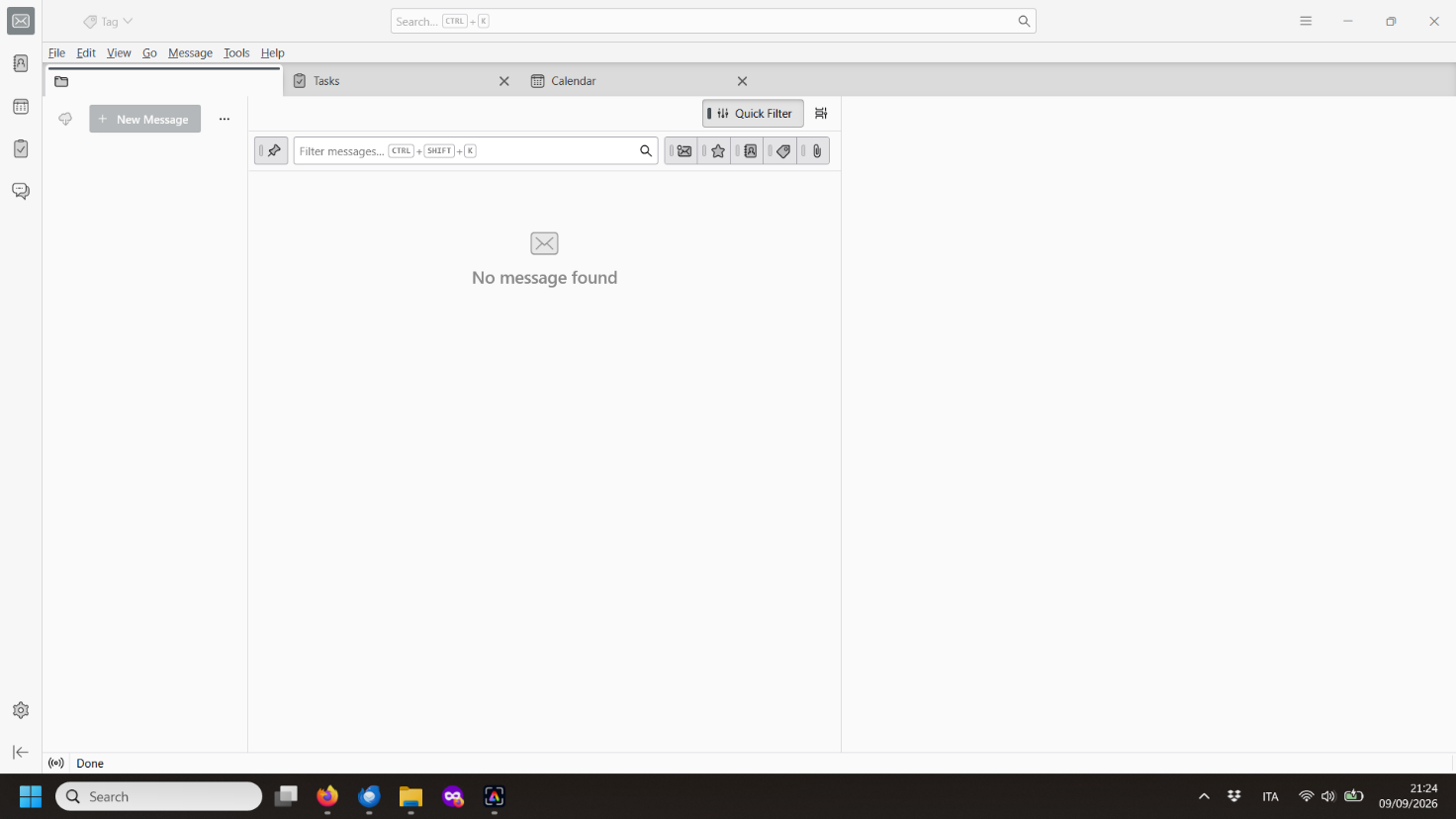
Please check the image attached
Όλες οι απαντήσεις (1)
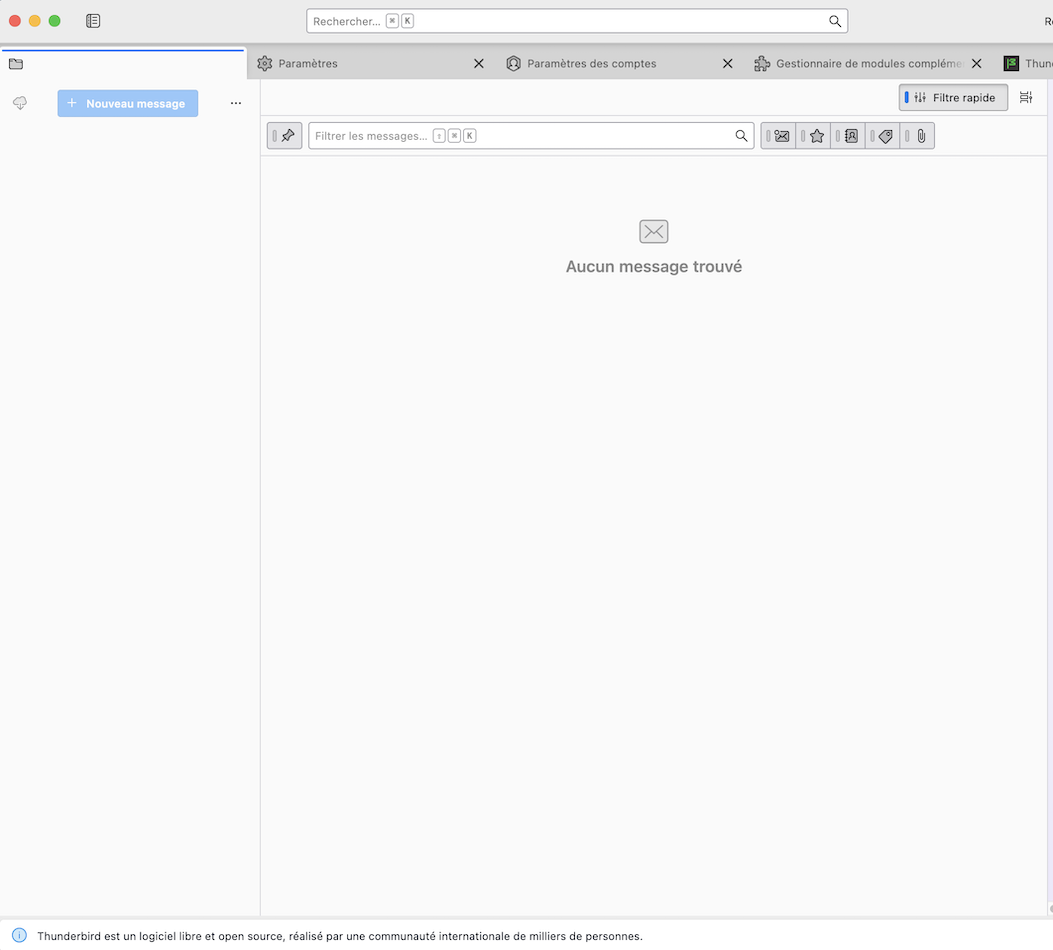
Did you have a Thunderbird or a PC crash yesterday? Your screen shot shows the same main window on Thunderbird startup as my attached picture after I deleted the most important prefs,js file in my Thunderbird profile folder before starting Thunderbird. So I presume that your prefs.js file in the Thunderbird profile has been damaged for an unknown reason and renamed in prefs-1.js oder invalidprefs.js. At the same time Thunderbird has created a new pristine prefs.js file of a 6 to 7 kB size which doesn't contain any account setiings. This is the reason why your Thunderbird window displays an empty folder pane, and probably your Account Settings tab is empty, too.
Please go to Help > Troubleshooting Information > Profile Folder > Open Folder, then exit Thunderbird. In the profile folder search for a prefs.js file and retrieve its size. Also look for a (bigger) prefs-1.js (or invalidprefs.js) file with a an actual time stamp.
Τροποποιήθηκε στις από τον/την Mapenzi