


"Verzonden" per mail-account

Goedendag, Ben zelf nieuw in Thunderbird. Ik heb diverse mailaccounts en ik zie een Verzamelmap staan met daarin ondermeer de Concepten en Verzonden mails. Deze zie ik liever per account weergegeven worden, kan dat?
Ik gebruik IMAP op al mijn accounts, na het instellen zie ik per account wel al mijn ontvangen mails staan, maar niet de verzonden mails? Ik denk dat dit inherent is aan mijn vraag, maar hoe kan ik dat dus oplossen?
Tot slot zie ik Mail-conversaties staan van berichten en hun antwoorden, maar dat wil ik helemaal niet. Ik wil gewoon alle berichten op datum & tijd gesorteerd zien staan. Hoe krijg ik er die conversaties uit?
Dank voor alle hulp alvast!
Groet, Pico
Όλες οι απαντήσεις (8)
click the hamburger menu in upper right (three short horizontal lines) and click view>folders. There, click all folders and untick unified folders. Now, click settings>appearance and set to unthreaded Next, highlight the account in folder pane, rightclick and select 'subscribe' to verify that sent folder is ticked. If no messages have been sent yet, it may not appear. I encourage you to experiment a bit with settings. this URL may help: https://support.mozilla.org/en-US/kb/getting-started-thunderbird-main-window-supernova
Thank you, David!
I've lost the threading, thank you.
But I can't get the Sent-folder on each account, it stays in the Unified folders. Per account I can get to Folder List to select the folders to subscribe to, but for every account it only shows the Trash-folder. Although I already sent dome mails from 3 of the accounts....
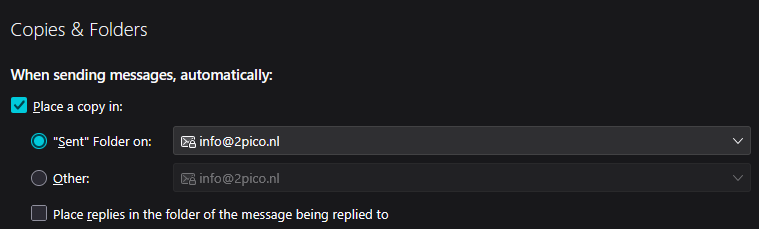
I changed the settings for Copies&Folders per account, see image, but still no Sent-folder per account. And with that it (also) doesn't download my sent mail from the last couple of months.... ;(
So no full solution yet!
Puzzling. Be sure to untick unified folders. That should cause the sent folder in unified folder to disappear. Try sending a message to see if that causes the folder to be displayed. This seems unusual. It may help if you create a screenshot of the folder pane so viewers here can see what message folders are visible.
Hmmmm,
Sending a mail out didn't work I'm afraid. Please find attached some helpfull screenshots, I hope.
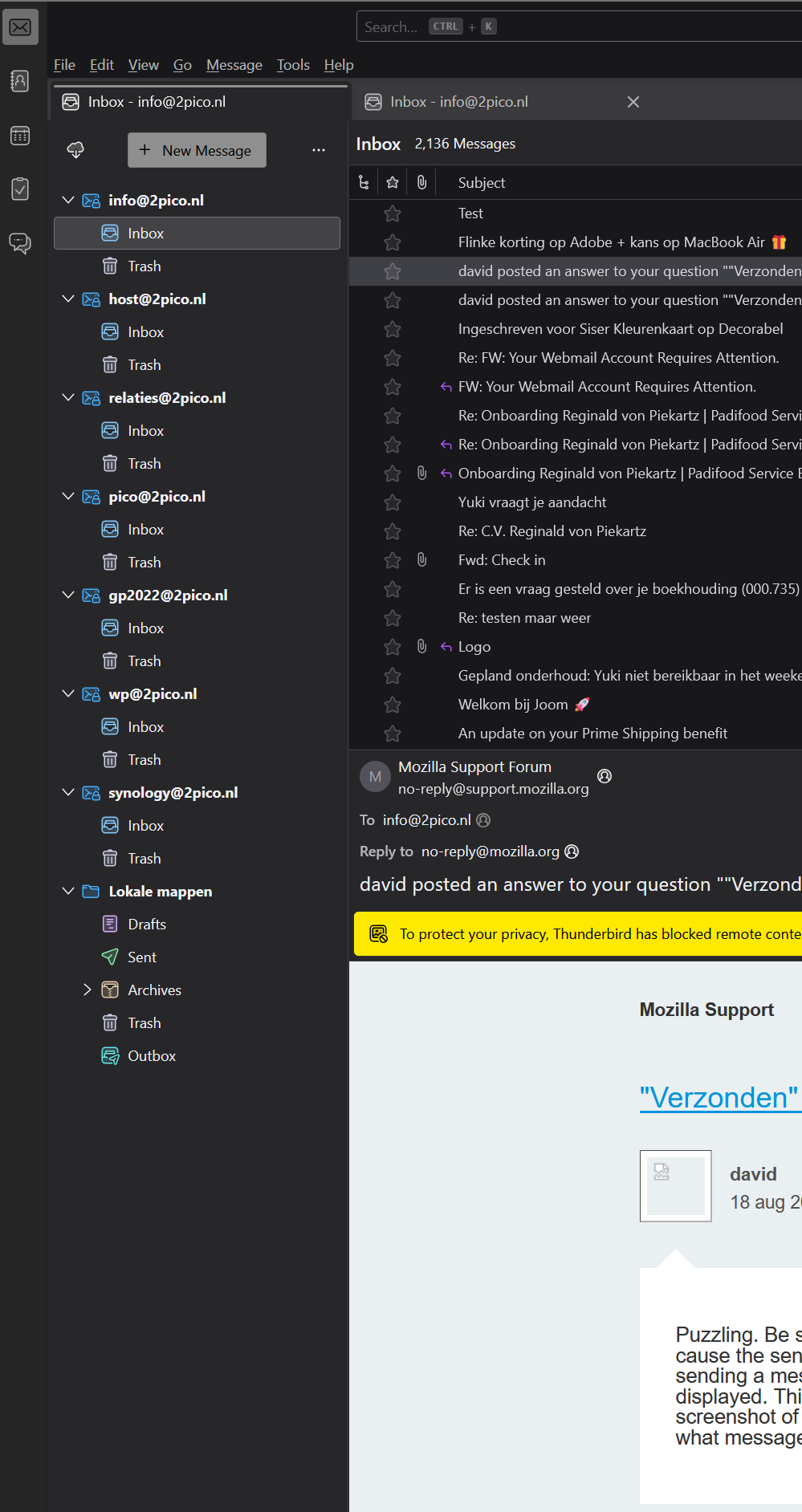
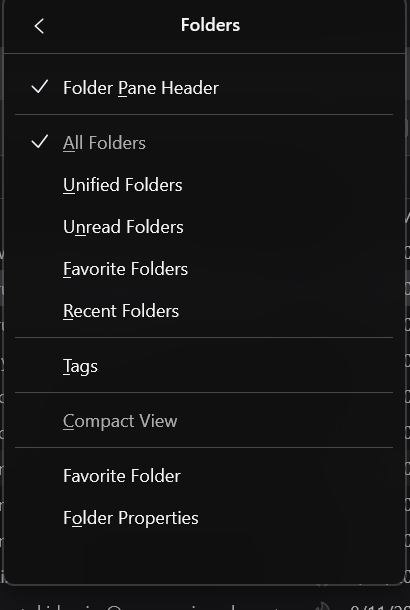
If these are IMAP accounts, highlight each account name, rightclick and click 'subscribe' to see if the sent folder option appears. I have no clear idea why the sent folders are not appearing.
Hi David,
I right-clicked all accounts seperately and hit "Subscribe", clicked "Folder list" and "Refresh", but nowhere was the "Sent folder" to be seen, only the "Trash folder" showed up.
Could it work if I just reinstalled Thunderbird over the existing one?
I am at a loss. I do not now that provider, but I have an email provider that allows specifying which folders can be viewed in an email client (I'm referring to Gmail). I suggest you log onto your email provider's website to see if there are settings that control what access an email client can have. I am no expert, but that is where I would look. And, reinstalling does not fix anything.
Okay, David. Thanx for your help anyways!