


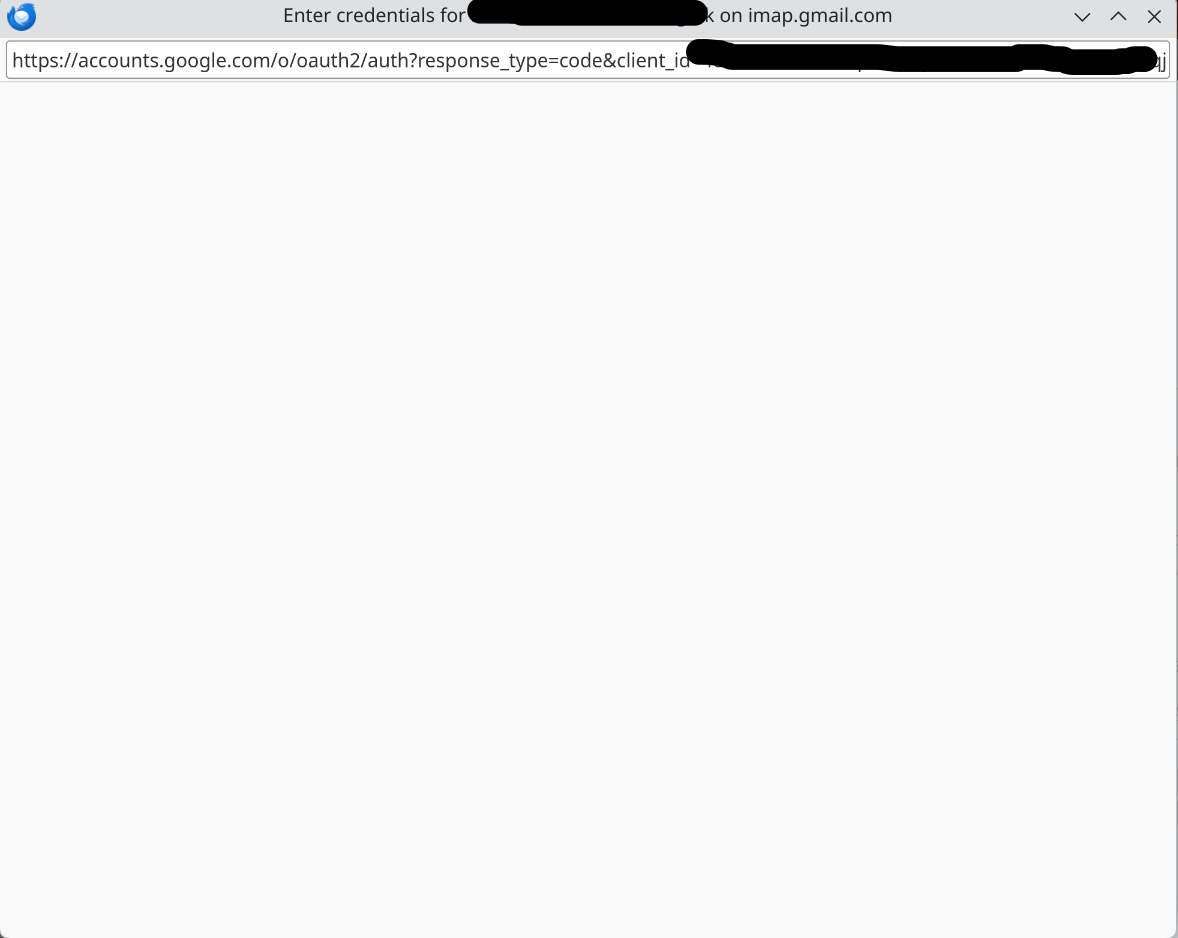
Cannot setup Gmail in Thunderbird, authentication popup is empty!

I am trying to set up a gmail account on Thunderbird, but the authentication popup comes up with a blank page so it is impossible to complete the processes.
Όλες οι απαντήσεις (1)

Επιλεγμένη λύση
What version of Thunderbird? The answer may be slightly different depending on which.
- For versions prior to 15x.x, you need to make sure that Cookies are allowed (see <Settings | Privacy & Security | Web Content | Accept cookies from sites>. Optionally, delete any stored cookies for Gmail (see <Settings | Privacy & Security | Web Content | Accept cookies from sites | Show cookies>) and delete any saved passwords for that user name (see <Settings | Privacy & Security | Passwords | Saved Passwords>).
Then quit and restart Thunderbird. When it next tries to fetch or send email, you should be prompted for your credentials as usual.
- For versions 15x.x and newer, you may need to check similar things in your default web browser, that is, make sure cookies are allowed and remove any existing cookies related to Gmail. (This is my understanding - I haven't had to do this yet.)