


Ανοικτό
How to see the messages that are hidden behind the border?

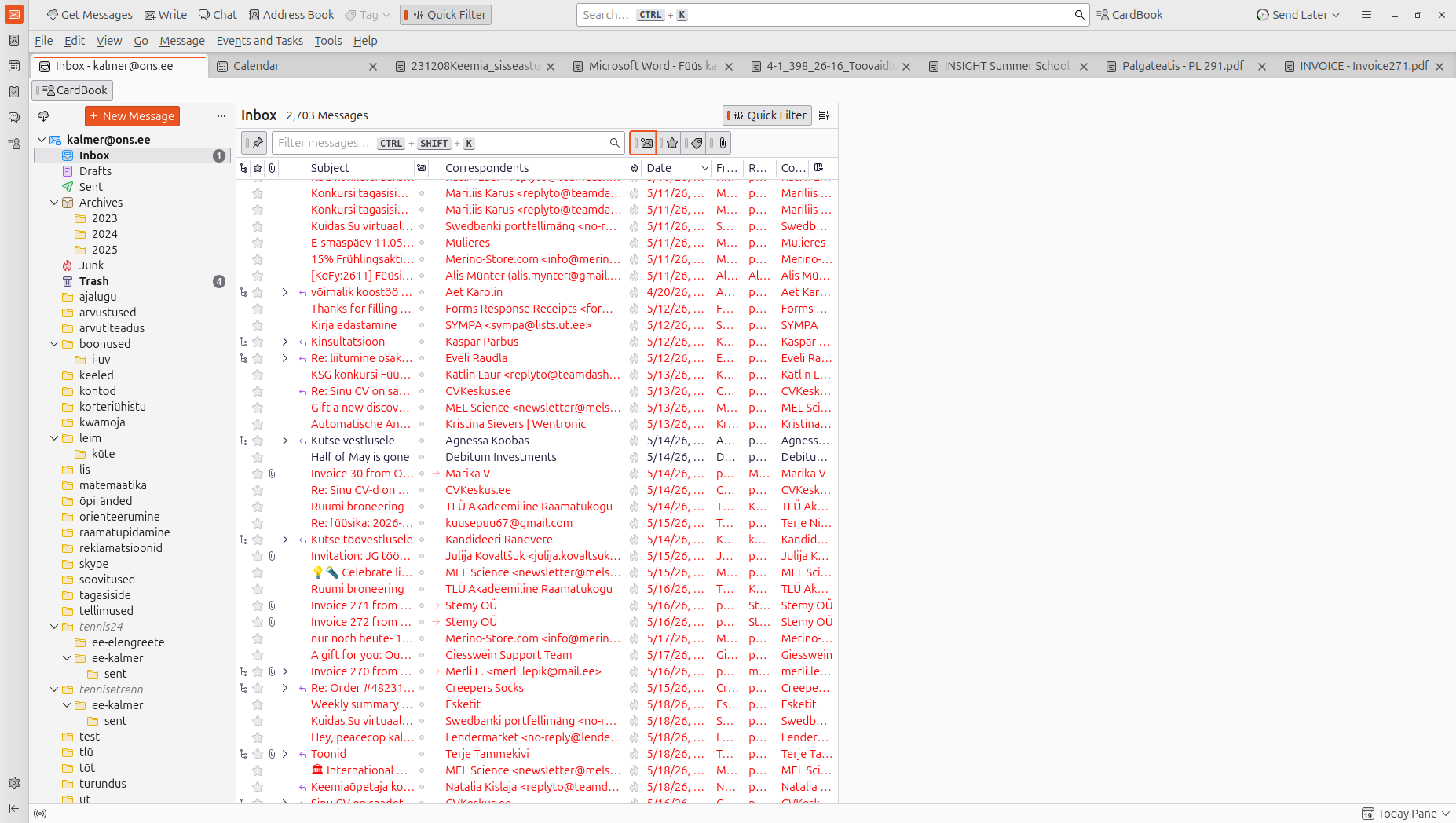
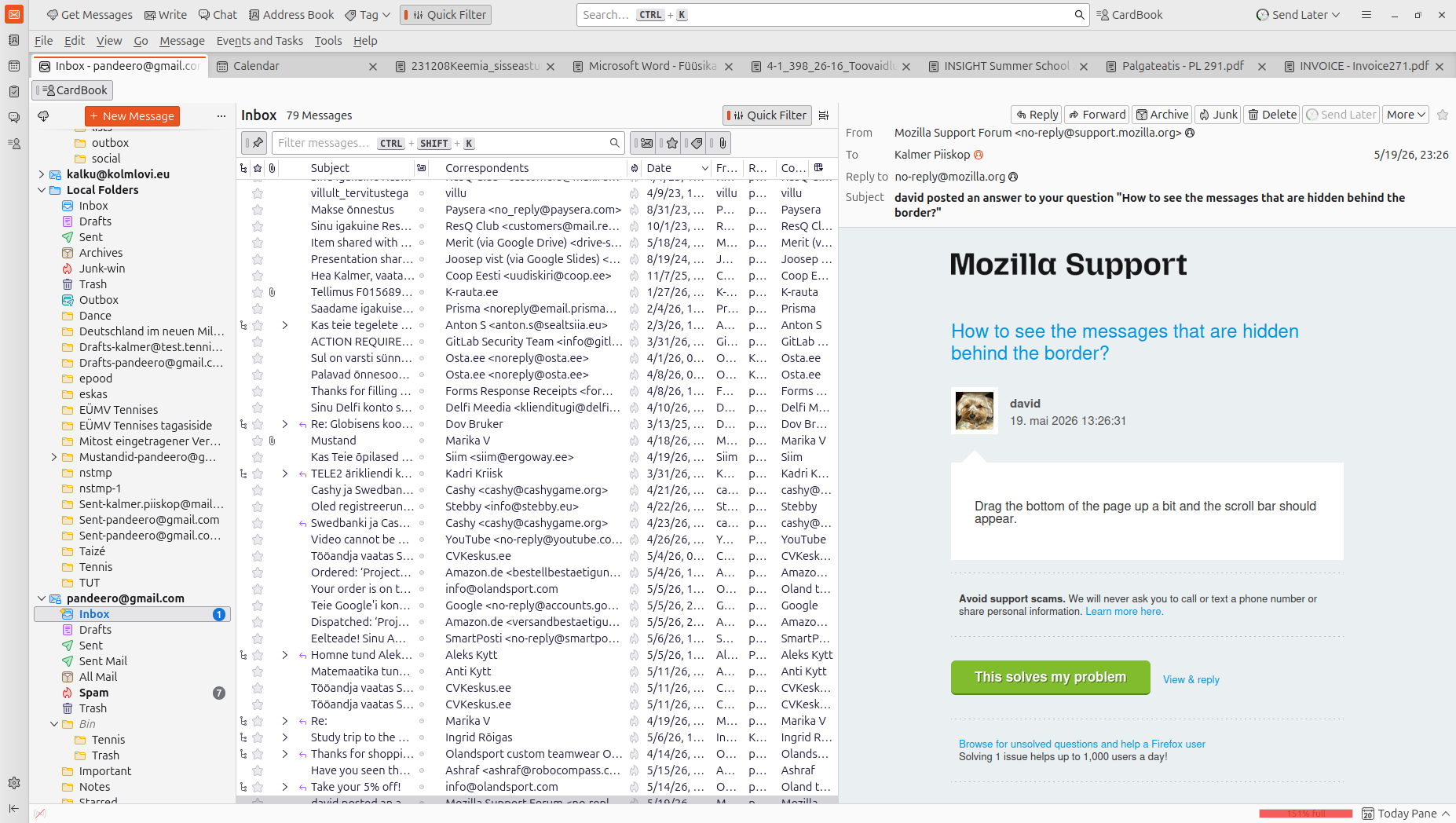
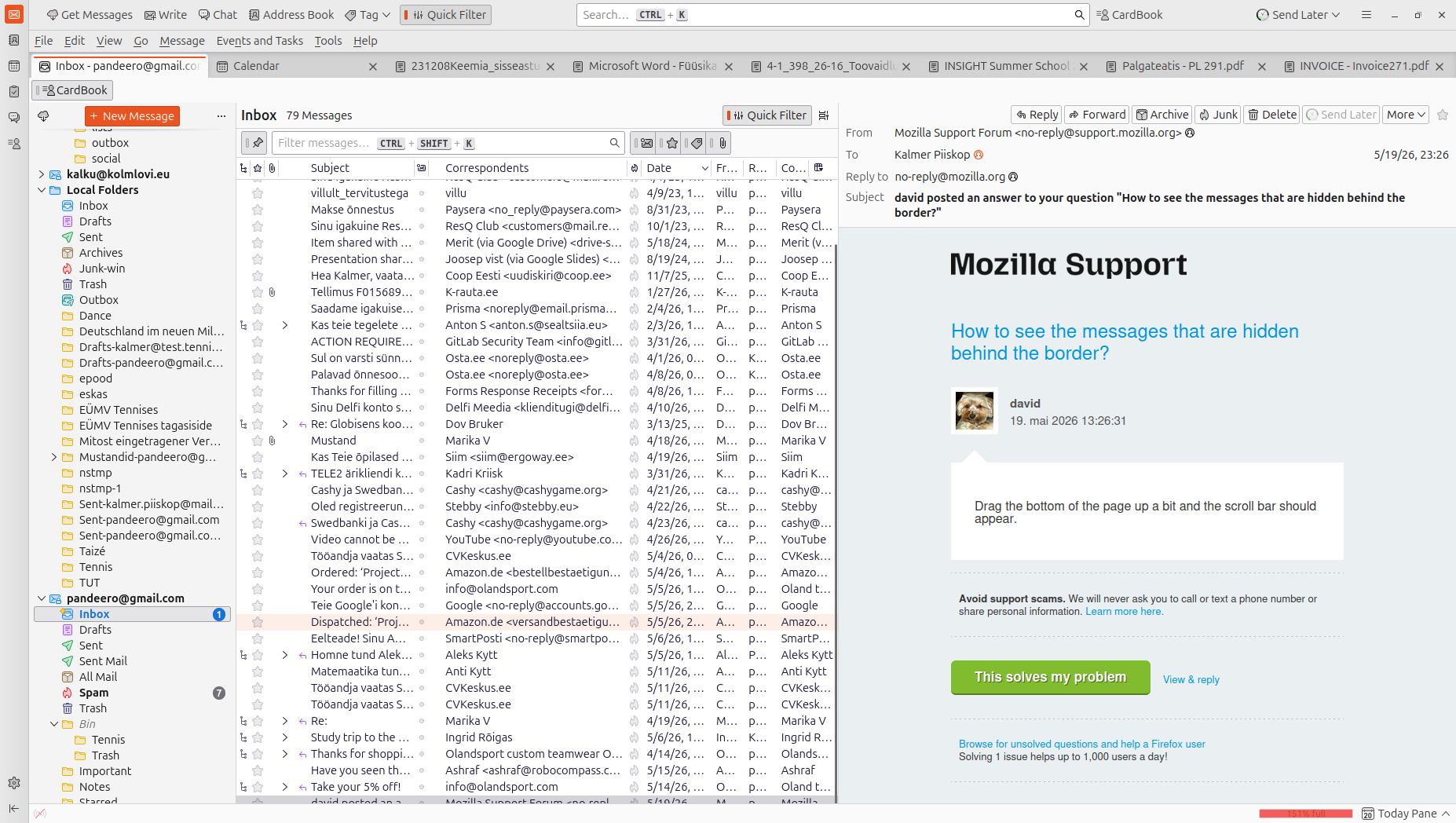
Inbox has lots of emails. Some last emails are hidden behind the GUI border. The list is scrolled to the bottom already.
Inbox has lots of emails. Some last emails are hidden behind the GUI border. The list is scrolled to the bottom already.
Όλες οι απαντήσεις (3)
Drag the bottom of the page up a bit and the scroll bar should appear.
What do you mean by the bottom of the page? Thunderbird is an app, not a website. There is no way to drag the bottom of the GUI anywhere. The scrollbar is apparent on the panel however it reaches behind the footer panel.
Τροποποιήθηκε στις από τον/την peacecop kalmer: piiskop
Did you try it? Place mouse cursor at bottom of the thunderbird app and the cursor should change to a double arrow, one pointed up and one down, Drag up and the scroll bar should appear.