


Pictures stopped displaying in the messages today.

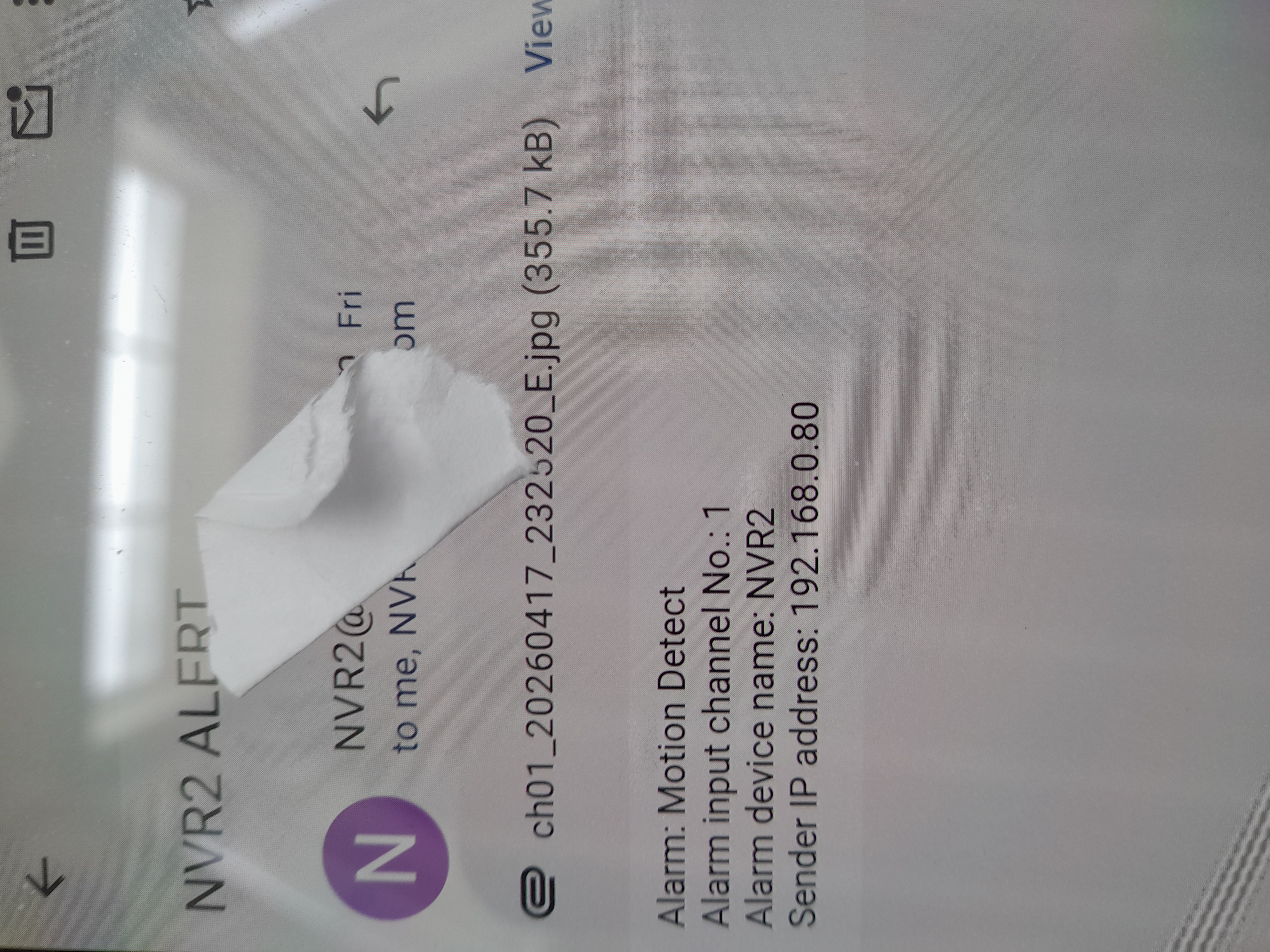
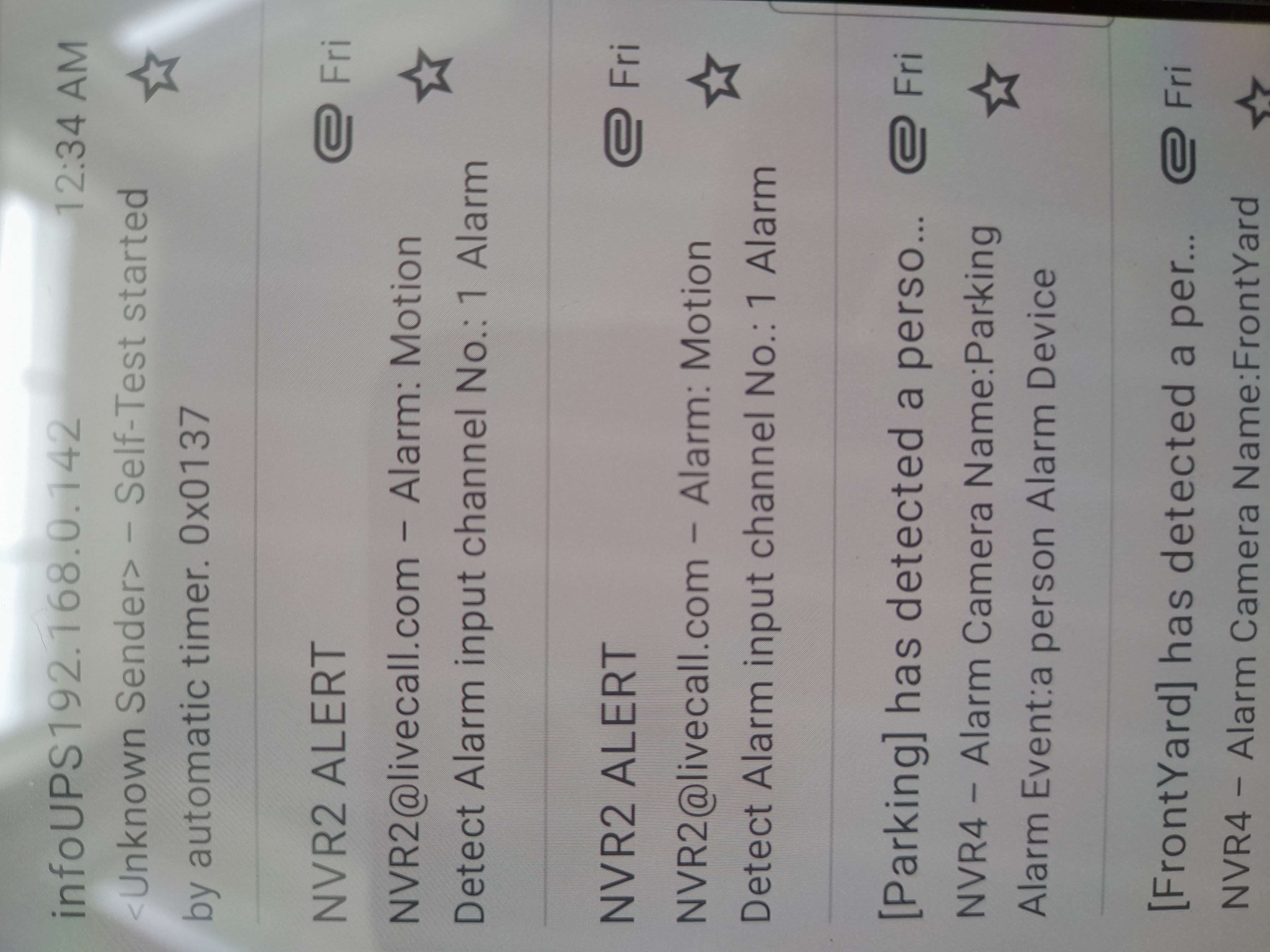
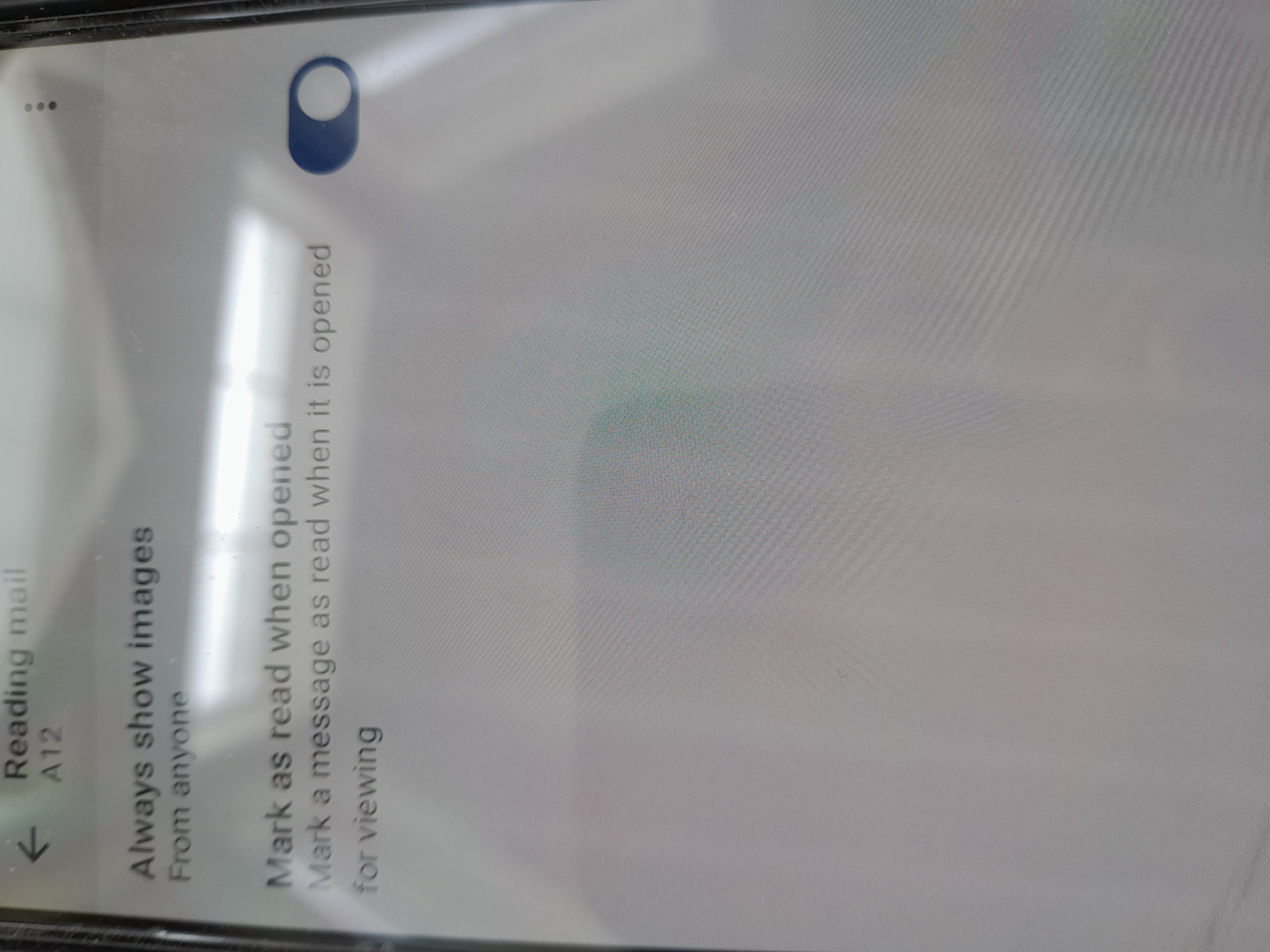
Today the pictures,jpg, stopped opening automatically in Thunderbird mobile. Now there is a View link and its just not good to have to go through the extra steps to see the pictures. It must be an update that broke it because my settings didn't change. Also, It would be helpfull to see date and time of messages instead of day of the week.
Όλες οι απαντήσεις (1)

The ability to see the full date and time was added in v18, which I believe your running.
Navigate to settings > general settings > display: Date Time Format. Assign either 'Full' or 'ISO'.
The change in picture display behaviour stems from a redesign of general attachment placement. They were moved to the top of emails making them more visible and accessible. This had the side effect that picture attachments are not automatically displayed.
A bug report is raised on github about this, linked below. https://github.com/thunderbird/thunderbird-android/issues/10889