


Translation option missing
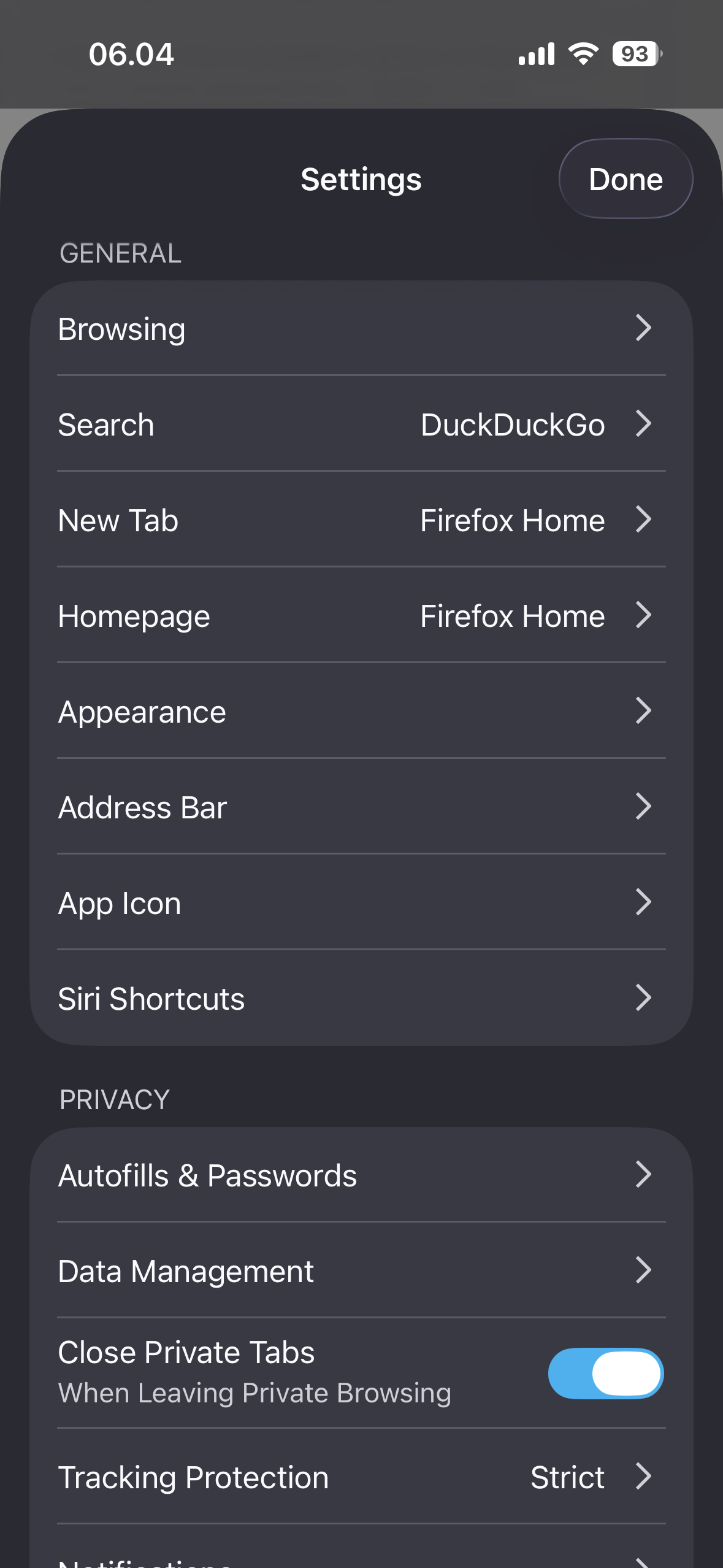
I don’t see the translation option in the menu. I am running latest Firefox (148) on iOS Translation used to work yesterday
This is supposed to be available according to this https://support.mozilla.org/en-US/kb/translate-firefox-ios
Τροποποιήθηκε στις από τον/την NoahSUMO
Επιλεγμένη λύση
Not sure what happened but it works now 🤷
Όλες οι απαντήσεις (11)
gradual rollout might be the reason: https://support.mozilla.org/en-US/questions/1564417
It was briefly working yesterday, so that's why I got confused :D Marking the feature as still not GA in the documentation would help I guess
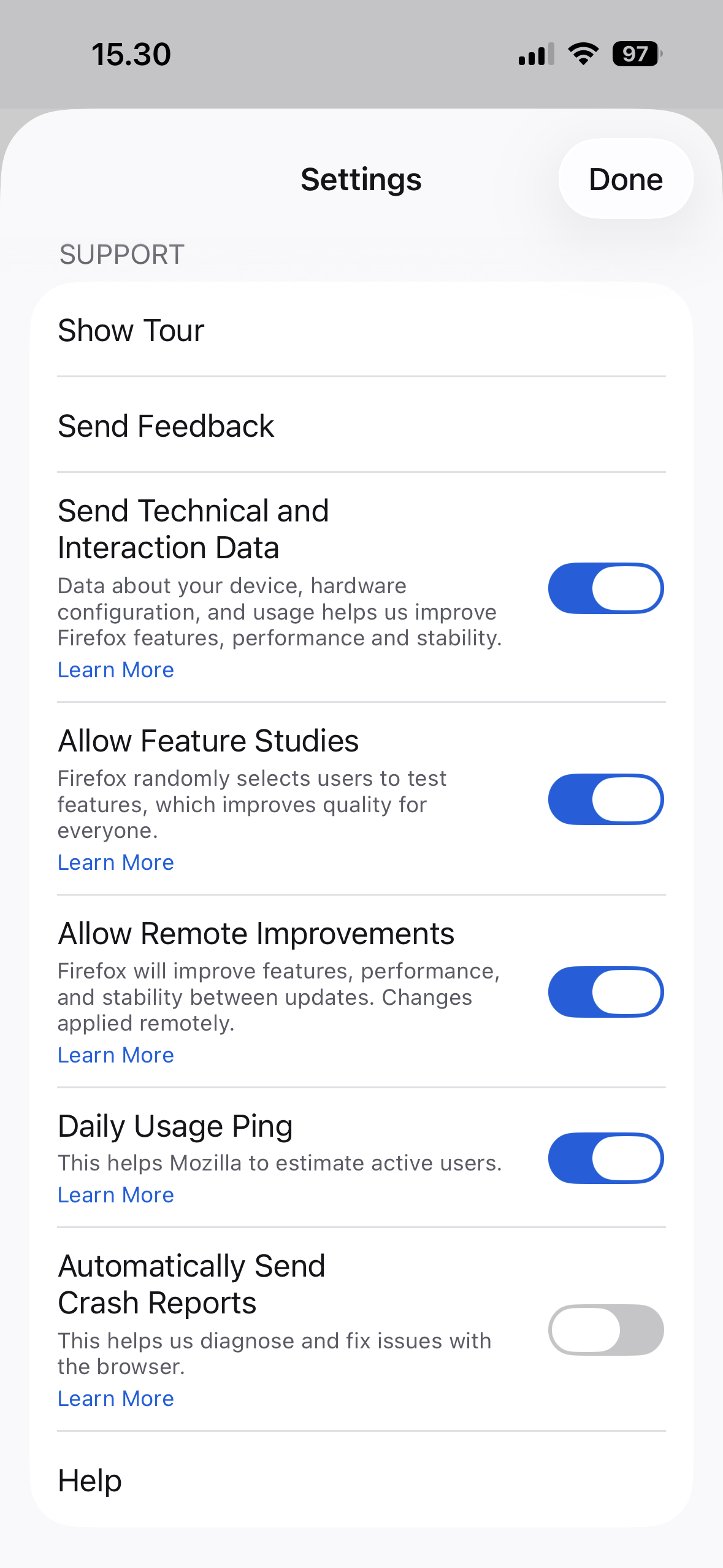
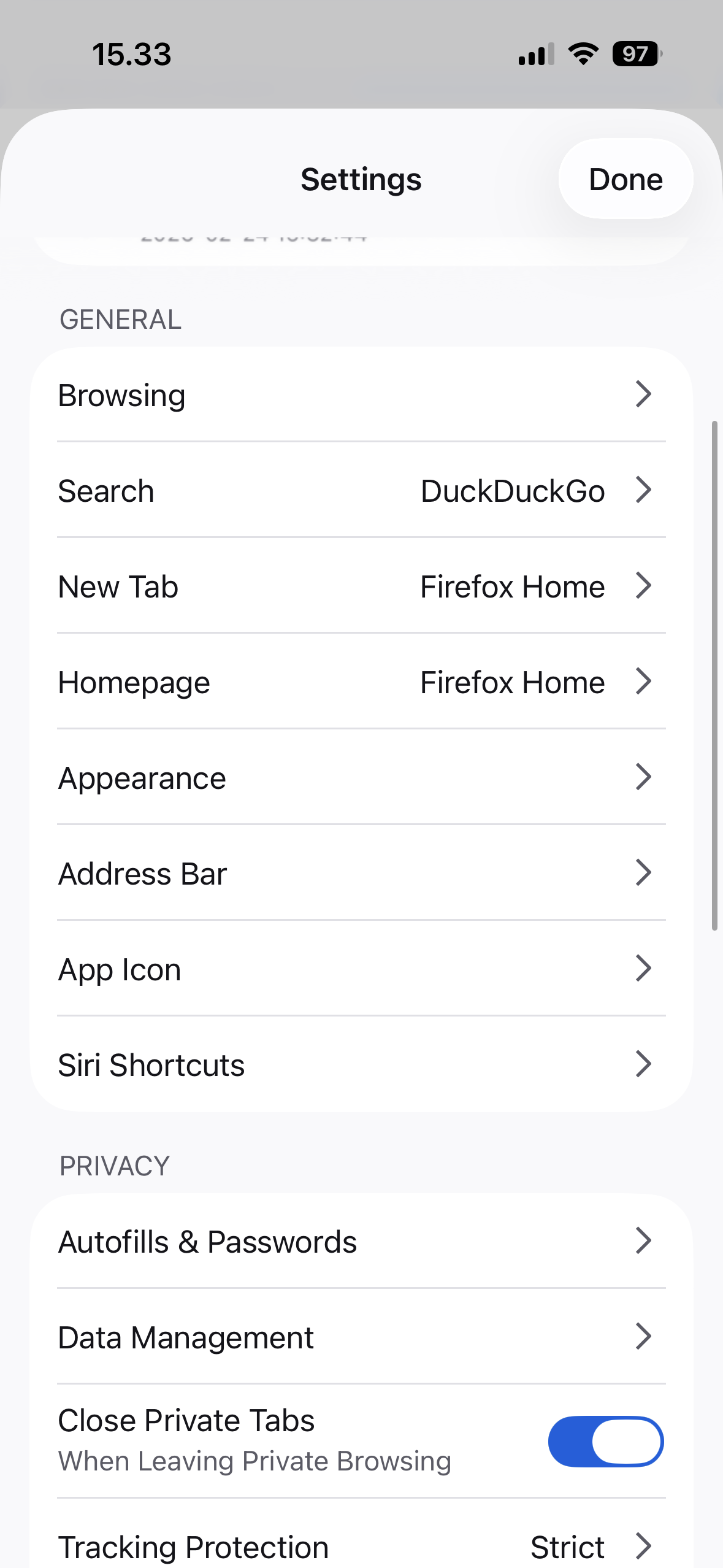
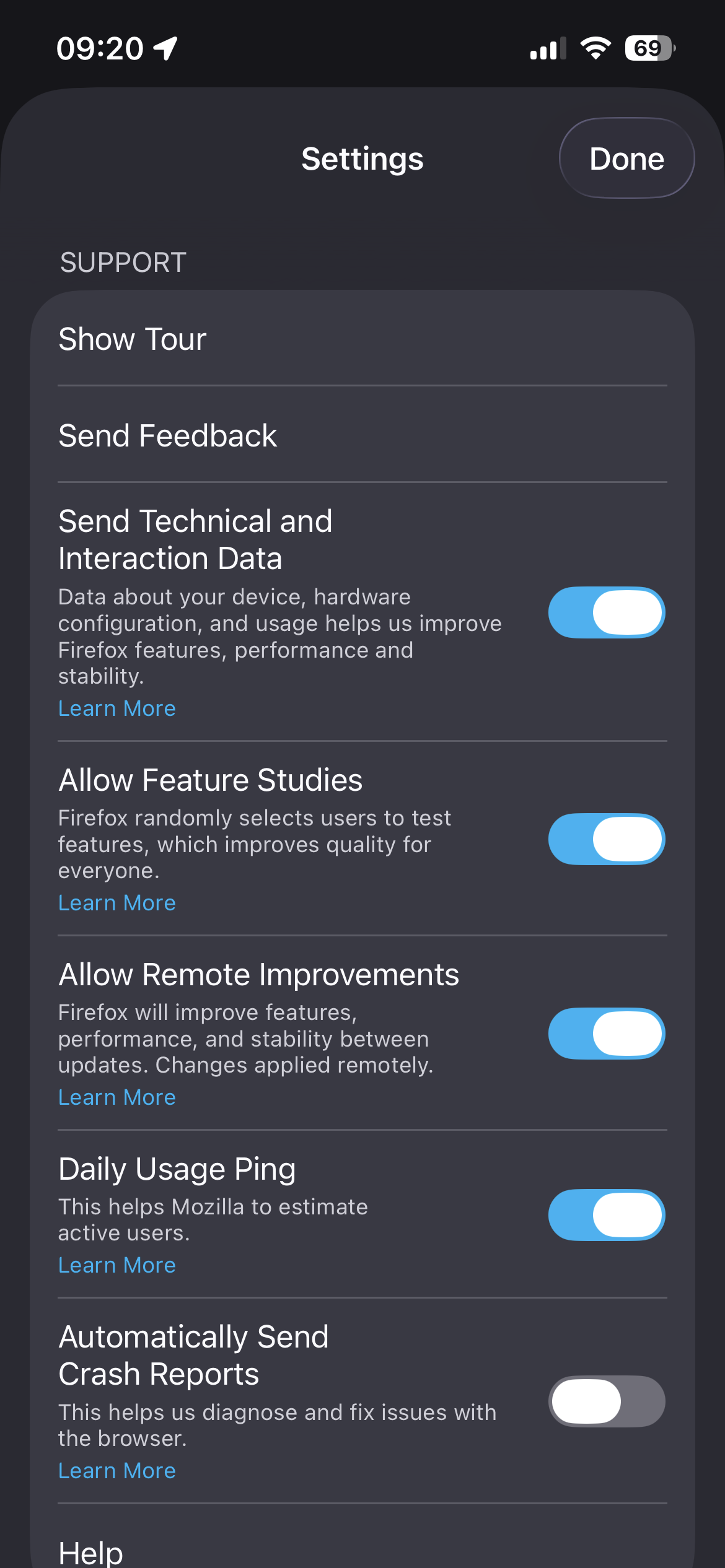
The feature should be available to everyone that has "Allow Feature Studies" turned on in settings. You should then see "Translations" in your settings as well.
So far we support English, French, Spanish, Japanese, German and Portuguese in iOS.
Please report back if this is your case.
I do have it enabled it seems. But translation doesn’t appear

Τροποποιήθηκε στις από τον/την Vincenzo Vicaretti

Same here with firefox v148 on iPadOS 26.3. Feature studies is enabled, but translate does not show, neither in settings nor in url bar thanks for any support.
Just one more question: what is the device's language?
English UK in my case
English (US) in my case
Επιλεγμένη λύση
Not sure what happened but it works now 🤷

Hi, I'm using firefox v148.3 and my device language is English (UK). Feature studies is enabled, but translate does not show, neither in settings nor in url bar.
Thanks.

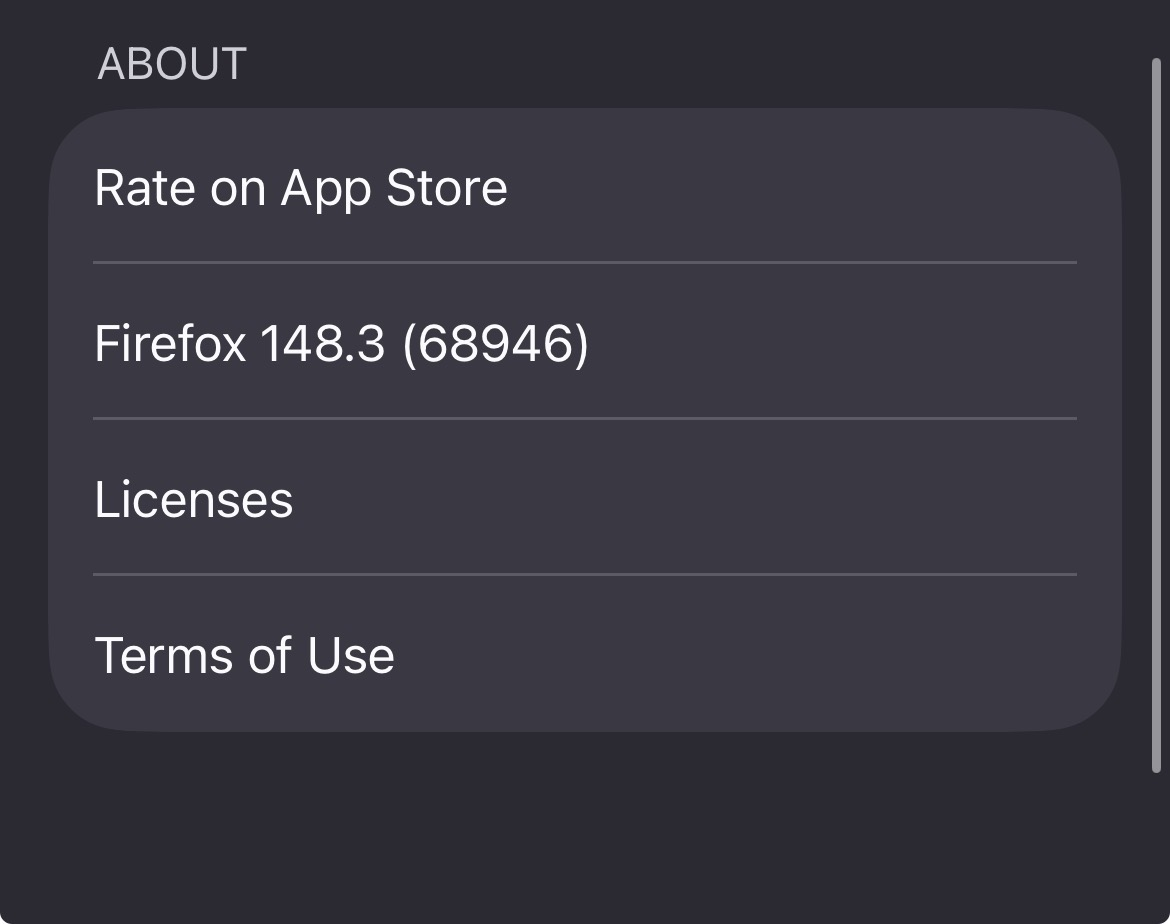
I'm posting some notes in the other thread: https://support.mozilla.org/en-US/questions/1564417 to see where the issue is. If you're still not getting that functionality available to you, please do share the details there. Thanks!

Hi, I'm experiencing this intermittency as well. iPadOs 26.5, Firefox 151.3.2 (73107)
In my case, I had the translation icon originally, successfully used it to translate to another language, reverted the page back to original (EN-US) and then navigated away from the page to check mozilla's on-device privacy practices for the feature. When I went back to play with it more, the icon was missing entirely. There was a banner across the bottom of the screen asking me if I'd like to perform translations automatically in the future, but it was completely nonresponsive. After a force-close even that banner is missing now too.
No amount of force-closing, toggling translation off/on, enabling feature studies, full reboot, and even updating firefox to this latest version today has helped to get the translation icon to reappear.