


Windows 10 reached EOS (end of support) on October 14, 2025. For more information, see this article.

Αναζήτηση στην υποστήριξη

Προσοχή στις απάτες! Δεν θα σας ζητήσουμε ποτέ να καλέσετε ή να στείλετε μήνυμα σε κάποιον αριθμό τηλεφώνου ή να μοιραστείτε προσωπικά δεδομένα. Αναφέρετε τυχόν ύποπτη δραστηριότητα μέσω της επιλογής «Αναφορά παραβίασης».

Μάθετε περισσότερα

How do I get Firefox to open windows in the correct order?

  • 1 απάντηση
  • 0 έχουν αυτό το πρόβλημα
  • Τελευταία απάντηση από jonzn4SUSE

περισσότερες επιλογές

When I start Firefox on Windows it does not open all the Windows it had last time even though that option is selected in settings. It seems random on which Windows open.

Then I start one Window at a time and restore my tabs from bookmarks. Once I have done that I have all the Windows in the order I want, with the tabs I want.

Then for no apparent reason some of the Windows disappear and/or the Windows change order. This is very frustrating.

How do I get Firefox to always open the Windows in the correct order and keep them displayed in that order?

When I start Firefox on Windows it does not open all the Windows it had last time even though that option is selected in settings. It seems random on which Windows open. Then I start one Window at a time and restore my tabs from bookmarks. Once I have done that I have all the Windows in the order I want, with the tabs I want. Then for no apparent reason some of the Windows disappear and/or the Windows change order. This is very frustrating. How do I get Firefox to always open the Windows in the correct order and keep them displayed in that order?

Όλες οι απαντήσεις (1)

περισσότερες επιλογές

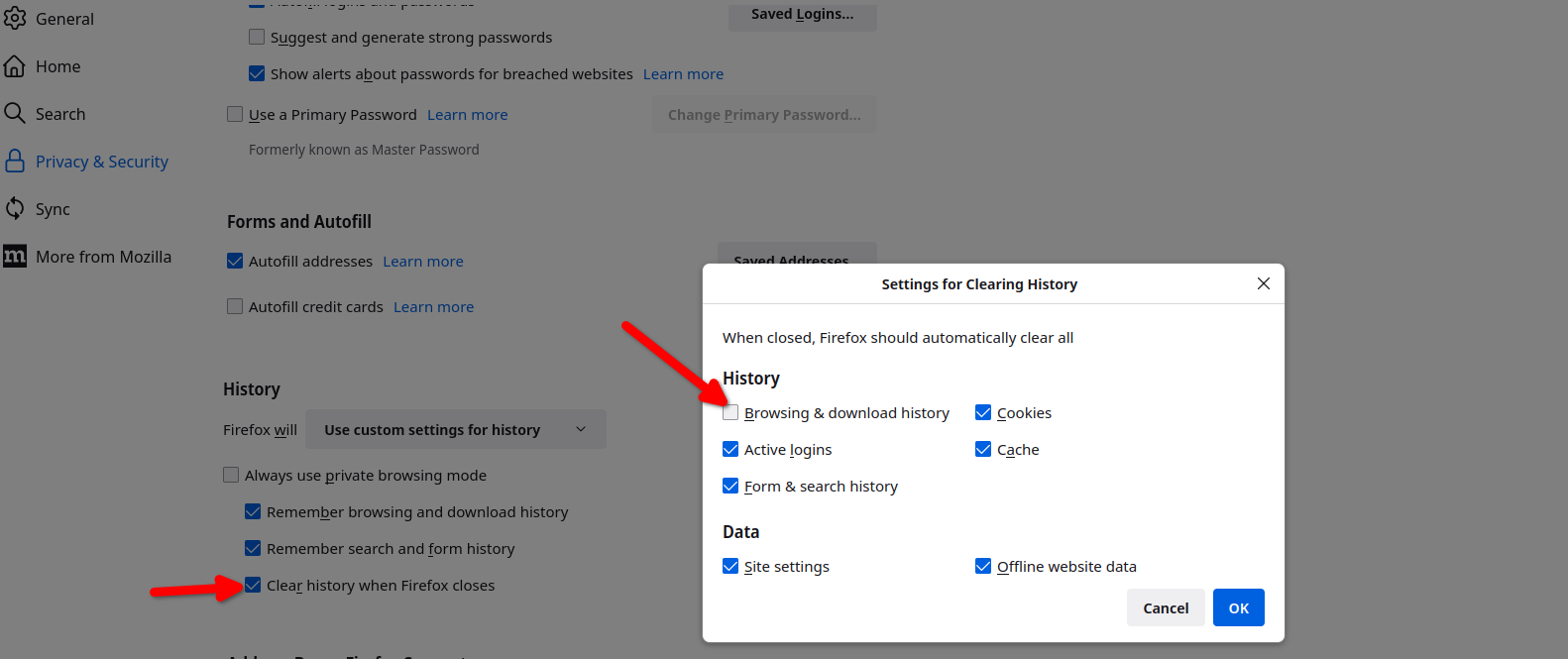
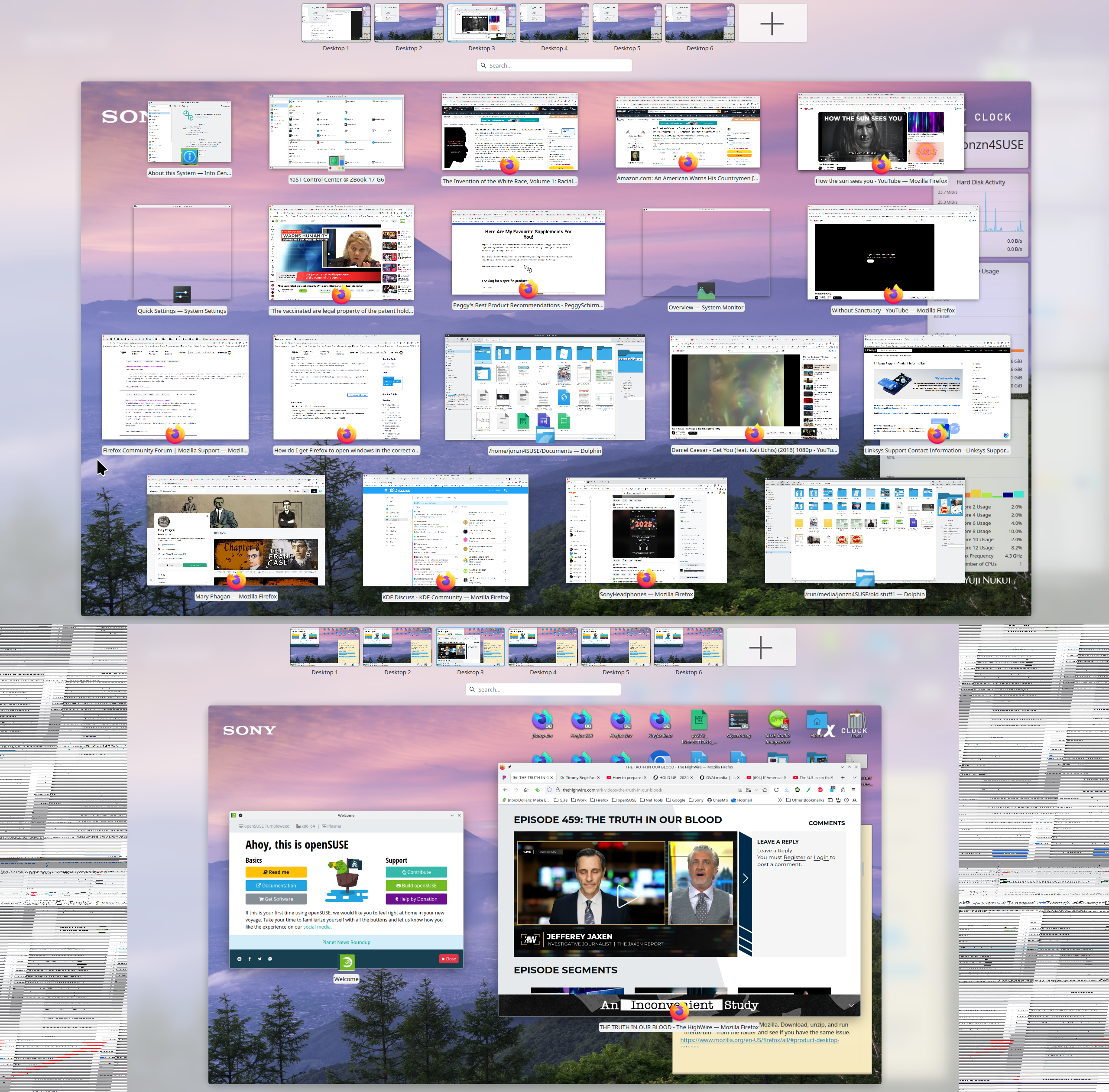
Here are my settings so that my previous windows open. see screenshots That one box is not checked, but Firefox does have a frequent habit of not restoring the sessions. See this link if that's the issue. https://support.mozilla.org/en-US/questions/1557927#answer-1790790
Υποβολή ερώτησης

Πρέπει να συνδεθείτε στον λογαριασμό σας για να απαντήσετε σε δημοσιεύσεις. Ξεκινήστε μια νέα ερώτηση εάν δεν διαθέτετε ακόμα λογαριασμό.