Opening previous session tabs

When my internet goes out and I check if it's back up by opening Firefox, if it's not back up then all the tabs from the previous session get lost if I close the browser. None of my other browsers do this; they all open with the previous session. This is a major issue, because I lose hours of work each time.
Όλες οι απαντήσεις (2)
Hi there!
Sorry to hear that your tabs keeps closing after an internet outages, it can be frustrating. But here's some things you should try that might help you out!
Check session restore settings
Go to Settings → General → Startup
Make sure “Open tabs from the previous session” is selected.
Enable “Restore previous session”
Go to Settings → General → Startup → check “Restore previous session” (this helps Firefox remember tabs even if it didn’t close normally).
If that don't work, you can try installing an extension to store your tabs like SessionManager.
Hope this helps!
Τροποποιήθηκε στις από τον/την Shirmaya John

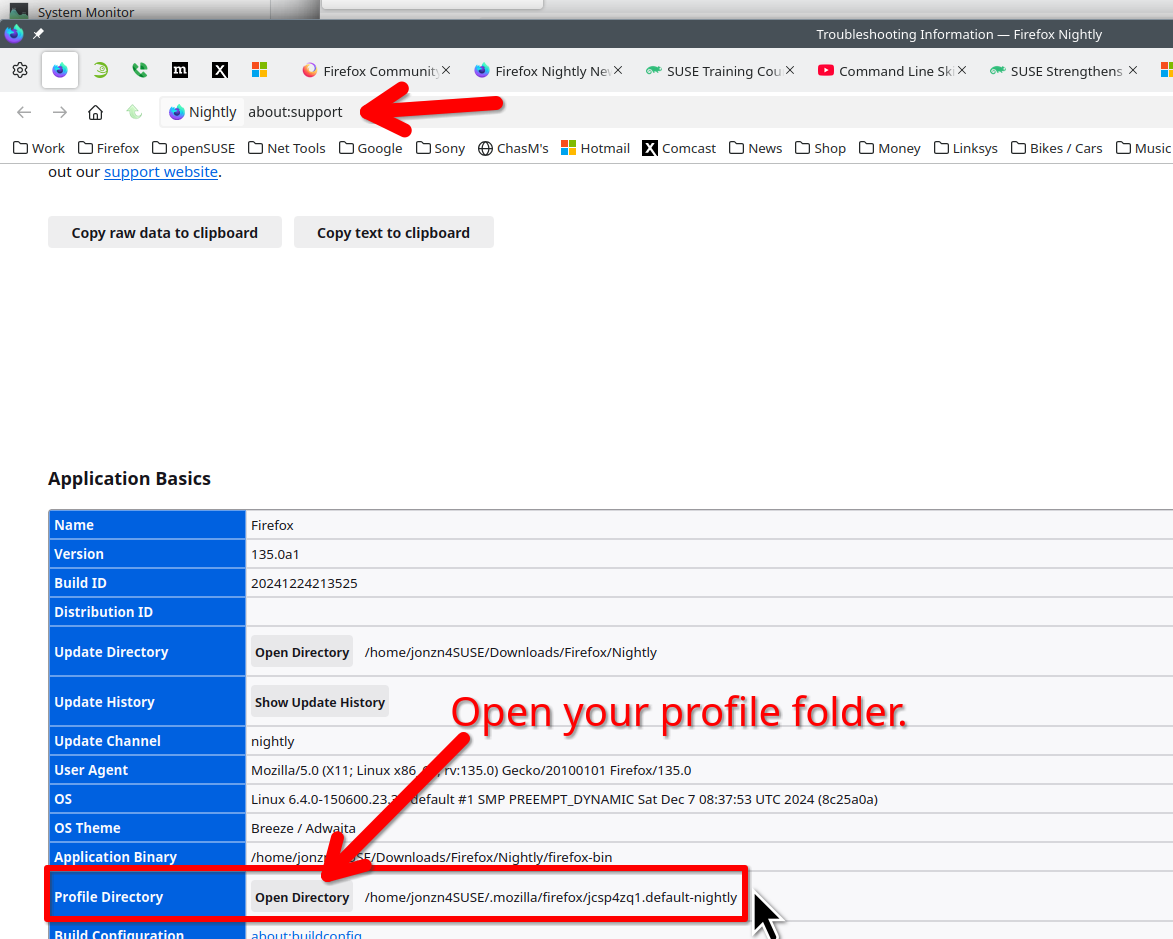
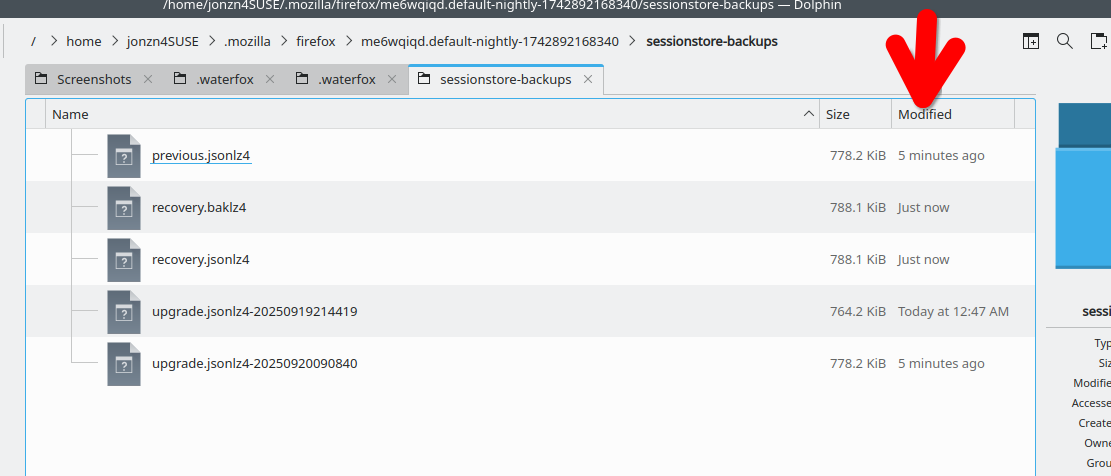
Lets start with you posting a screenshot of the files in your sessionstore-backups folder in your profile folder. In the detailed view showing date timestamp. see screenshots of mine What day did the issue start?