Windows 10 reached EOS (end of support) on October 14, 2025. If you are on Windows 10, see this article.

Αναζήτηση στην υποστήριξη

Προσοχή στις απάτες! Δεν θα σας ζητήσουμε ποτέ να καλέσετε ή να στείλετε μήνυμα σε κάποιον αριθμό τηλεφώνου ή να μοιραστείτε προσωπικά δεδομένα. Αναφέρετε τυχόν ύποπτη δραστηριότητα μέσω της επιλογής «Αναφορά παραβίασης».

Μάθετε περισσότερα

Αυτό το νήμα αρχειοθετήθηκε. Κάντε νέα ερώτηση αν χρειάζεστε βοήθεια.

Unable to login to mail server

  • 1 απάντηση
  • 1 έχει αυτό το πρόβλημα
  • 157 προβολές
  • Τελευταία απάντηση από david

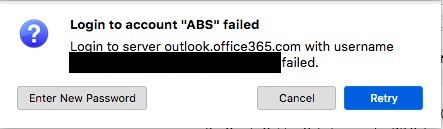
I am using Thunderbird for my O365 Outlook, until recently gotten this msg "Login to server outlook.office365.com with username ###@###.### failed." but I can login online perfectly fine.

Here are my Server Settings Server Type: IMAP Mail Server Server Name: outlook.office365.com Port: 993 Connection security SSL/TLS Authentication method: Normal password

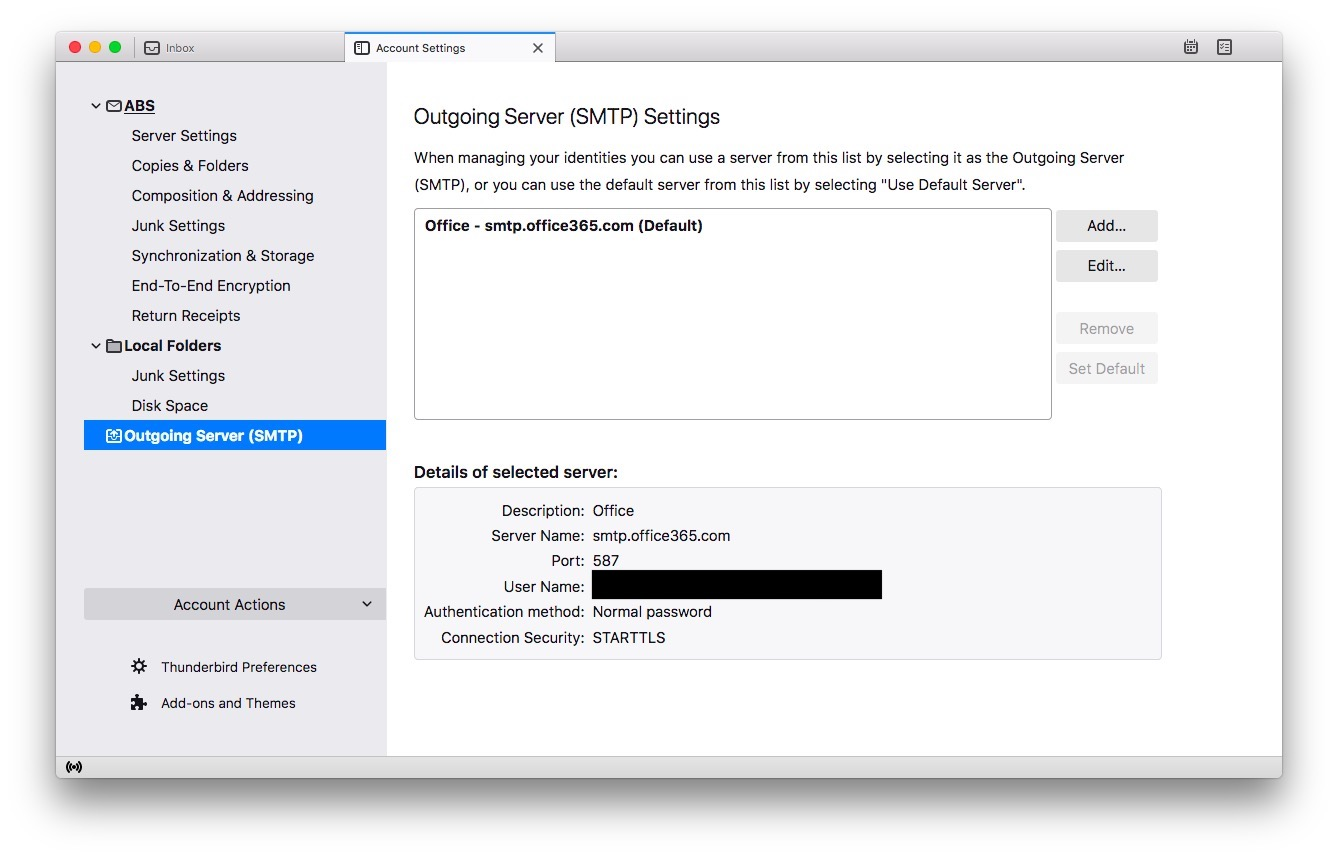
Outgoing Server (SMTP) Settings Server Name: smtp.office.365.com Port: 587 Authentication method: Normal password Connection security STARTTLS

Pics attached for better understanding.
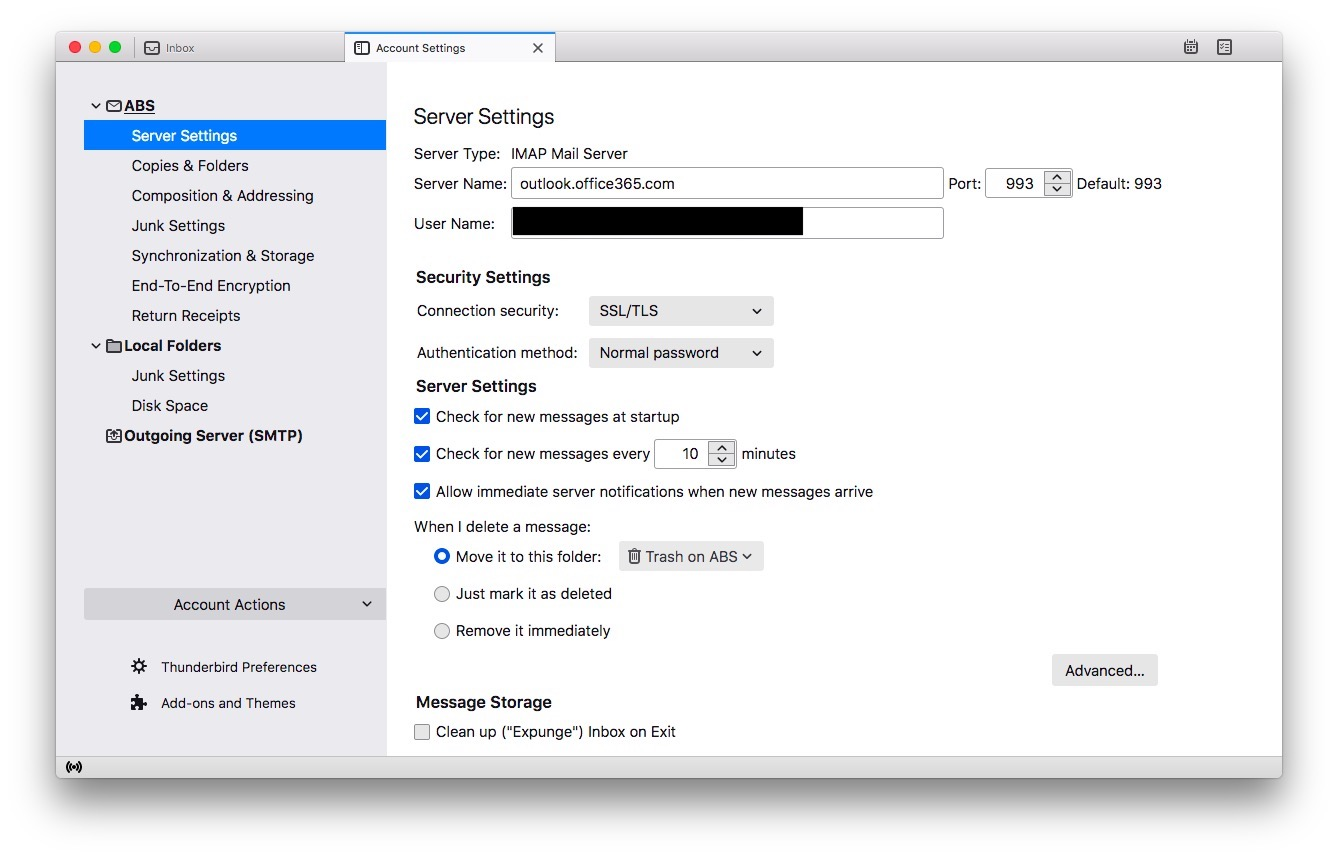
I am using Thunderbird for my O365 Outlook, until recently gotten this msg "Login to server outlook.office365.com with username ###@###.### failed." but I can login online perfectly fine. Here are my Server Settings Server Type: IMAP Mail Server Server Name: outlook.office365.com Port: 993 Connection security SSL/TLS Authentication method: Normal password Outgoing Server (SMTP) Settings Server Name: smtp.office.365.com Port: 587 Authentication method: Normal password Connection security STARTTLS Pics attached for better understanding.
Συνημμένα στιγμιότυπα

Όλες οι απαντήσεις (1)

I believe office365 now requires an APP password (one that is unique for email clients, not the same one used for web access. There should be more information at your email host for this. A web search for office365 and APP password will show a number of sites with info.