


Windows 10 reached EOS (end of support) on October 14, 2025. For more information, see this article.

Αναζήτηση στην υποστήριξη

Προσοχή στις απάτες! Δεν θα σας ζητήσουμε ποτέ να καλέσετε ή να στείλετε μήνυμα σε κάποιον αριθμό τηλεφώνου ή να μοιραστείτε προσωπικά δεδομένα. Αναφέρετε τυχόν ύποπτη δραστηριότητα μέσω της επιλογής «Αναφορά παραβίασης».

Μάθετε περισσότερα

Αυτό το νήμα αρχειοθετήθηκε. Κάντε νέα ερώτηση αν χρειάζεστε βοήθεια.

Tabs, History and Bookmarks on Android not syncing

  • 3 απαντήσεις
  • 1 έχει αυτό το πρόβλημα
  • 116 προβολές
  • Τελευταία απάντηση από Paul

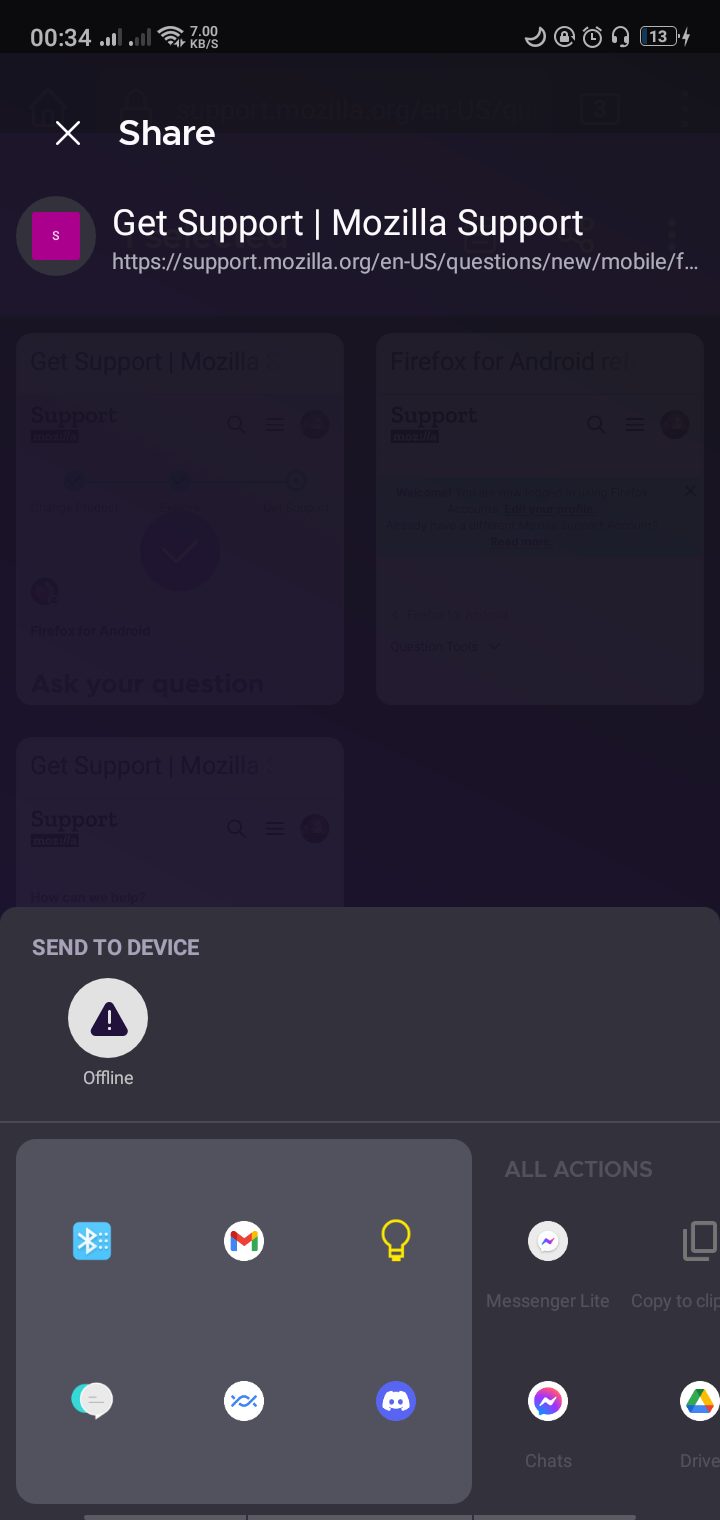
The tabs, history, and bookmarks are not syncing on my Android device. Whenever I try to sync my tabs, it just says "Syncing..." but nothing happens. It also asks me to enable tab syncing but I can't enable it because it's greyed out. When I try to send tabs from my Android to my PC, it says offline even though I have a strong internet connection. When I check my connected devices on my PC, it recognizes that my Android is signed in. It just won't sync.

Things that I've tried: - Signing out then signing in again on the device - Uninstalling then reinstalling firefox on my Android - Switching from mobile data to wifi

None of these have worked. This is a firefox feature that I've been using for a while and I rely on it quite a lot so it would be great if someone could help me with this. Thanks!
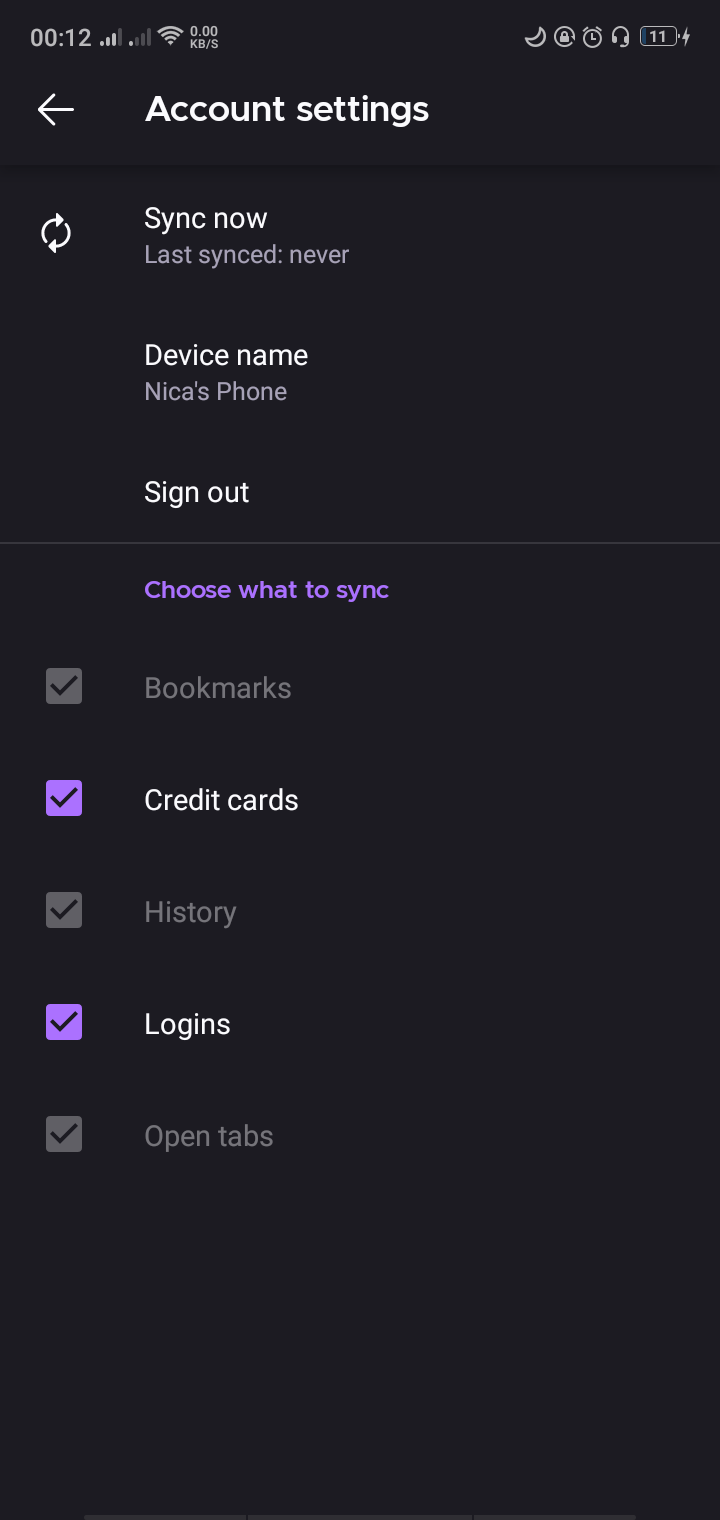
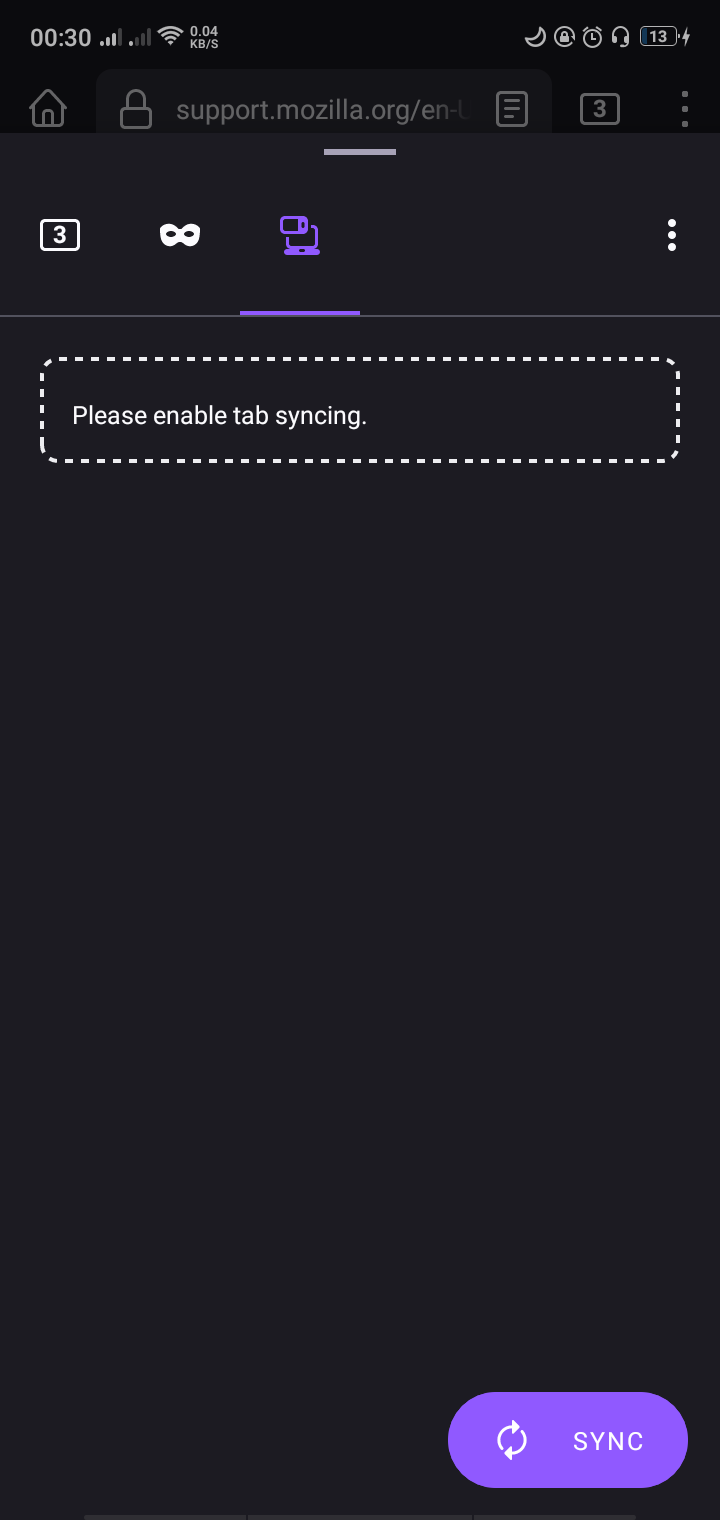
The tabs, history, and bookmarks are not syncing on my Android device. Whenever I try to sync my tabs, it just says "Syncing..." but nothing happens. It also asks me to enable tab syncing but I can't enable it because it's greyed out. When I try to send tabs from my Android to my PC, it says offline even though I have a strong internet connection. When I check my connected devices on my PC, it recognizes that my Android is signed in. It just won't sync. Things that I've tried: - Signing out then signing in again on the device - Uninstalling then reinstalling firefox on my Android - Switching from mobile data to wifi None of these have worked. This is a firefox feature that I've been using for a while and I rely on it quite a lot so it would be great if someone could help me with this. Thanks!
Συνημμένα στιγμιότυπα

Όλες οι απαντήσεις (3)

Hi

If you go to https://accounts.firefox.com/signin and sign into your account, under Connected Services, do you see both copies of Firefox listed?

Hi. thank you for the reply. I don't know how, but I was able to sync my stuff again earlier today. But yes, when I wasn't able to sync it, I can still see my phone under connected services, so firefox knows i'm signed in.

Ok. Just to confirm - it is all okay now?