


Can't add email account to Thunderbird, loops on verification

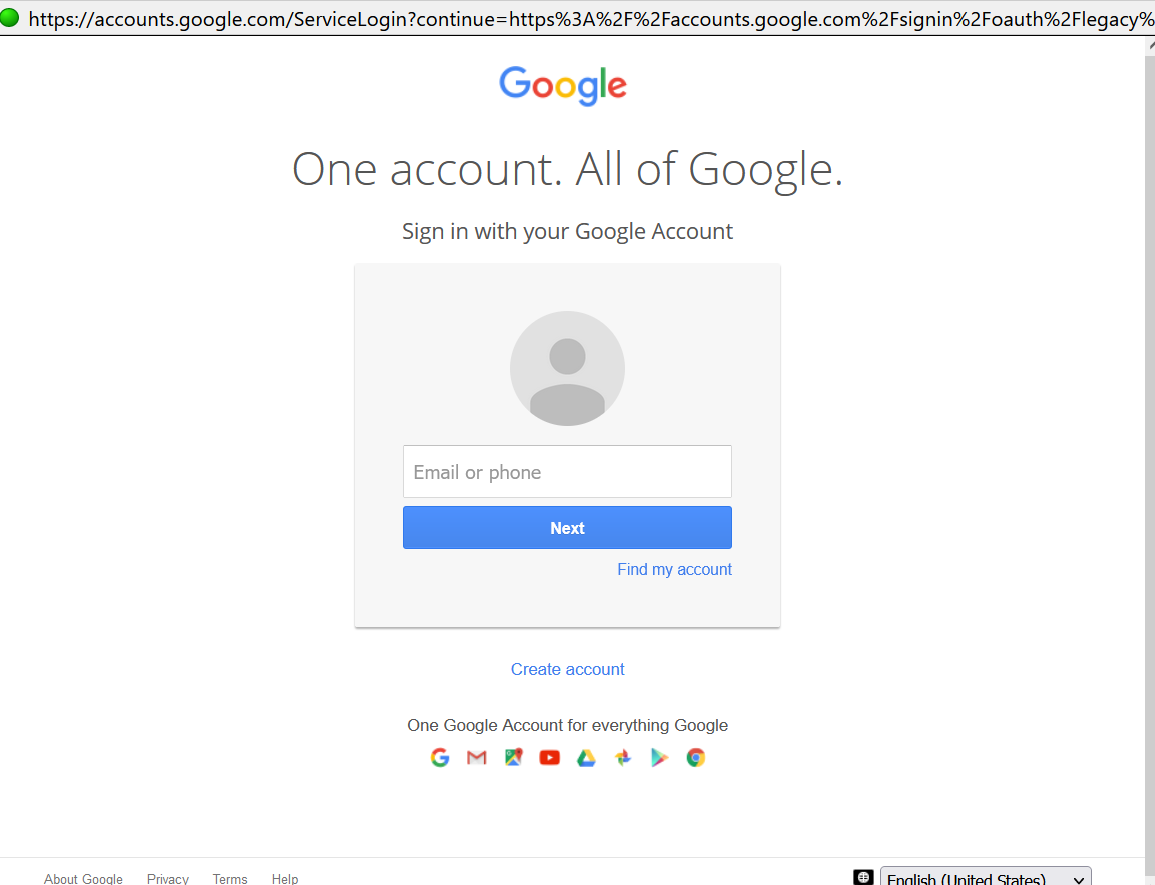
Set up thunderbird on windows 10 with 1 email account. Everything was working, until it wasn't. Reinstalled thunderbird but when I go to add my mail account, I enter the info and on the gmail pop up, I enter my email, hit "next" and it asks me to enter my email address again.
I have tried to configure manually with no success.
I have confirmed my javascript is enabled in the config editor, I have added Thunderbird as an exclusion on both Windows Firewall and Windows Security, I have turned on third party access under settings for the gmail account, and I still cannot add the email account to Thunderbird.
I don't know how to add my email account, this is very frustrating. Any help would be greatly appreciated.
Επιλεγμένη λύση
Never mind, I figured it out.
For anyone going through the same problem, go to Thunderbird Preferences, search for cookies, then "Allow third party cookies" --> add exception ---> add https://google.com , VOILA! now it's working.
Προβολή απάντησης εντός συζήτησης 👍 0Όλες οι απαντήσεις (1)
Επιλεγμένη λύση
Never mind, I figured it out.
For anyone going through the same problem, go to Thunderbird Preferences, search for cookies, then "Allow third party cookies" --> add exception ---> add https://google.com , VOILA! now it's working.