


Cannot connect to gmail account in thunderbird 78 on MX Linux
My thunderbird client cannot connect to the IMAP server of gmail. After I have set up my gmail account in thunderbird, it is unable to fetch the messages from the mail server. Besides, I have enabled IMAP in my google account and also checked to allow cookies from third party. I have followed[link]. However, this does not work for me. I also tried resetting my iptables but that did not work out too. Can anyone help me out with this? Thanks in advance.
Όλες οι απαντήσεις (20)

What do you have for 'Port, Authentication method and Connection security' in Account Settings?
For authentication, I used normal password. For connection security, I set up TLS/SSL. And for the port numbers: I used the default filled by the app. As far as I remember, they(port numbers) were exactly the same as the numbers given in the link I included in my post.
Τροποποιήθηκε στις από τον/την Belmont
Stans said
What do you have for 'Port, Authentication method and Connection security' in Account Settings?
For authentication, I used normal password. For connection security, I set up TLS/SSL. And for the port numbers: I used the default filled by the app. As far as I remember, they(port numbers) were exactly the same as the numbers given in the link I included in my post.
Change Authentication method to OAuth2, which should be the default for Gmail.
Stans said
Change Authentication method to OAuth2, which should be the default for Gmail.
This happens when I select Oauth2 for authentication. It is unable to verify the credentials for my email account whereas everything is correct.
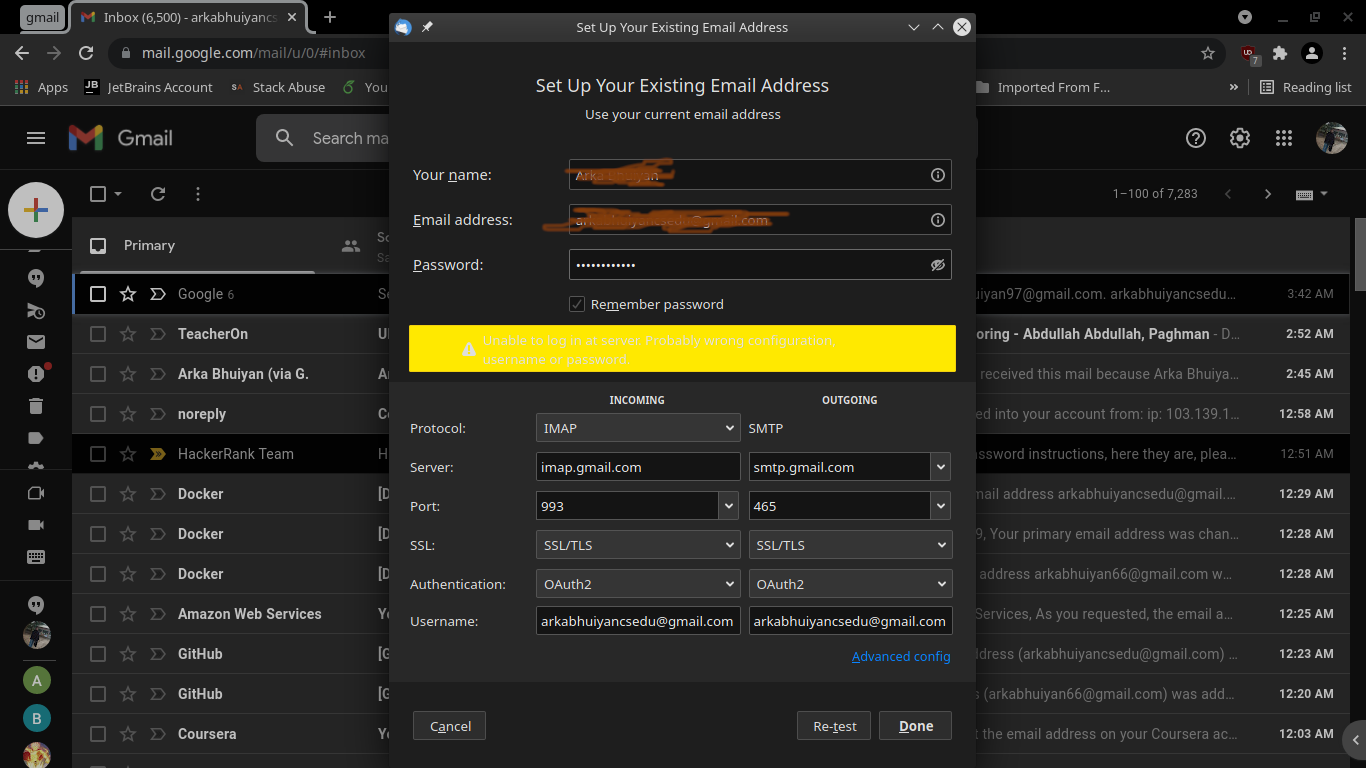
When you click Done, does a webpage pop up for you to sign in to your Google account?
Stans said
When you click Done, does a webpage pop up for you to sign in to your Google account?
No, nothing happens.
Create and launch a new profile using the Profile Manager (see Profile Manager - Create and remove Thunderbird profiles. Try setting up the account using auto config and see how it goes.
Stans said
Create and launch a new profile using the Profile Manager (see Profile Manager - Create and remove Thunderbird profiles. Try setting up the account using auto config and see how it goes.
This does not help either. The checking password takes infinite amount of time. Nothing works out.
Stans said
Create and launch a new profile using the Profile Manager (see Profile Manager - Create and remove Thunderbird profiles. Try setting up the account using auto config and see how it goes.
The final message I get is unable to log in at server, probably wrong configuration, username or password.
Do you have another email account setup and working as it should in your original Tbird profile, or is this Gmail account the first attempt? It seems like Thunderbird is unable to reach Gmail servers, and something in your setup (either on your Linux distro or network) is preventing this. Confirm that Thunderbird is actually online by installing an add-on such as Mail Merge. If the add-on downloads and installs successfully, then Tbird has access to the internet. If not, then you need to troubleshoot Tbird's internet connectivity.

I too have the same problem; I have another gmail account that has the same parameters and works. But one does not. I can sign into my gmail account on the web, but TB just doesn't connect. Jim
jimkirk48 said
I too have the same problem; I have another gmail account that has the same parameters and works. But one does not. I can sign into my gmail account on the web, but TB just doesn't connect. Jim
You need to start your own thread (ask a new question).
Stans said
Do you have another email account setup and working as it should in your original Tbird profile, or is this Gmail account the first attempt? It seems like Thunderbird is unable to reach Gmail servers, and something in your setup (either on your Linux distro or network) is preventing this. Confirm that Thunderbird is actually online by installing an add-on such as Mail Merge. If the add-on downloads and installs successfully, then Tbird has access to the internet. If not, then you need to troubleshoot Tbird's internet connectivity.
Sorry for giving a delayed reply. I can install any add-on on Thunderbird. Therefore, it proves that Thunderbird has access to internet connectivity.

Try to update to the latest release version (currently 91.4.1). https://www.thunderbird.net/
Make sure to backup your Thunderbird profile first in case you need to go back to v78. https://support.mozilla.org/kb/profiles-where-thunderbird-stores-user-data#w_backing-up-a-profile
christ1 said
Try to update to the latest release version (currently 91.4.1). https://www.thunderbird.net/ Make sure to backup your Thunderbird profile first in case you need to go back to v78. https://support.mozilla.org/kb/profiles-where-thunderbird-stores-user-data#w_backing-up-a-profile
Did accordingly, but it did not solve the problem. The checking password process is going for an infinite period of time.
I am posting the image for your convenience.
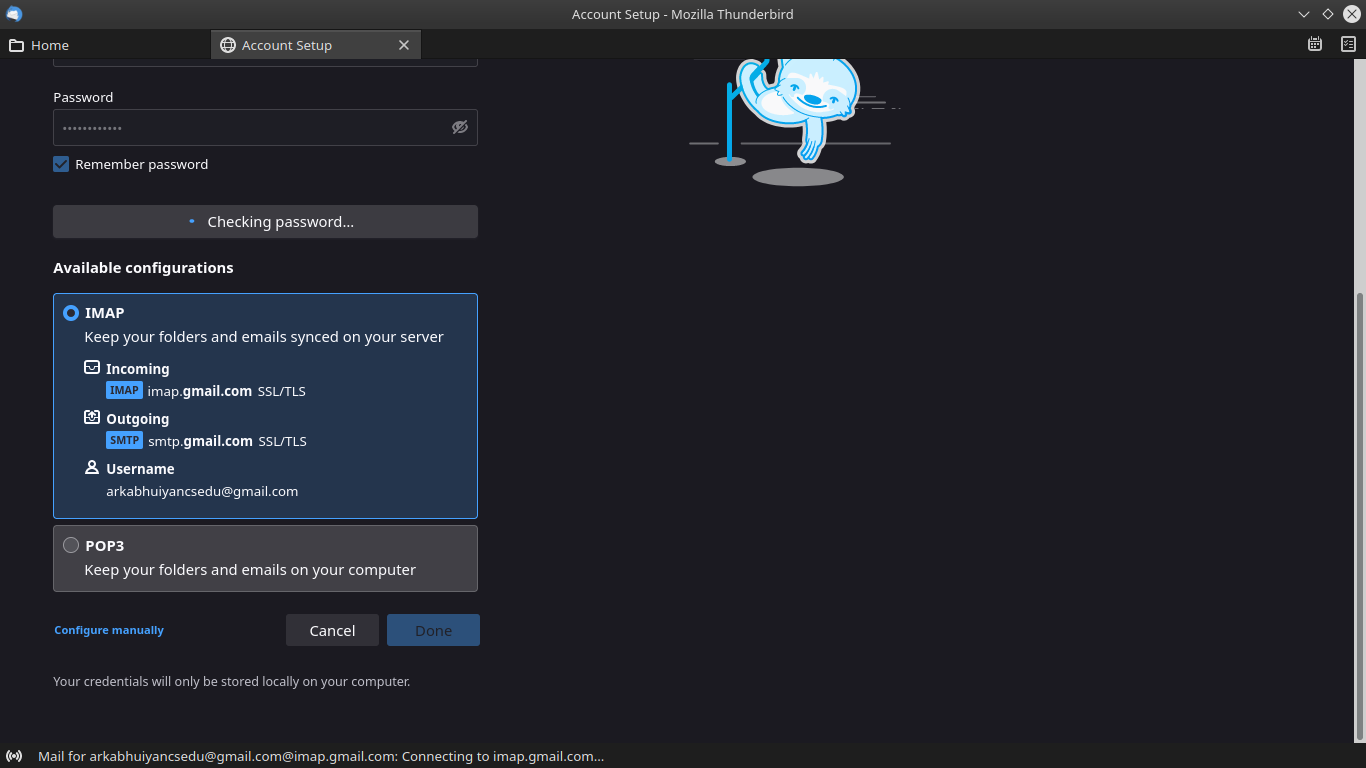
And this is what happens at the end. You may want to have a look at it.
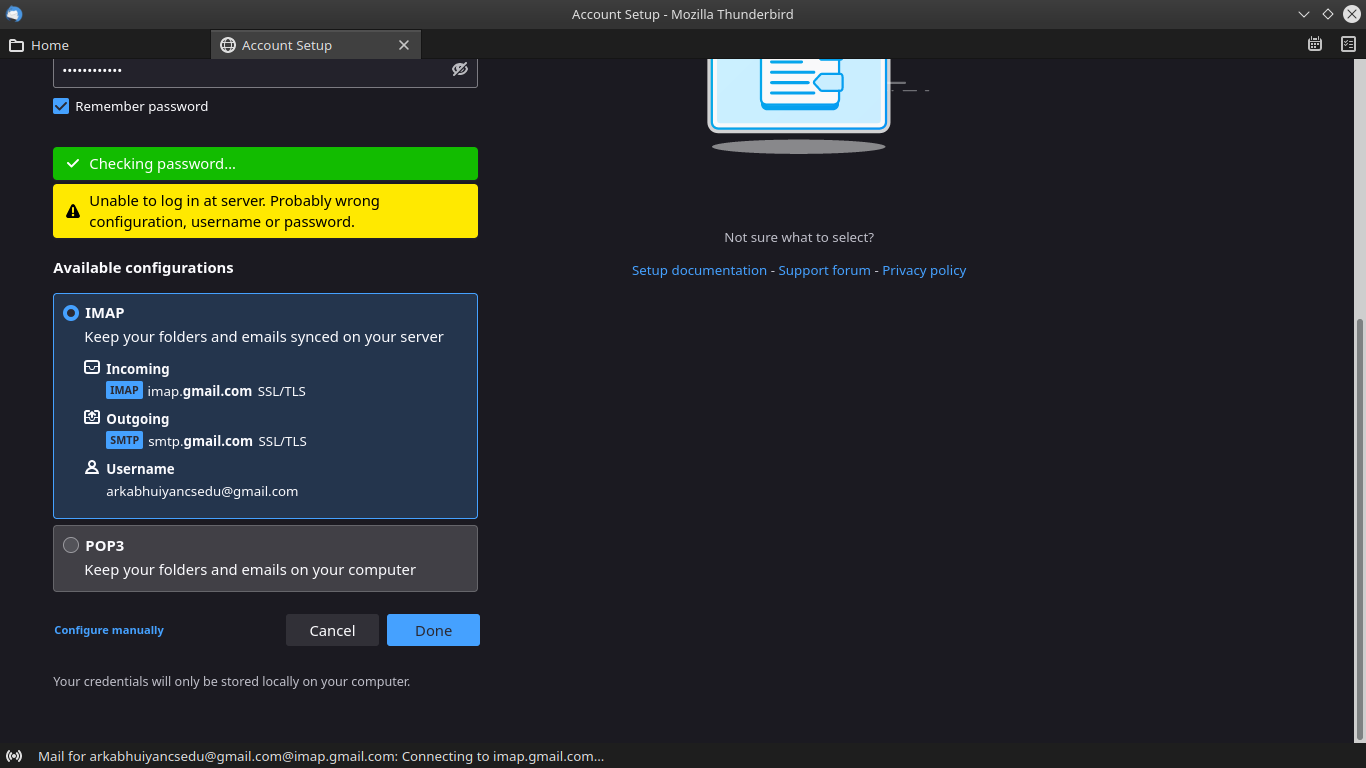
Are you using an app password you created at some point, or your main Google account password? In connection with OAuth2 authentication the latter is required.
christ1 said
Are you using an app password you created at some point, or your main Google account password? In connection with OAuth2 authentication the latter is required.
I am using the latter; I am aware of the fact that I need to use my Gmail account password.