Windows 10 reached EOS (end of support) on October 14, 2025. If you are on Windows 10, see this article.

Αναζήτηση στην υποστήριξη

Προσοχή στις απάτες! Δεν θα σας ζητήσουμε ποτέ να καλέσετε ή να στείλετε μήνυμα σε κάποιον αριθμό τηλεφώνου ή να μοιραστείτε προσωπικά δεδομένα. Αναφέρετε τυχόν ύποπτη δραστηριότητα μέσω της επιλογής «Αναφορά παραβίασης».

Μάθετε περισσότερα

Αυτό το νήμα αρχειοθετήθηκε. Κάντε νέα ερώτηση αν χρειάζεστε βοήθεια.

Firefox asking me to sign in every time I open it. How do I stop this?

  • 2 απαντήσεις
  • 1 έχει αυτό το πρόβλημα
  • 117 προβολές
  • Τελευταία απάντηση από Harlowz
  • Αρχειοθετήθηκε

I’ve just started using Firefox ( literally one day ago) and I’m not sure about how it’s meant to work. This is driving me mental.

When I open the Firefox browser on my mac I get this pop up window every time

“Important News”

This installation of Firefox has a new profile . It does not share bookmarks, passwords, and user preferences with other installations of Firefox on this computer.

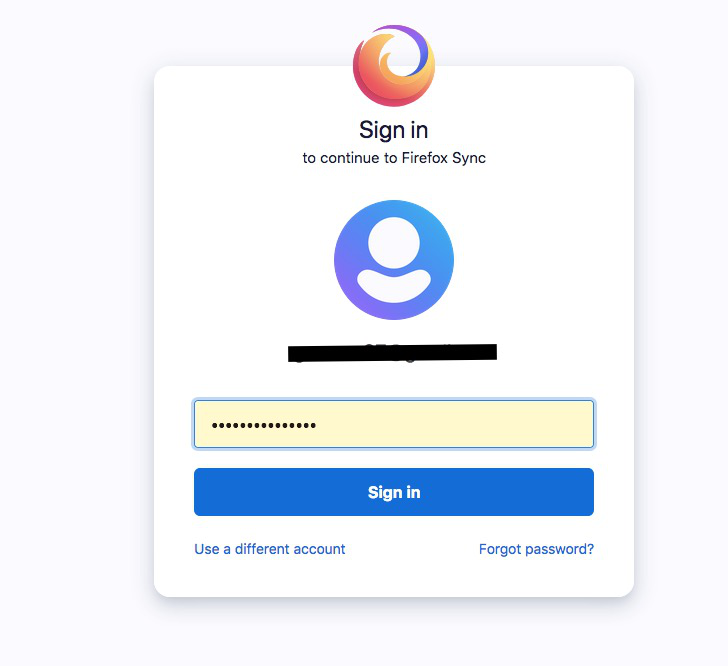
-Then I’m asked to sign in to my account . -Then a second window appears and I’m asked to fill out my password to continue to Firefox Sync.

-It asks if I want to save this log in which I say yes to but I’m always having to fill out my log in info anyway.

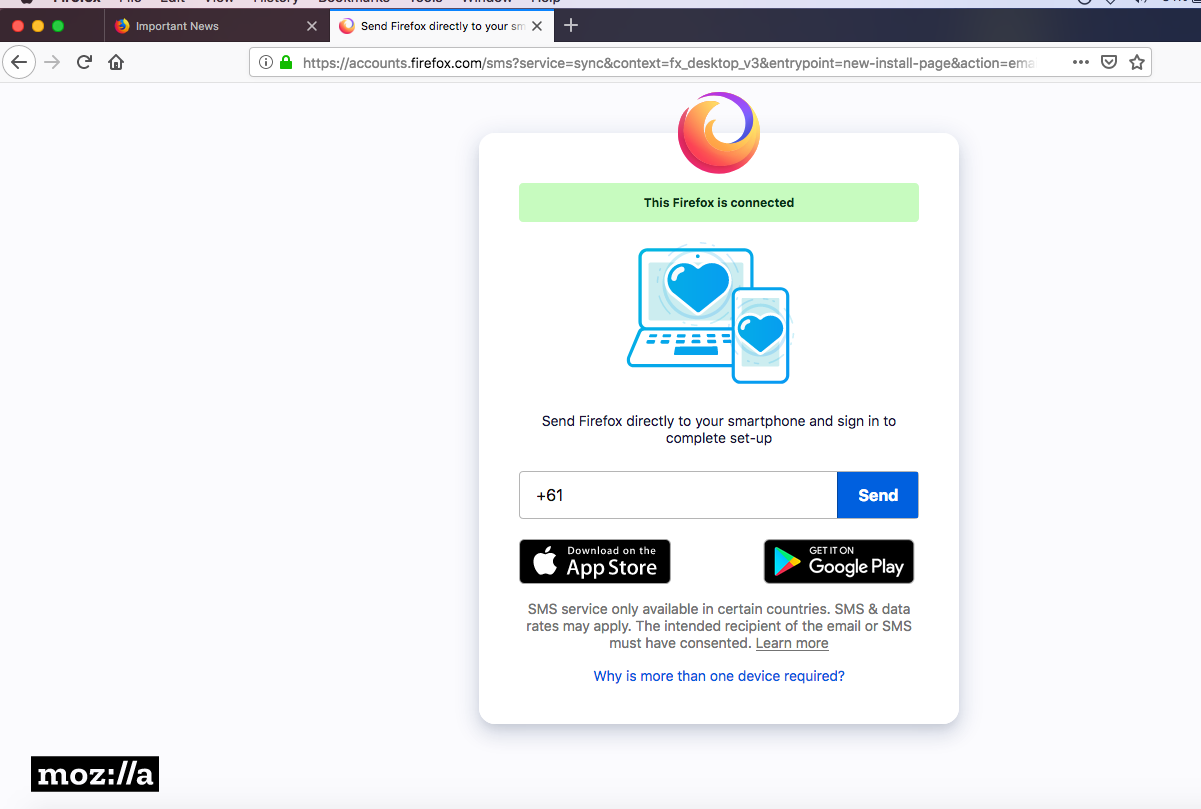
-A third window appears which after the first few times I now ignore as I completed this task on the first time I set up Firefox- so now I just close this window. This one says “This Firefox is connected. Send Firefox directly to your smart phone and sign up to complete set-up.” Asking me to fill in my mobile number.


    • All the above EVERY time I click on the Firefox browser.
    • Consequently I keep getting these emails notifying me of a new sign up.
    • How do I opt out of the constant “New sign-in to Firefox Lockwise “ emails?
    • Can you not use the browser without having to go through these multiple windows asking you to sign in ?
I’ve just started using Firefox ( literally one day ago) and I’m not sure about how it’s meant to work. This is driving me mental. When I open the Firefox browser on my mac I get this pop up window every time “Important News” This installation of Firefox has a new profile . It does not share bookmarks, passwords, and user preferences with other installations of Firefox on this computer. -Then I’m asked to sign in to my account . -Then a second window appears and I’m asked to fill out my password to continue to Firefox Sync. -It asks if I want to save this log in which I say yes to but I’m always having to fill out my log in info anyway. -A third window appears which after the first few times I now ignore as I completed this task on the first time I set up Firefox- so now I just close this window. This one says “This Firefox is connected. Send Firefox directly to your smart phone and sign up to complete set-up.” Asking me to fill in my mobile number. **All the above EVERY time I click on the Firefox browser. **Consequently I keep getting these emails notifying me of a new sign up. **How do I opt out of the constant “New sign-in to Firefox Lockwise “ emails? **Can you not use the browser without having to go through these multiple windows asking you to sign in ?

Όλες οι απαντήσεις (2)

This is a screen shot of the first window that appears after I open Firefox
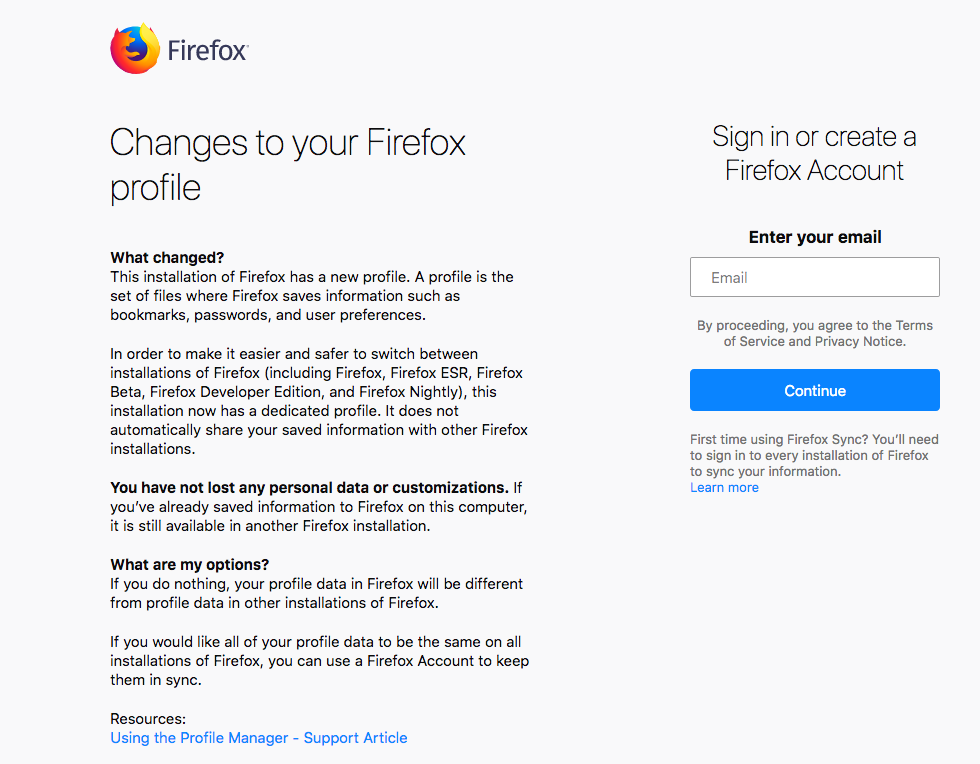
and these are the 2nd and 3rd windows (final) that appear , the 3rd is the one I ignore and close as I have already added my mobile number the first time.

This is super frustrating having to go through this every time I open Firefox.

Can someone please help me?

thanks