


Thunderbird keeps changing the default browser

I primarily use Thunderbird as a RSS reader. I prefer to have it open pages in my default browser, though, so I have "rss.show.content-base" set to 3 and that part works fine. The problem is, whenever I open a link, it will open it in my browser but then change my default browser to Thunderbird.
So the next time I open a link, Waterfox will ask if I want to make it the default browser.
I've tried making a fresh Thunderbird profile, disabling "Always check to see if Thunderbird is the default mail client on startup", and have tried just point it at Waterfox in the Config Editor. I searched around but I couldn't find similar issues. I didn't see anything that helpful in the log, though I'm not all that familiar with work with Gecko like this.
Επιλεγμένη λύση
Thank you for your help anyways. I just decided to switch back to Liferea. Thunderbird is a bit overkill to just use it as a RSS notifier.
Προβολή απάντησης εντός συζήτησης 👍 0Όλες οι απαντήσεις (5)
Oh, here's my terminal output.
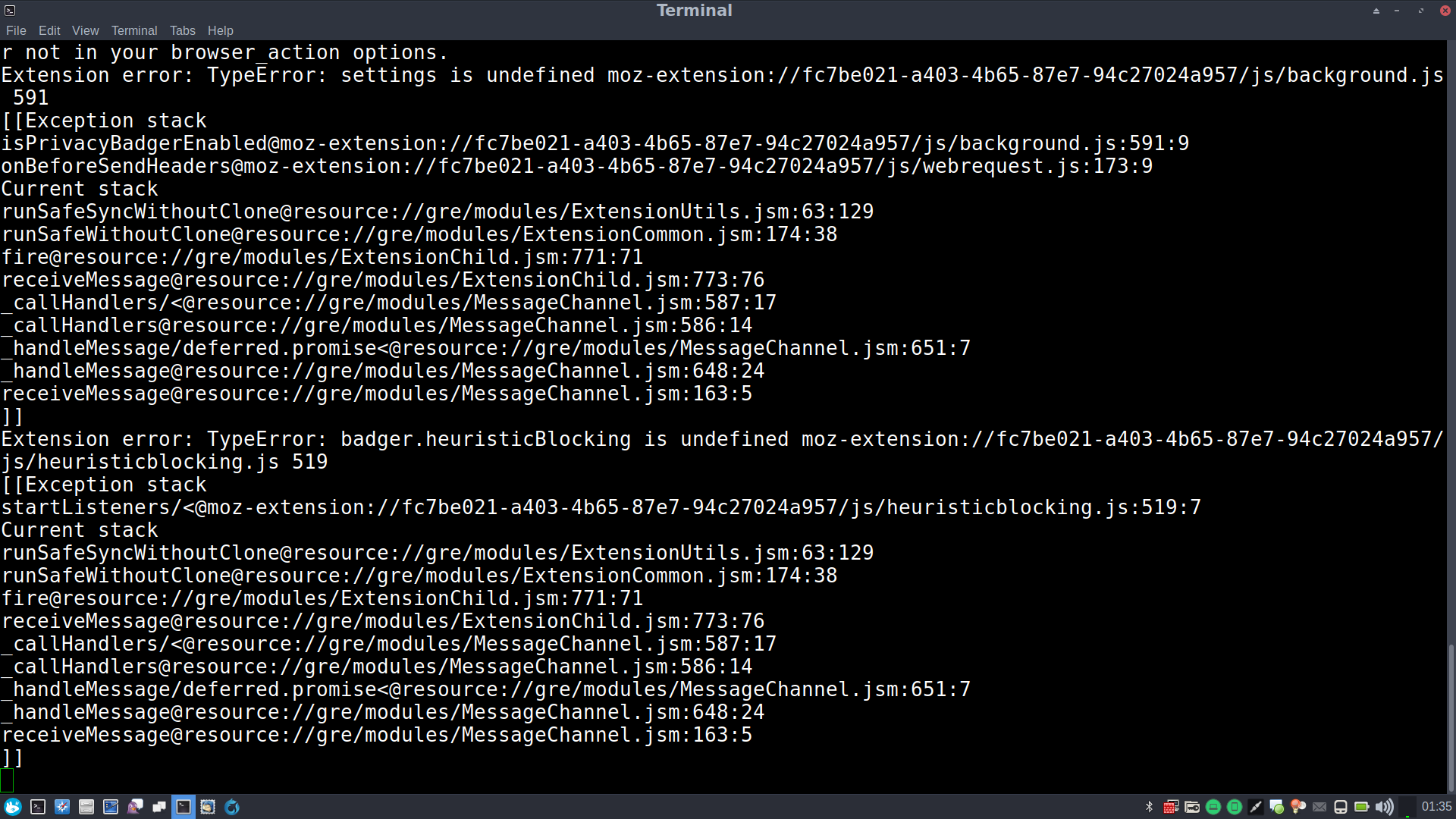
Waterfox is set as the default browser and Thunderbird is set as the default mail client. Your suggestion of setting it back to 0 doesn't fix it changing what the default browser is, and now it just opens up the RSS links in a new Thunderbird tab instead of opening them in Waterfox.
I forgot to mention, I'm running Thunderbird 52.7.0 on Debian Stretch 9.4.
Τροποποιήθηκε στις από τον/την TecXero
Perhaps you could explain why you changed that setting and what you hope to achieve from doing so.
Changing hidden settings is at best something that should only be done rarely and usually for very specific use cases.
From what I could google, I would have thought the preference would be rss.message.loadWebPageOnSelect= 0
It's the only option that allowed me to double click items to popped up in my feed and it would open in my browser. That's not really the problem, though. The problem is Thunderbird changing what is marked as my default browser.
Even with rss.show.content-base reset back to its default value, Thunderbird still changes x-scheme-handler/http and x-scheme-handler/https in my session to Thunderbird.
Επιλεγμένη λύση
Thank you for your help anyways. I just decided to switch back to Liferea. Thunderbird is a bit overkill to just use it as a RSS notifier.