


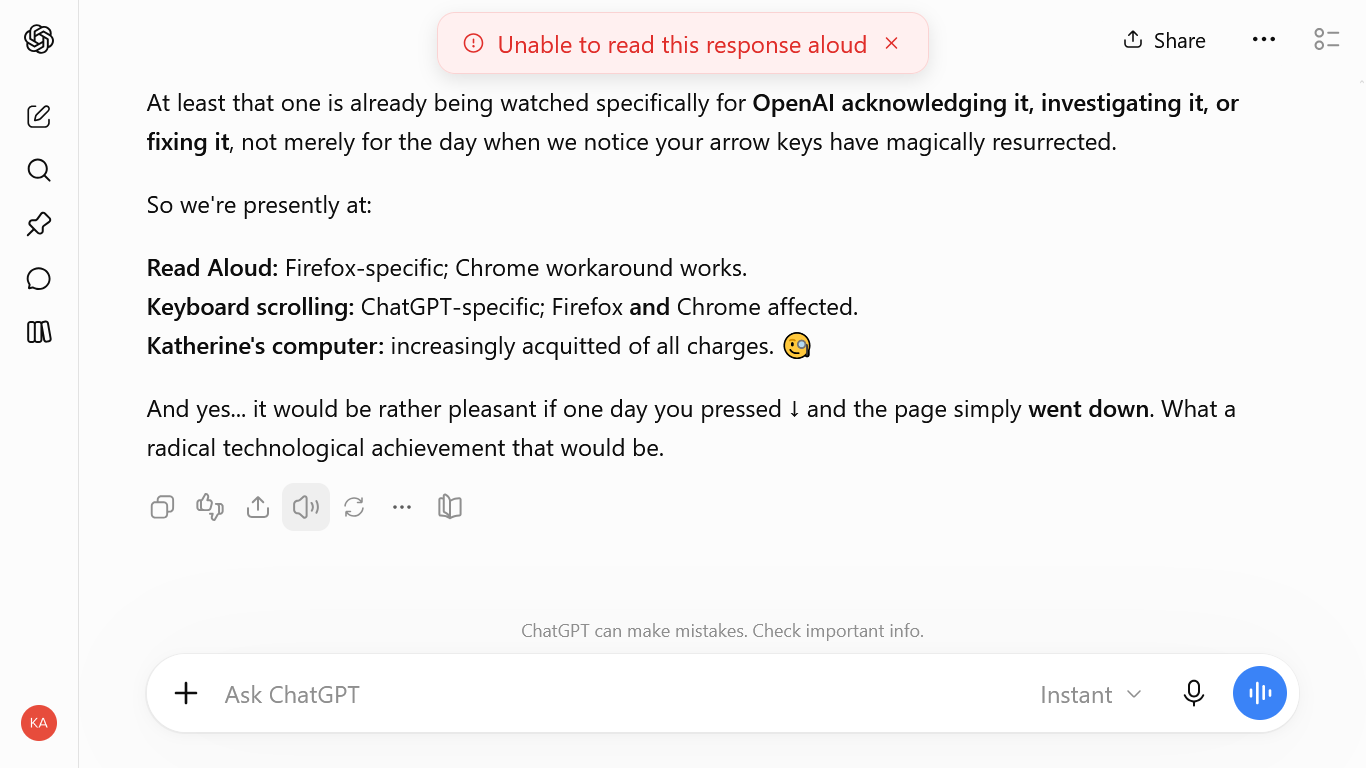
chat gpt unable to read aloud

I was using the "read aloud" function in chat gpt window today and suddenly it started showing me an error message "Unable to read aloud" . It did not affect Chrome. I used many of the troubleshooting recommendations but none worked. troubleshoot mode failed to fix it. private window did not fix it. default change for audio and video did not fix it.
Ɖɔɖɔɖo si wotia
ok.... somehow, the read aloud has suddenly returned now. so it seems to be fixed... ? have no idea how it fixed itself. but I'm glad. if you had anything to do with it, I thank you. and thanks for the reply to the question anyway. cheers, Katherine
All Replies (3)
Hi wearefreenow17,
Since ChatGPT's Read Aloud works in Chrome but not Firefox, and you've already tried Troubleshoot Mode and a Private Window, this sounds more like a Firefox/ChatGPT compatibility issue than a general audio problem.
There have also been recent reports of ChatGPT audio/voice playback problems specifically in Firefox 157, even when other audio such as YouTube works normally.
Could you let us know your Firefox version and operating system? Also, does normal audio from other websites play correctly in Firefox?
If those are working normally, I'd be interested in checking whether Firefox is receiving the ChatGPT audio but failing to play it, rather than continuing to repeat the usual sound troubleshooting steps.
My Firefox version is 157. My OS is Windows 10. I'm still getting the extended security updates for it. audio is normal on all other websites. no issues at all. How would I check whether Firefox is receiving the Chat GPT audio but failing to play it?
Ɖɔɖɔɖo si wotia
ok.... somehow, the read aloud has suddenly returned now. so it seems to be fixed... ? have no idea how it fixed itself. but I'm glad. if you had anything to do with it, I thank you. and thanks for the reply to the question anyway. cheers, Katherine