


Windows 10 reached EOS (end of support) on October 14, 2025. If you are on Windows 10, see this article.

Search Support

Avoid support scams. We will never ask you to call or text a phone number or share personal information. Please report suspicious activity using the “Report Abuse” option.

Learn More
Open

Why are bookmarks toolbar and bookmarks menu treated as separate entities?

schlauer fuchs

Hi,

In "Bookmarks in Firefox" I can't find answer on this question:

Why is the bookmarks toolbar not a part of the bookmarks menu? If that would be the case, the entire bookmarks toolbar would be part of a bookmarks backup!

However, by default, Firefox handles the bookmarks menu and toolbar totally separately, and by this, the bookmark backup only includes the bookmarks menu, but not the toolbar ! this is really a pity ! For that, in order to include the bookmarks toolbar in a backup, each time I backup, I firstly need to copy all folders and bookmarks of the toolbar into an extra created folder a la "bookmarks toolbar copy" located inside the bookmarks menu folder! And this copying takes time, if you have thousands of bookmarks in the bookmark toolbar !

Would it be not much better (to avoid duplicates) to just link bookmarks and also bookmark folders from the bookmarks menu into the toolbar? In other words: no extra folder for the toolbar. And a simple backup process too !

Or, simply, why does the backup just includes the entire top folder called "All Bookmarks" (which then would include Toolbar, Menu, Other and Mobile in the backup)

Thanks !
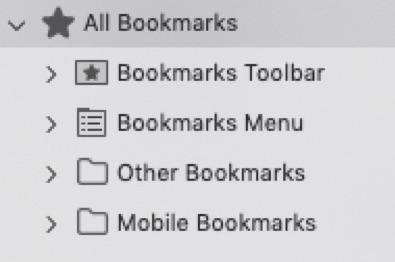
Hi, In "Bookmarks in Firefox" I can't find answer on this question: Why is the bookmarks toolbar not a part of the bookmarks menu? If that would be the case, the entire bookmarks toolbar would be part of a bookmarks backup! However, by default, Firefox handles the bookmarks menu and toolbar totally separately, and by this, the bookmark backup only includes the bookmarks menu, but not the toolbar ! this is really a pity ! For that, in order to include the bookmarks toolbar in a backup, each time I backup, I firstly need to copy all folders and bookmarks of the toolbar into an extra created folder a la "bookmarks toolbar copy" located inside the bookmarks menu folder! And this copying takes time, if you have thousands of bookmarks in the bookmark toolbar ! Would it be not much better (to avoid duplicates) to just link bookmarks and also bookmark folders from the bookmarks menu into the toolbar? In other words: no extra folder for the toolbar. And a simple backup process too ! Or, simply, why does the backup just includes the entire top folder called "All Bookmarks" (which then would include Toolbar, Menu, Other and Mobile in the backup) Thanks !
Screen ƒe photowo kpe ɖe eŋu

All Replies (2)

These are sort of developer questions, not user forum ones.

The place for design queries is https://connect.mozilla.org/

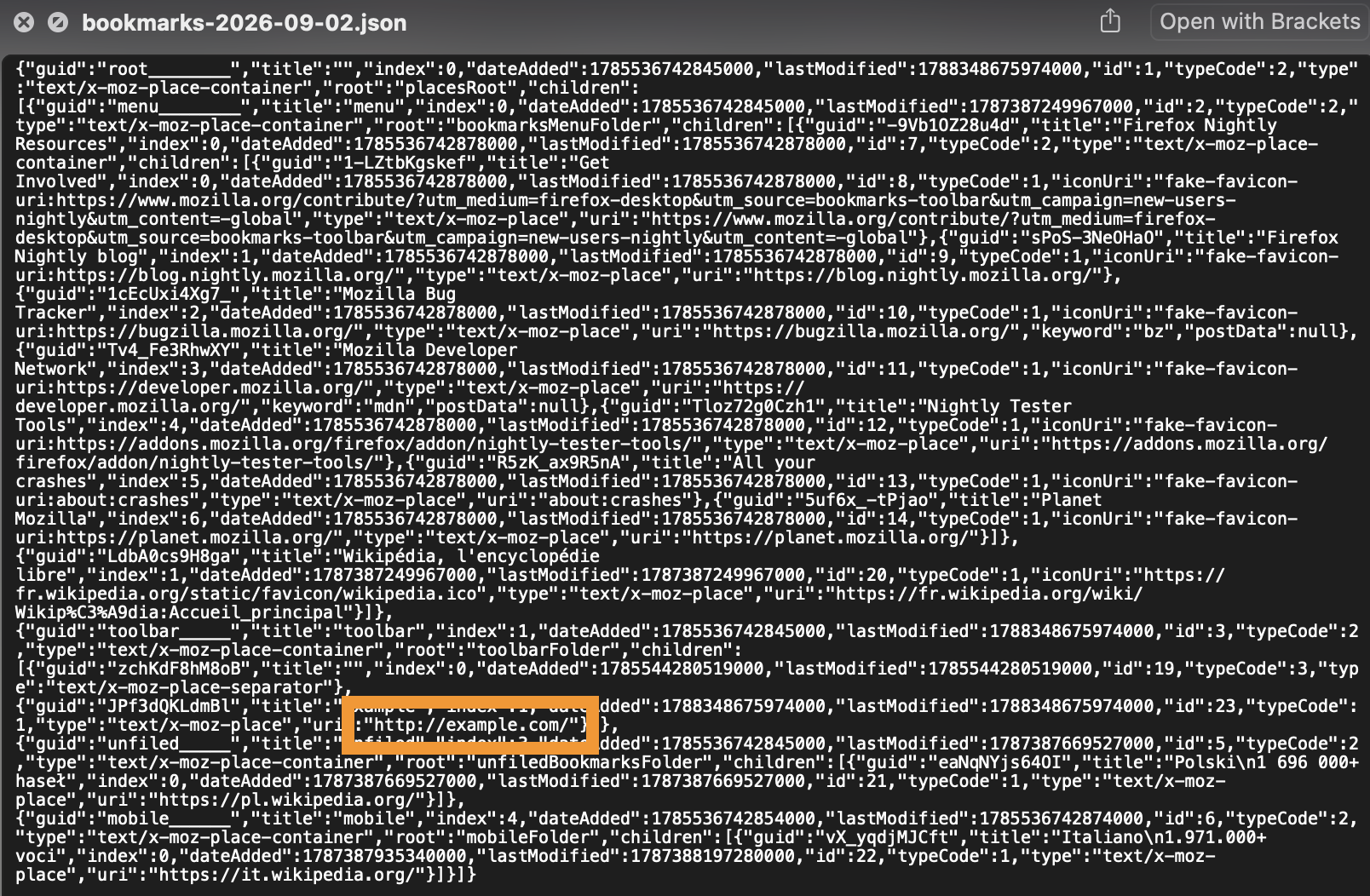
All bookmarks folders are included in a backup. If you don't have yours in there, it's a bug.

I just added an example one to the toolbar and ran the "Backup…" command form the Bookmarks library, and it's included there:
jbr trɔe

Bia biabia

You must log in to your account to reply to posts. Please start a new question, if you do not have an account yet.