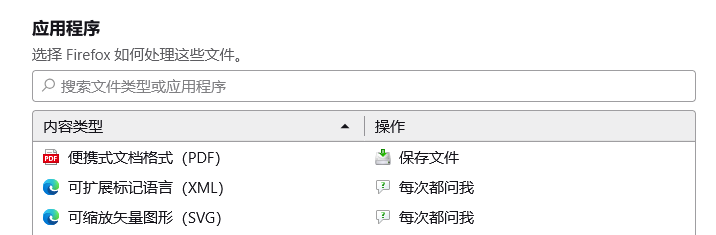
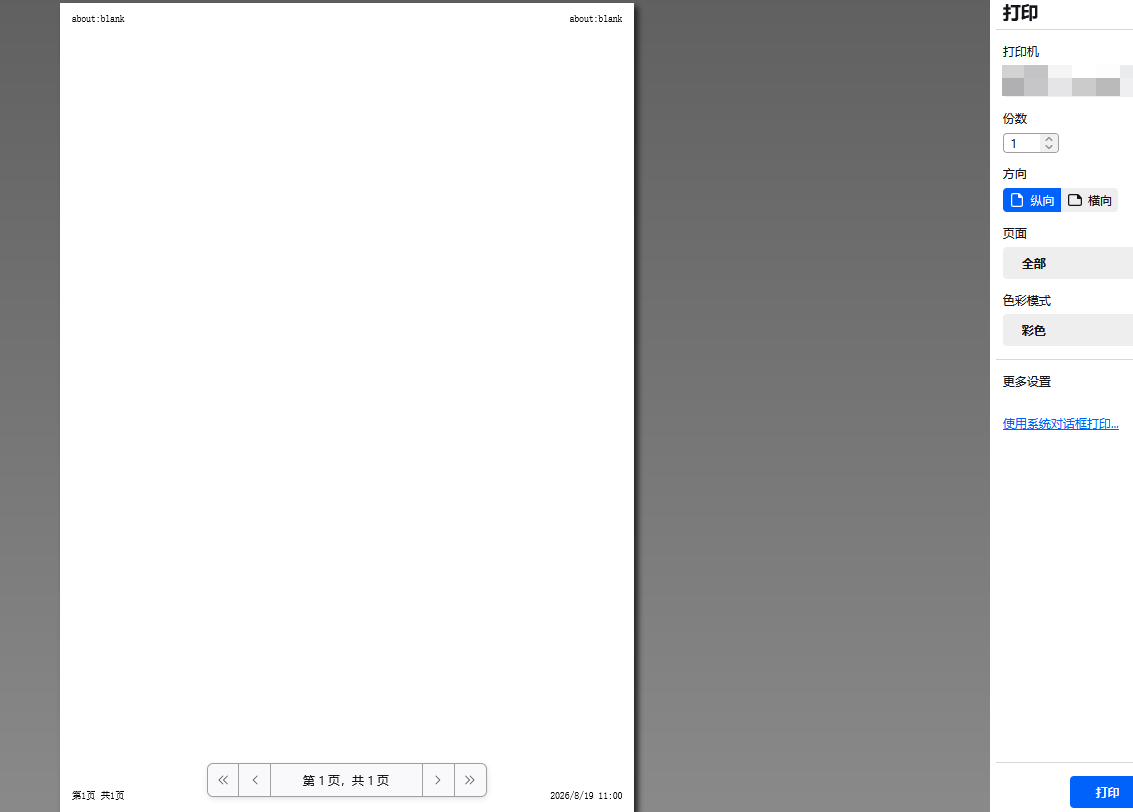
Firefox 在“PDF 内容类型”设置为“保存文件”时,网页通过 iframe/blob URL 调用 window.print() 打印 PDF 会出现打印预览空白(about:blank)或多出空白页的问题。

Environment:
Firefox on Windows Web app prints PDF by creating an iframe with a blob URL, then calling iframe.contentWindow.print() Library behavior is similar to print-js (PDF iframe print flow) Problem:
When Firefox PDF handling is set to “Open in Firefox”, printing mostly works. When Firefox PDF handling is set to “Save File”, the same blob iframe print flow often fails: print preview shows blank page / about:blank or preview shows an extra trailing blank page print dialog options also differ from normal PDF preview flow What I already confirmed:
iframe src (blob URL) looks valid and similar in both settings issue is reproducible with same PDF data fallback to image-based printing works but degrades UX (different print panel/options, possible scaling differences)