Open
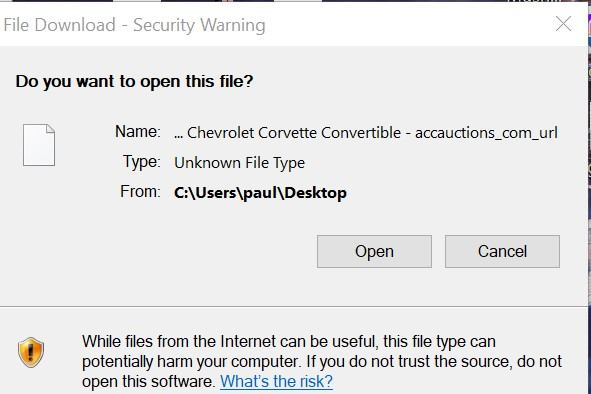
"File Download-Security Warning" on every url I save to my desktop

I have windows 10. Every time I download a file and then go to open it, I get "File Download-Security Warning" this is new and never got that before. How do i eliminate the warning . This only happens when using Firefox..Chrome works fine. I have tried everything and changed more setting in the registry that i can count and have asked Perplexity and Grok plenty of questions with no positive results.
I have windows 10. Every time I download a file and then go to open it, I get "File Download-Security Warning" this is new and never got that before. How do i eliminate the warning . This only happens when using Firefox..Chrome works fine. I have tried everything and changed more setting in the registry that i can count and have asked Perplexity and Grok plenty of questions with no positive results.