


Setup on Android

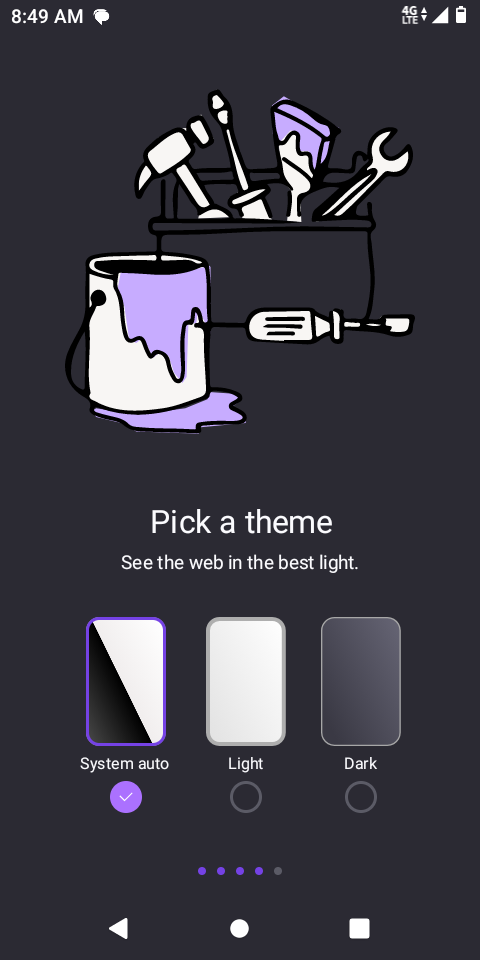
On initial setup cannot get past 'pick a theme ' screen
On initial setup cannot get past 'pick a theme ' screen
All Replies (1)
1). Tap one of the theme options: You already have “System auto” selected. 2). Swipe left (on the dots at the bottom) or tap the right arrow if available. This takes you to the next on-boarding screen. 3). Keep going until the final page, where you'll find a “Start Browsing” or “Done” button. 4). Tap that, and you’re in.
If it seems stuck:
                          Try tapping near the edges where a “Next” or arrow might be.
                          If swiping doesn’t work, force-close the app and re-open it.
                          Still stuck? Go to Settings > Apps > Firefox > Storage > Clear data, then relaunch it.