


Vorsicht vor Support-Betrug: Wir fordern Sie niemals auf, eine Telefonnummer anzurufen, eine SMS an eine Telefonnummer zu senden oder persönliche Daten preiszugeben. Bitte melden Sie verdächtige Aktivitäten über die Funktion „Missbrauch melden“.

Weitere Informationen
Offen

Thunderbird keeps asking to set itself as the default email client on every startup on Kubuntu 26.04.

Nate Homier

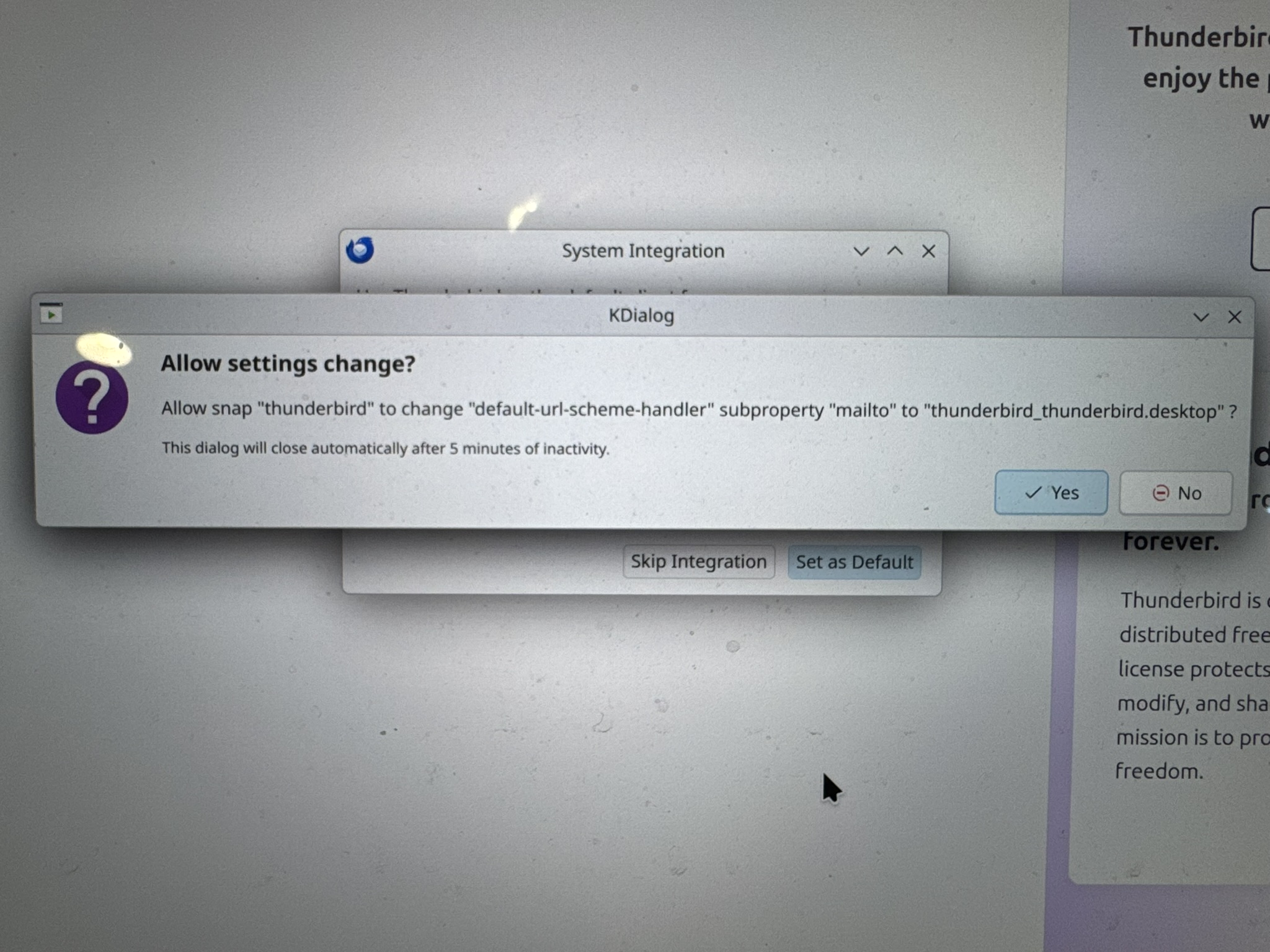
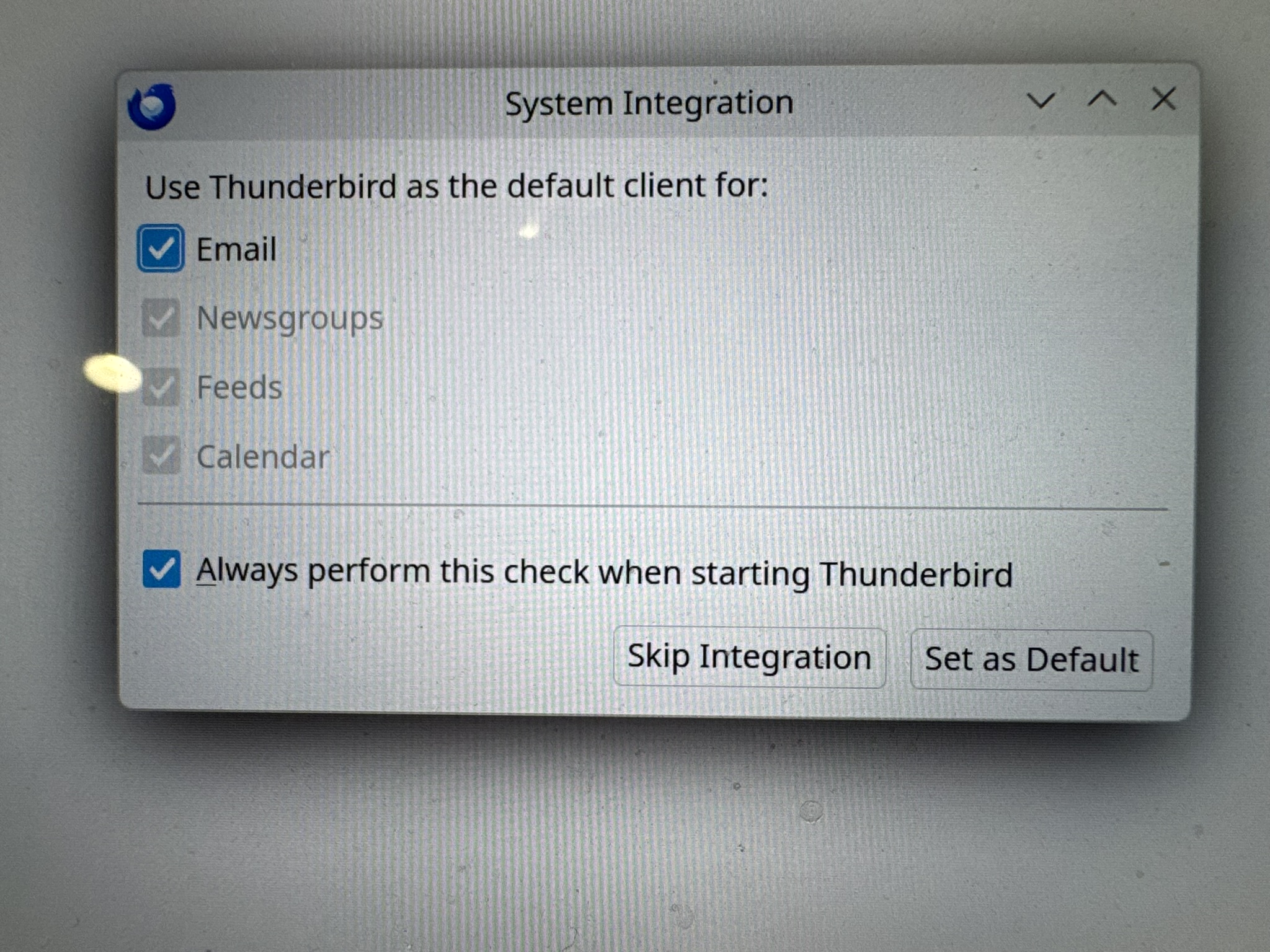
I am using Kubuntu 26.04 and I am using the monthly stable channel version of the Thunderbird Snap. In KDE system settings, the default email client is set to Thunderbird. Upon every startup of Thunderbird, it ask if I want to set it as the default client for email, newsgroups, feeds and calendar and when I click yes and close Thunderbird and reopen it it does the same thing, over and over. Otherwise the email program operates just fine otherwise. My email accounts are all setup properly and functioning and working and it downloads email just fine. It just has that annoying popup upon every startup. I've included two images to show what I mean. I like the Snap version and prefer that container format. I would like someone who is smarter than me to file a bug on my behalf.
I am using Kubuntu 26.04 and I am using the monthly stable channel version of the Thunderbird Snap. In KDE system settings, the default email client is set to Thunderbird. Upon every startup of Thunderbird, it ask if I want to set it as the default client for email, newsgroups, feeds and calendar and when I click yes and close Thunderbird and reopen it it does the same thing, over and over. Otherwise the email program operates just fine otherwise. My email accounts are all setup properly and functioning and working and it downloads email just fine. It just has that annoying popup upon every startup. I've included two images to show what I mean. I like the Snap version and prefer that container format. I would like someone who is smarter than me to file a bug on my behalf.
Angefügte Screenshots

Sie müssen sich mit Ihrem Benutzerkonto anmelden, um auf Beiträge zu antworten. Bitte stellen Sie eine neue Frage, wenn Sie noch kein Benutzerkonto haben.