Windows 10 reached EOS (end of support) on October 14, 2025. For more information, see this article.

Hilfe durchsuchen

Vorsicht vor Support-Betrug: Wir fordern Sie niemals auf, eine Telefonnummer anzurufen, eine SMS an eine Telefonnummer zu senden oder persönliche Daten preiszugeben. Bitte melden Sie verdächtige Aktivitäten über die Funktion „Missbrauch melden“.

Weitere Informationen

How to display website URL instead of search terms by default when using Google search

  • Keine Antworten
  • 0 haben dieses Problem
Weitere Optionen

I’m hoping to find out if there is any setting or option in the Firefox for iOS app that would toggle permanent display of the current website URL instead the address bar.

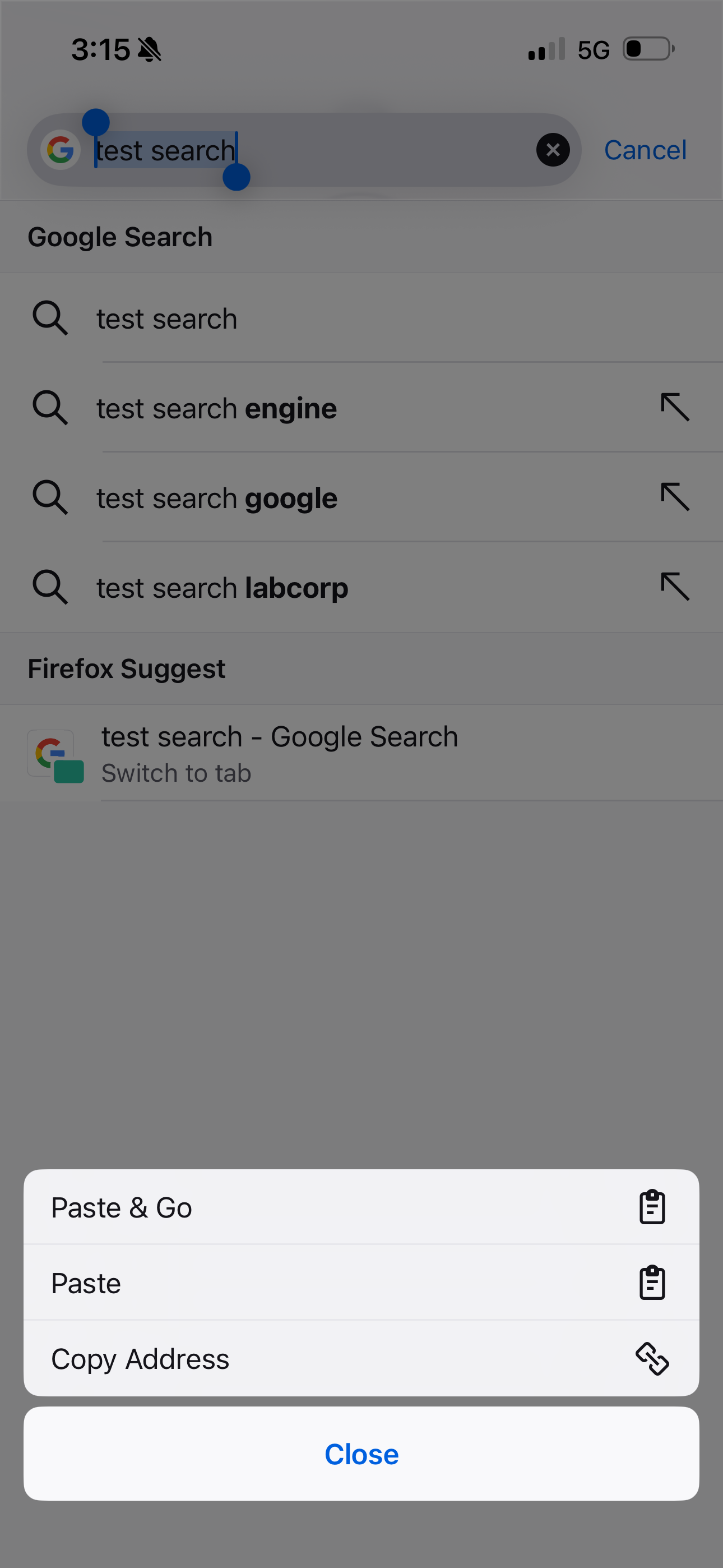
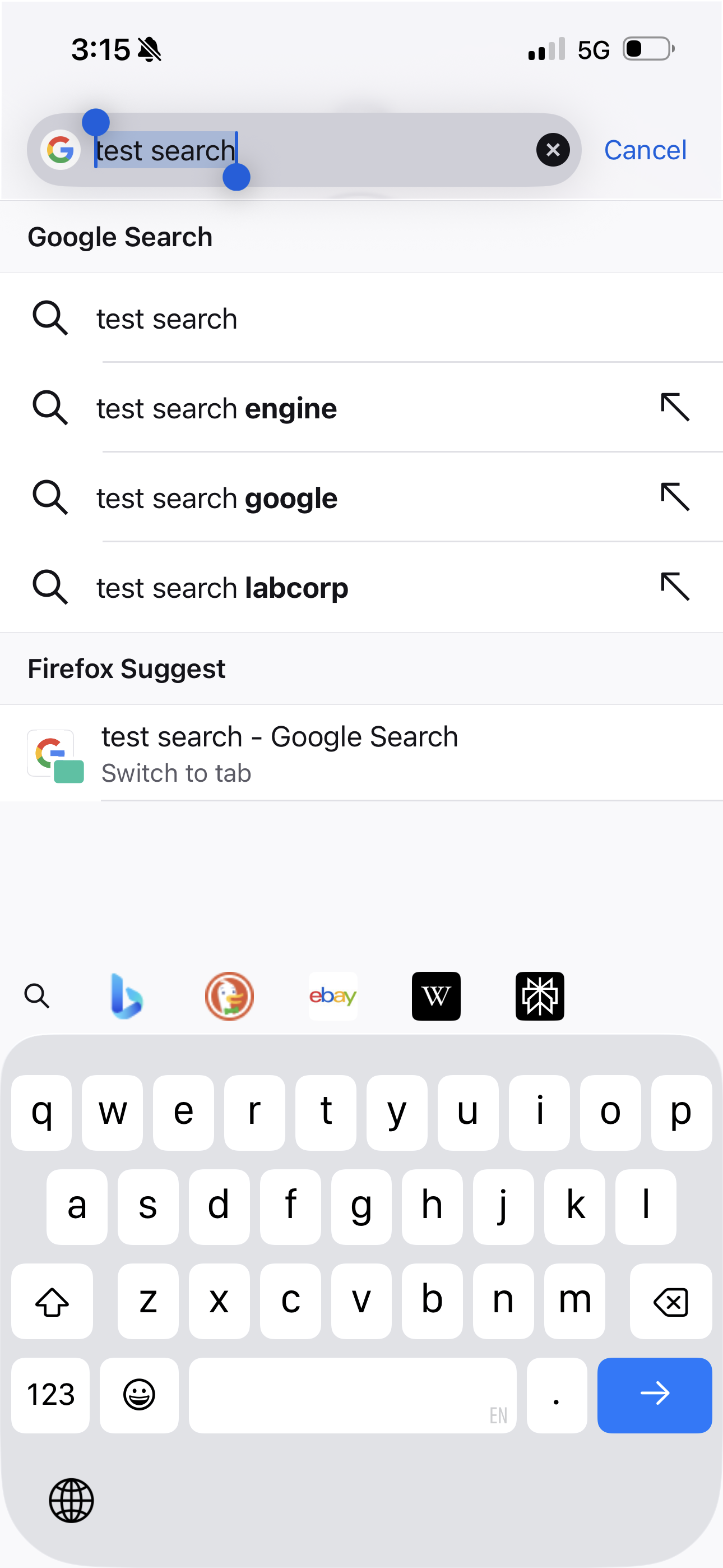
Noticed while doing a google search: after searching, the address bar truncates the displayed URL to just “google.com,” which is very useless in itself - tapping the address bar, however, fills it with the terms of my search. There is no way to view the full URL from here; you have to long press the address bar, after which you need to tap “Copy URL,” then paste it somewhere else, like a Notes app, to view the actual URL that was copied.

Am I missing anything, or is that the current most efficient way? If it is, why? It seems counterintuitive to obfuscate URLs like this.

I will clarify that so far I’ve only seen this while searching with Google. On other sites, the URL is still shortened severely to show just the domain (still a very inconvenient design choice that cannot be disabled, though), but at least there IS one being displayed at all.

Has this issue been brought up before? It seems like a relatively new change, and one that hasn’t benefited users, so I’m curious if there is some kind of workaround I couldn’t find.

Any help is greatly appreciated.

Thank you!
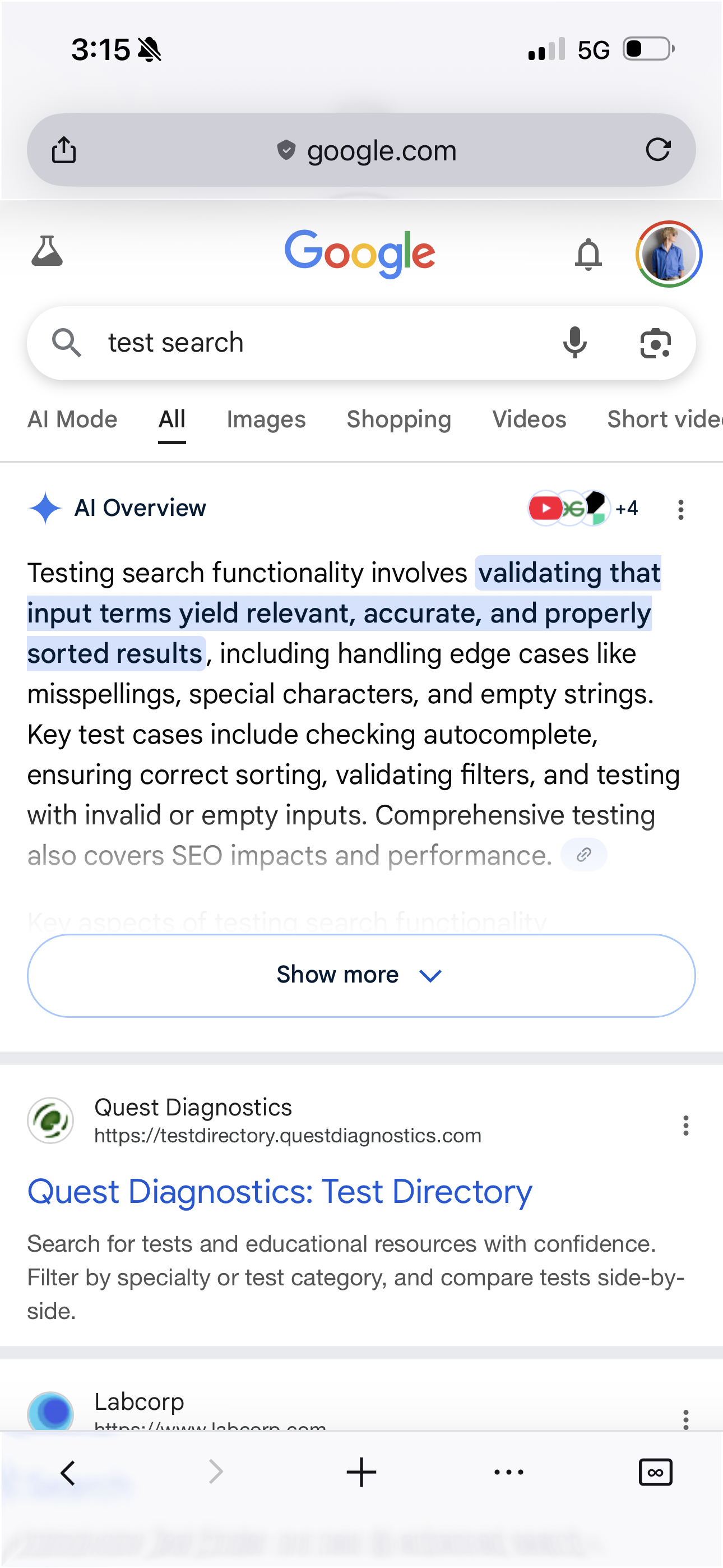
I’m hoping to find out if there is any setting or option in the Firefox for iOS app that would toggle permanent display of the current website URL instead the address bar. Noticed while doing a google search: after searching, the address bar truncates the displayed URL to just “google.com,” which is very useless in itself - tapping the address bar, however, fills it with the terms of my search. There is no way to view the full URL from here; you have to long press the address bar, after which you need to tap “Copy URL,” then paste it somewhere else, like a Notes app, to view the actual URL that was copied. Am I missing anything, or is that the current most efficient way? If it is, why? It seems counterintuitive to obfuscate URLs like this. I will clarify that so far I’ve only seen this while searching with Google. On other sites, the URL is still shortened severely to show just the domain (still a very inconvenient design choice that cannot be disabled, though), but at least there IS one being displayed at all. Has this issue been brought up before? It seems like a relatively new change, and one that hasn’t benefited users, so I’m curious if there is some kind of workaround I couldn’t find. Any help is greatly appreciated. Thank you!
Angefügte Screenshots

Sie müssen sich mit Ihrem Benutzerkonto anmelden, um auf Beiträge zu antworten. Bitte stellen Sie eine neue Frage, wenn Sie noch kein Benutzerkonto haben.