


Missing containers in developer edition

Hello, I use the developer edition at work and I noticed that it lacks the option to open the panel in a container. This option is also completely missing from the settings, compared to standard firefox. Do you know where the problem could be?
Best regards
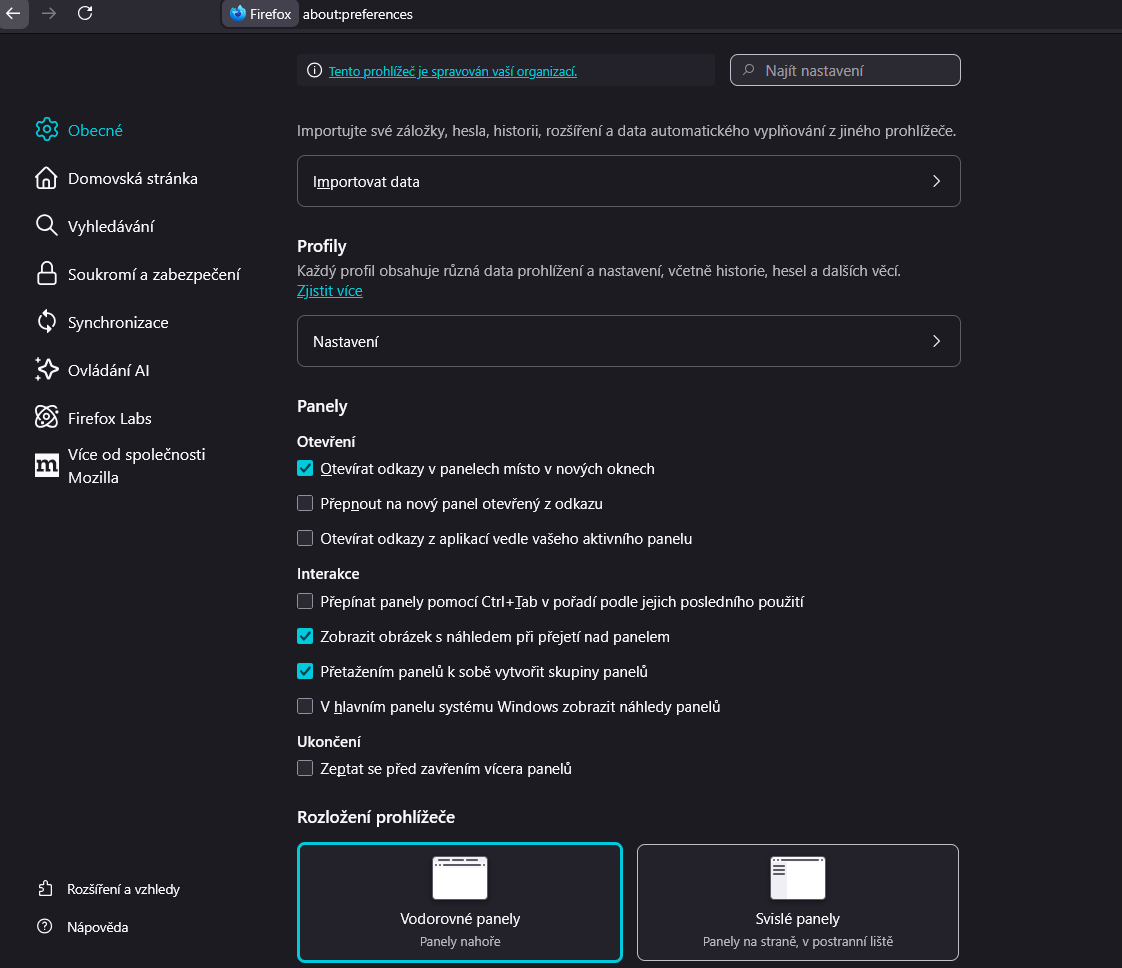

Zvolené řešení
Open about:config. Switch preferences privacy.userContext.enabled and privacy.userContext.ui.enabled to true. Containers are now activated.
Všechny odpovědi (4)
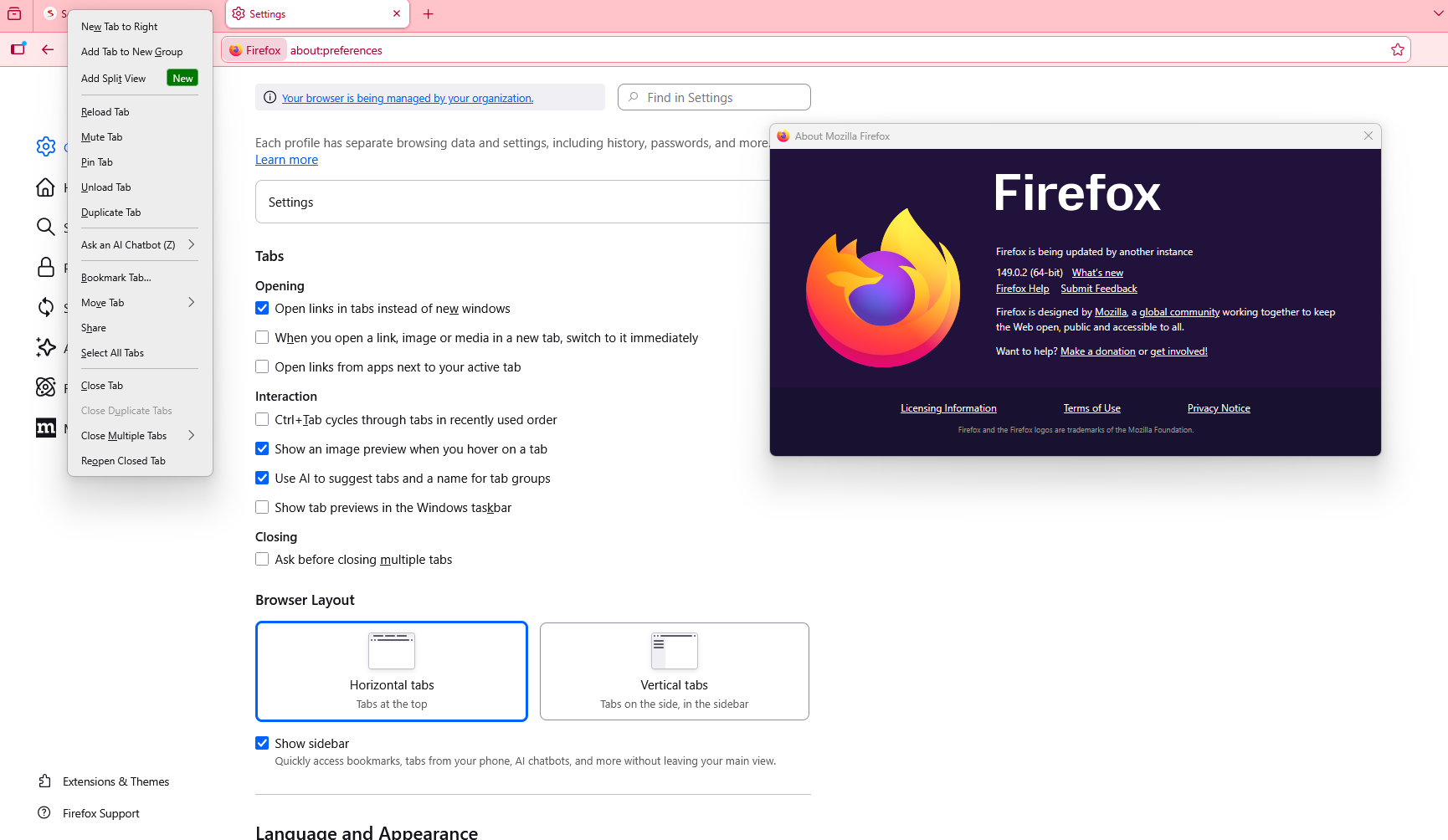
Asi bude stačiť začať používať "oficiálne vydania" Firefoxu a nie "beta" verzie. Dnes je to verzia 149.0.2 .
I updated the "official release" of Firefox to the current version 149.0.2 and created a new "work" profile and the containers are not working there either. So either there must be a bug somewhere else, or maybe it's intentional.
Zvolené řešení
Open about:config. Switch preferences privacy.userContext.enabled and privacy.userContext.ui.enabled to true. Containers are now activated.
r34ktor for your answer
That helped. So it seems that containers are disabled by default by Mozilla.
Strangely, I didn't have to enable this setting for my primary personal profile. Maybe because it's an old profile and maybe the settings are synchronized via sync.