


Disable Thunderbird privacy nag

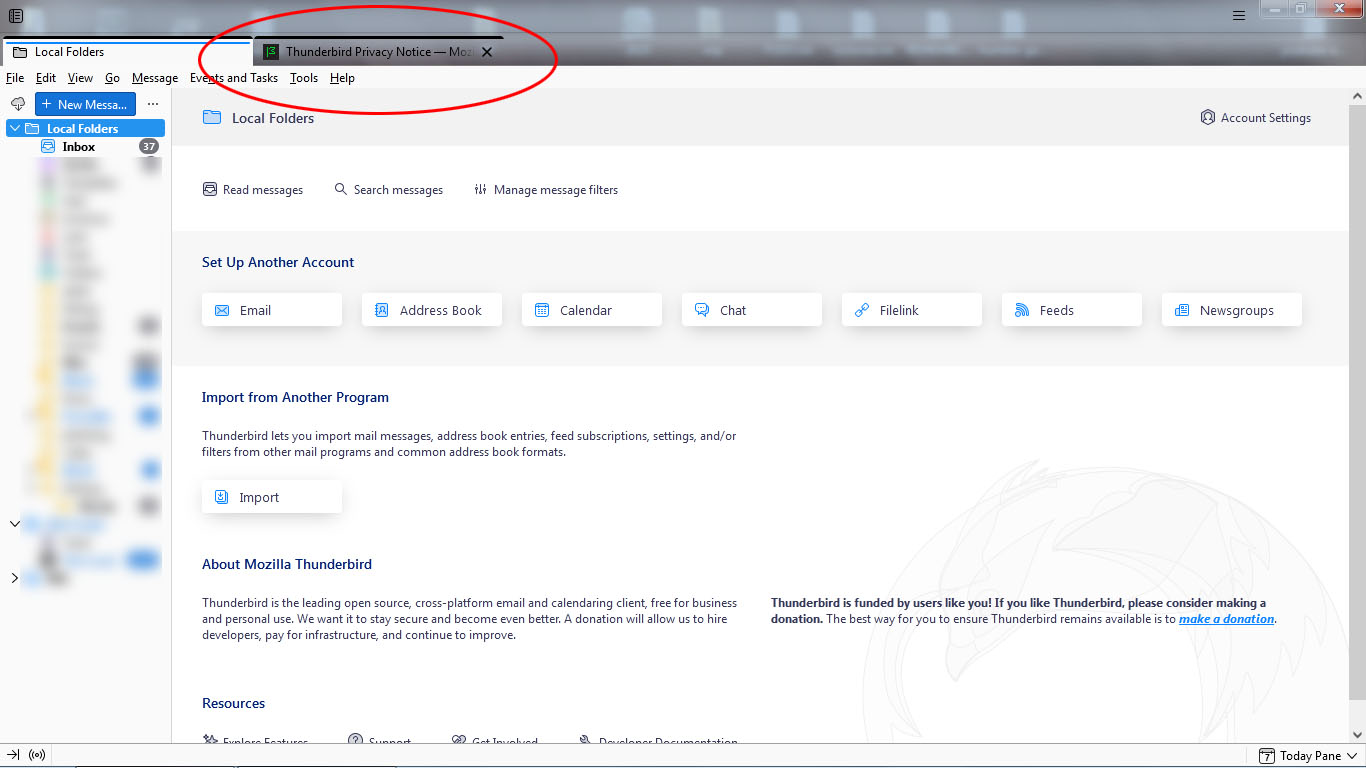
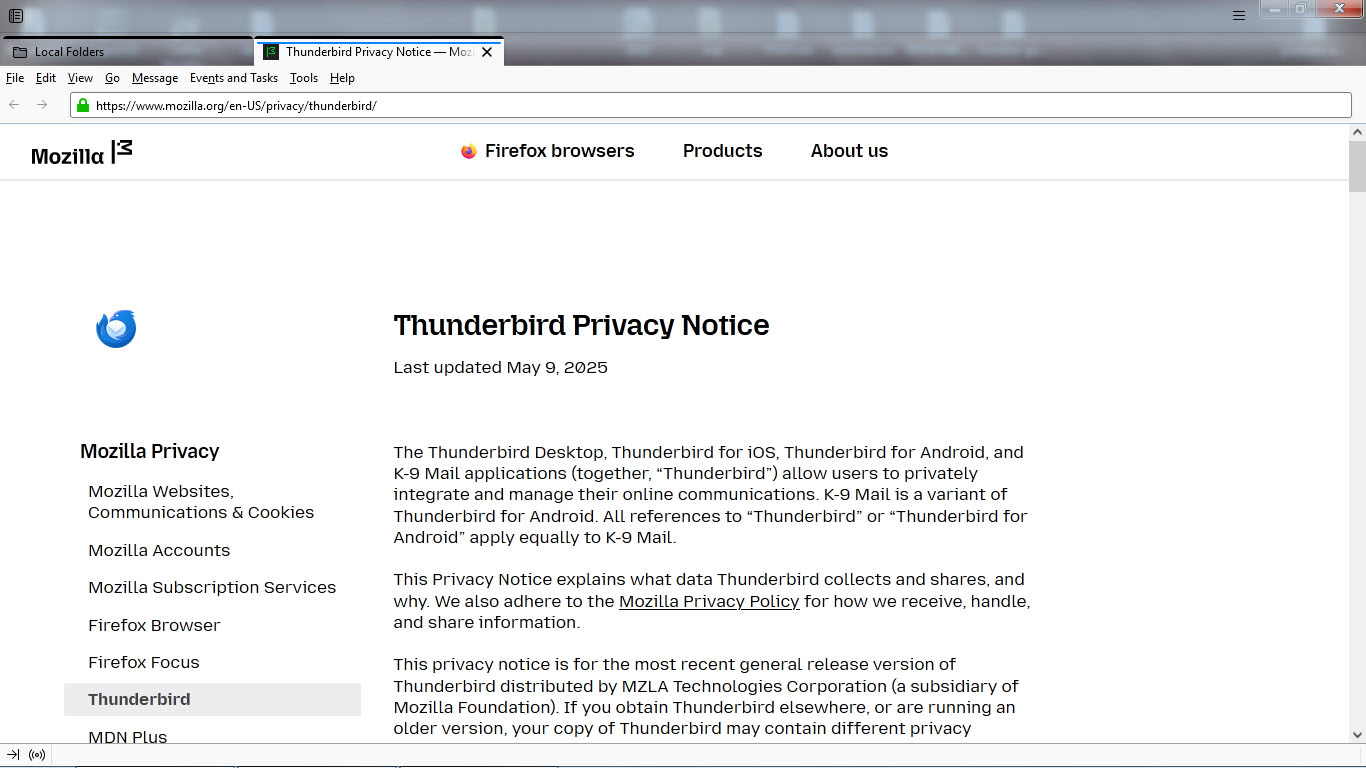
hello, every time i start thunderbird, i'm presented with a tab that shows me the privacy policy. EVERY.SINGLE.TIME. i don't need to read it every time; reading it once and confirming is enough. but there doesn't seem to be any way to confirm, or disable this annoyance. how can i get it to stop? is there a setting somewhere, or registry entry i can change?
Thunderbird Desktop Version 115.18.0esr
Zvolené řešení
yes, setting the start page to 'about:blank' solved the issue. thanks, Rick. :-)
Přečíst dotaz v kontextu 👍 0Všechny odpovědi (4)
Interesting concept, Thunderbird has a page it displays when there is going to be a black space, most when there is no selected email to display.
This what it looks like in my Thunderbird
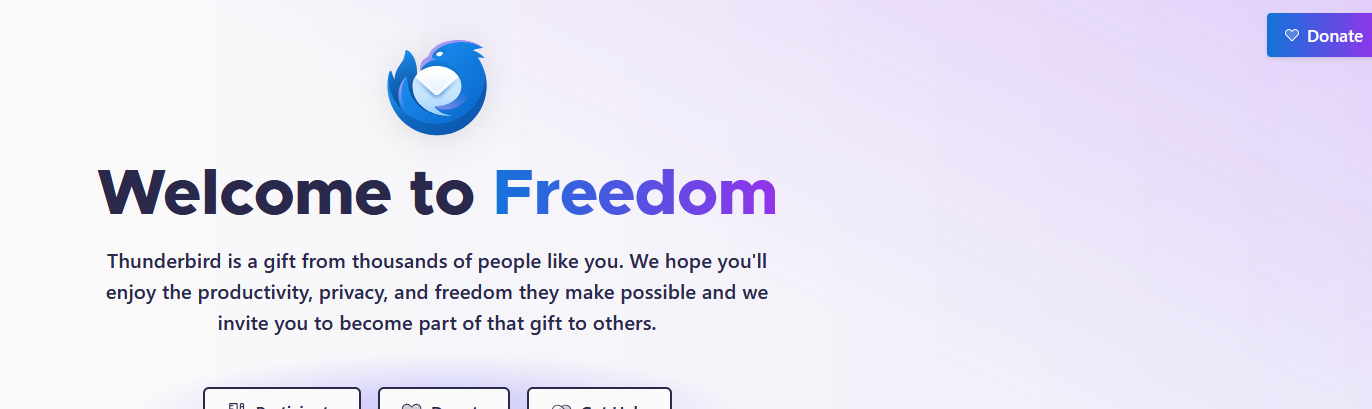
I am assuming this is what your are talking about then you talk about a "nag" screen but I see no reference to privacy. But to be brutally honest I am guessing about what you refer because I really don't have such a thing to want to get rid of it.
Perhaps you could post a screen shot of that too which you refer.
I also got the following in a tab when I most recently restarted of Thunderbird, but it also makes no mention of privacy that I can see
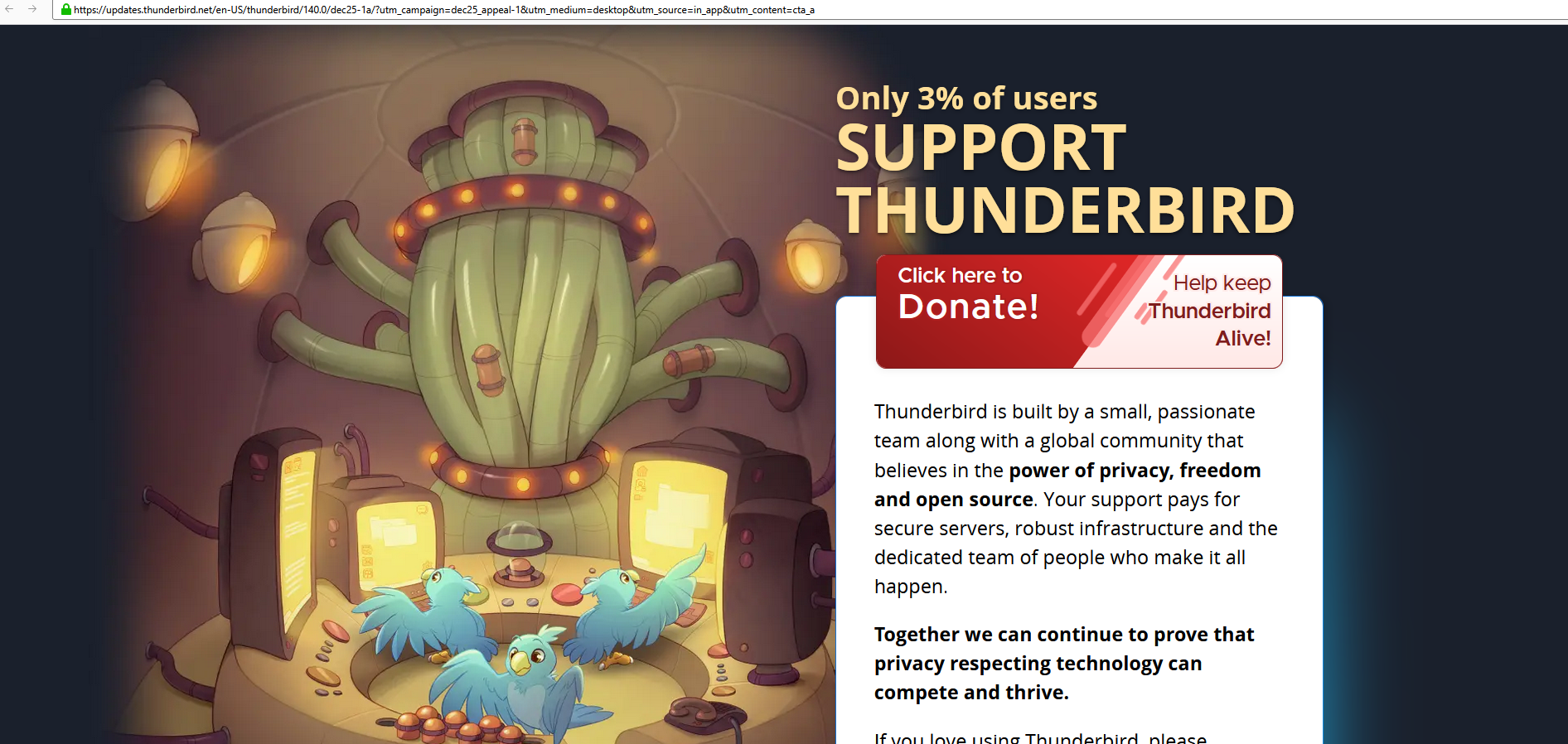
Please be aware that V115 is not longer supported. The ESR (extended support release) is version 140 released in July or the release version is 145 released on the 13th inst.
thanks for your reply, Matt.
thanks also for the heads-up about the new version. i tried to install it from here, but i got the error 'there is a problem with the windows installer package. a program run as part of the setup did not finish as expected.'
regarding the nag page, it looks like the page in the screen shots i've attached here. this may seem trivial, but it's annoying because it tends to pop up just as i'm trying to click on a message or a folder and pushes down the entire interface, so i end up clicking on the wrong thing. still looking for some sort of checkbox or something that acknowledges 'i've read this, don't show me again' -- but there isn't one. it's not useful. i'd love to be able to just disable it completely.
Upravil uživatel d_112359 dne

Zvolené řešení
yes, setting the start page to 'about:blank' solved the issue. thanks, Rick. :-)