Firefox 161.0 will not open window on web page to view and download documents

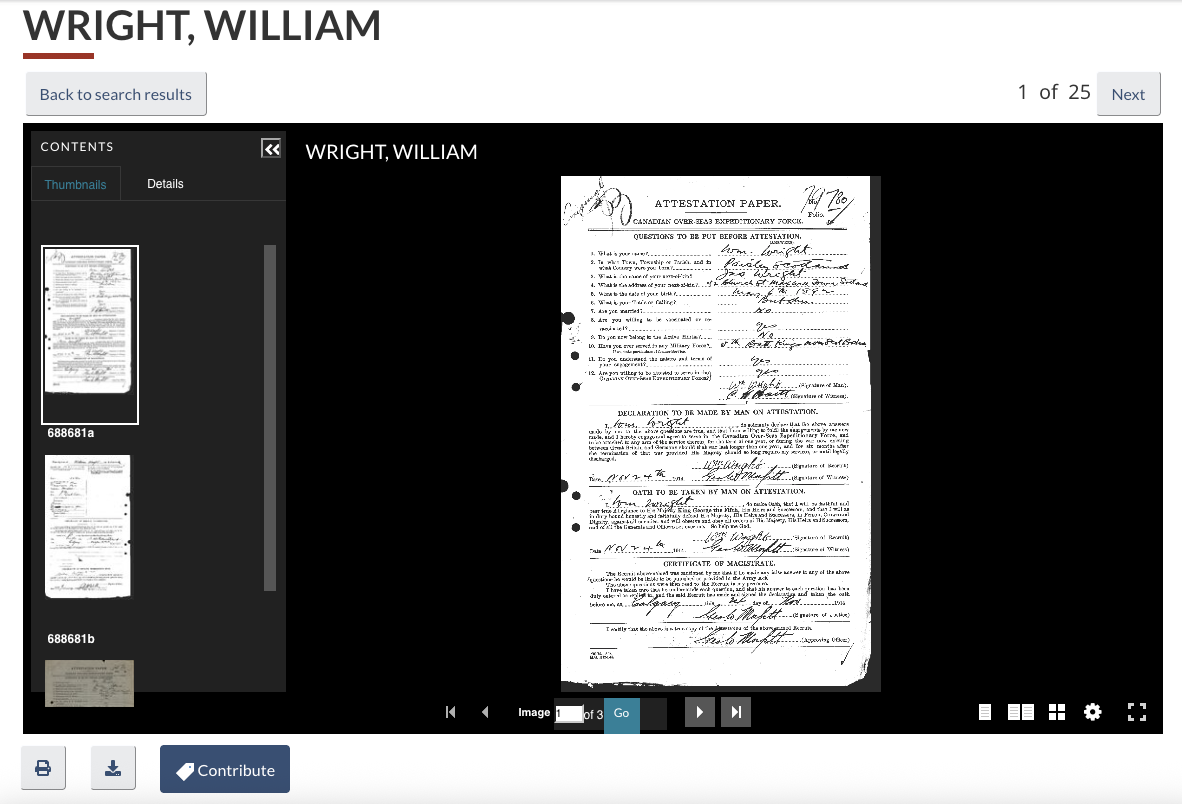
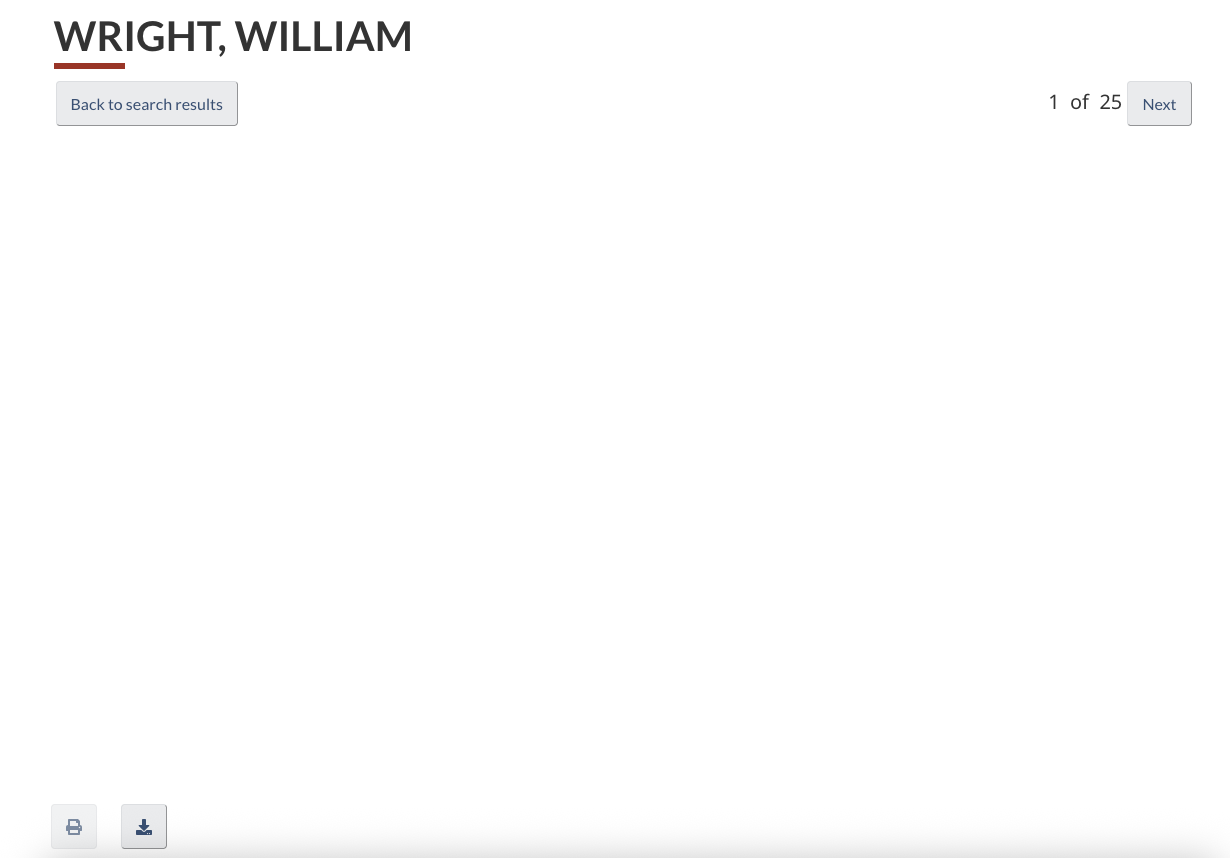
I frequently use the Library & Archives Canada website to view and download documents, specifically First and Second World War service files and war diaries. Since the latest browser update—Firefox 161.0—the browser will not open the window necessary to view and download these documents. All that appears is the title of the document and a white screen where the document viewing box/screen should be. For instance, this URL should display the service file of William Wright when the link in his name "Wright, William" is clicked:
The website works fine in Google Chrome, so I know that the problem is not on the server end. I have resorted to using Chrome in the interim, until this problem is resolved.
Bruce MacDonald Antigonish, NS
All Replies (2)
(I assume this is not a mobile issue as the system was specified as desktop macOS Sequoia…)
The site is heavily protected by Cloudflare human verification:
Human verification needed: "We are currently experiencing a high volume of automated requests that are impacting the performance of our site. To ensure a smooth experience for all users, access has been restricted for requests that appear to come from bots."
Make sure you're not using some "privacy" or anti–tracking extensions that would tamper with the sites used, that might cause your access being rejected or connection stalled.
If you restart into Troubleshoot Mode (from Help menu) to rule out addon interference, and use a new Private Window to try to access the documents, is there any difference?
Thanks for the suggestion, jbr. I restarted the browser in Troubleshoot Mode and opened a new Private Window with the same result—the name of the person at the top of the screen and a white area where the View window for the documents should appear (see attached screen crops). It does take longer for verification in Firefox. I can access the documents using Google Chrome, so that will have to be my "work around." Thanks again.
Bruce