


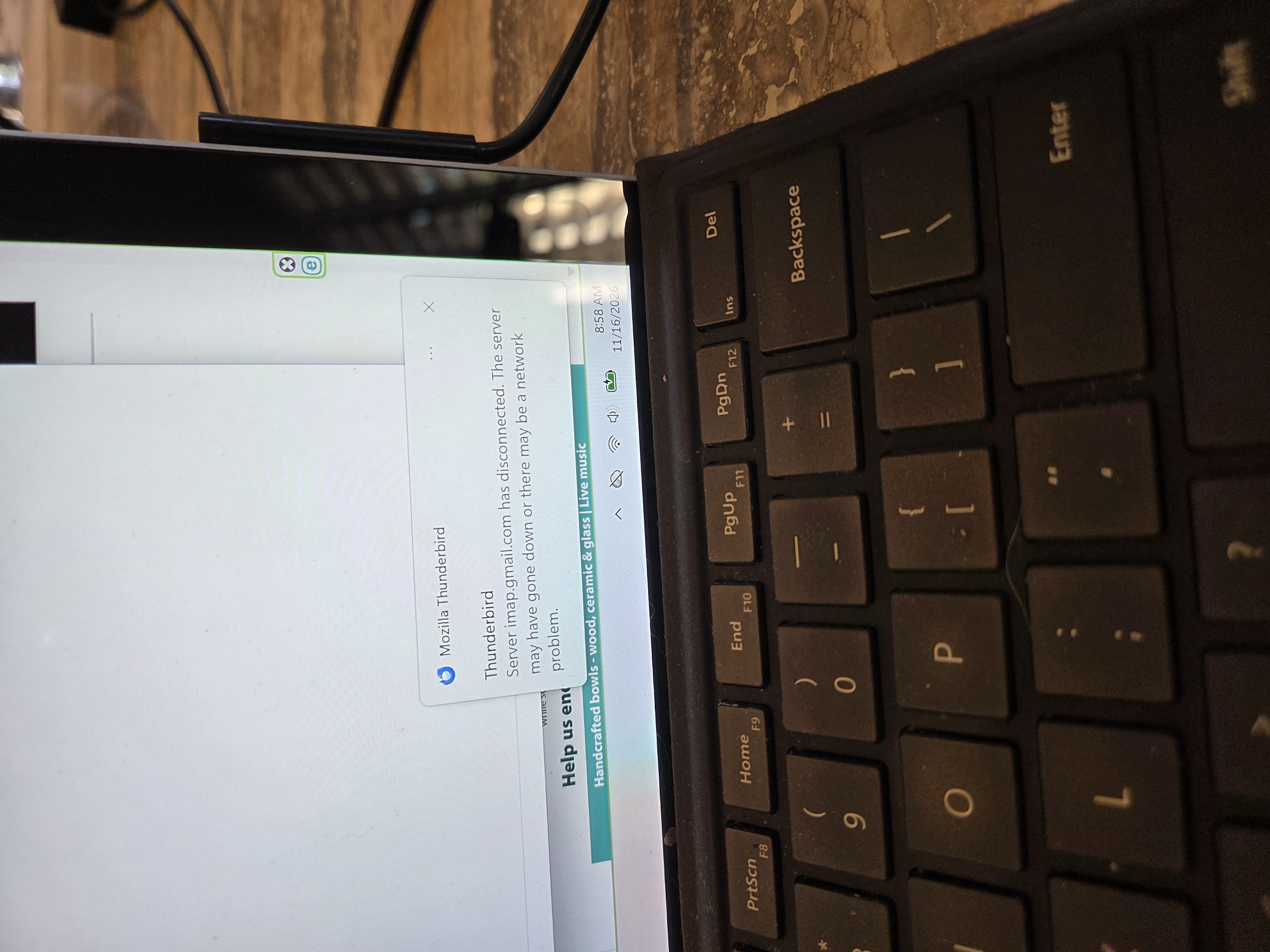
I am migrating emails from professional work account to personal gmail account and I keep getting this message that server imap.gmail.com has disconnected.

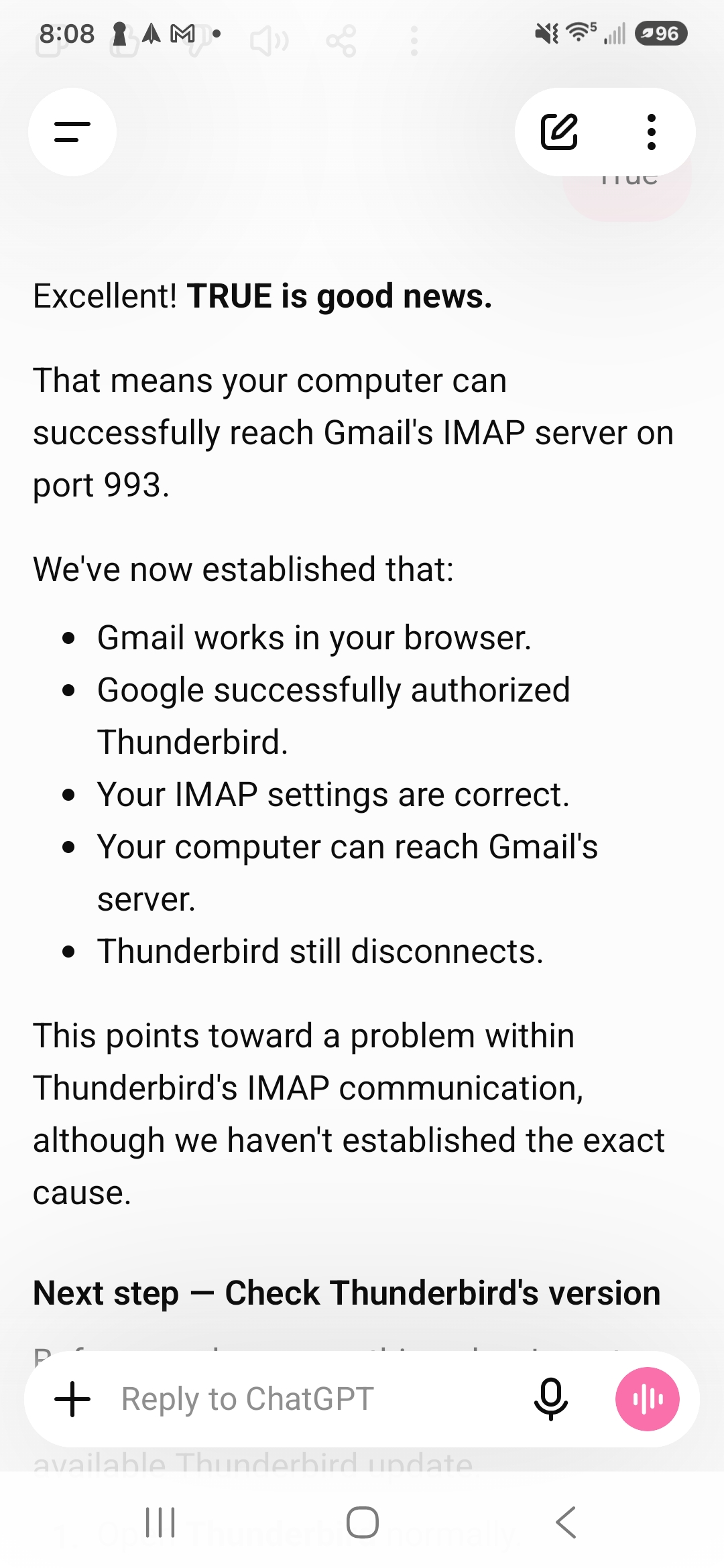
The migration has been working on and off for the past week and 10,000s of emails have been transferred but this message pops up all the time. Now I am stuck and have been since last night. I have used chat GPT for all of this but he seems stuck too and is telling me there is a patch for this issue but I cannot find it. Here is what is established: Gmail works in my browser Google successfully authorized Thunderbird IMAP setting are correct My computer can reach Gmail's server Thunderbird still disconnects
All Replies (1)
Hello there Schlief.incorporated
The error "Server gmail.com has disconnected" is not a Thunderbird bug and does not require a patch.
It is triggered by Gmail’s daily IMAP bandwidth and connection limits after transferring tens of thousands of emails. Because it has been stuck since last night, your account has likely hit Gmail's 24-hour data cap.
Please follow these steps to resume the migration:
1. Wait 24 hours: Close Thunderbird completely for 24 hours so Google automatically lifts the temporary IMAP rate limit on your account.
2. Lower cached connections: In Thunderbird, go to Account Settings > Server Settings > Advanced... and reduce Maximum number of server connections to cache from 5 to 1 or 2.
3. Exclude "All Mail" (if migrating from Gmail): In Gmail webmail, go to Settings > See all settings > Labels and uncheck Show in IMAP for All Mail to prevent duplicate downloads.
4. Transfer in batches: Disable computer sleep mode and migrate one or two folders at a time instead of the entire mailbox at once. Once the 24-hour cooldown expires and the connection limit is lowered, the transfer should resume normally.
Tip :
One quick tip regarding VPNs: If you are using a VPN on your computer, try pausing it temporarily while migrating your emails.
Gmail’s IMAP servers are notoriously strict with shared VPN IP addresses and can drop the connection immediately if the VPN briefly hiccups or switches servers during a large transfer.
Grab a coffee, close Thunderbird for the night, and let Google’s 24-hour timer do its thing. Let me know tomorrow how the transfer goes once you lower the connection limit—I’ll be right here if you need a hand.
.
Modified by Googlethunderbird.