Open
How do I change the display colour of an <img> title?

Firefox 153.7.0esr (also affects previous releases) on Linux
When I browse websites that have images, and hover to read the title text, Firefox displays the text as white characters on a white background. The only way you can tell that the characters are displayed at all is that sometimes the white character occludes a dark spot in the background or image.
I'd like to change the text colour that Firefox uses to display these title values, so that I can read them.
Attached images:
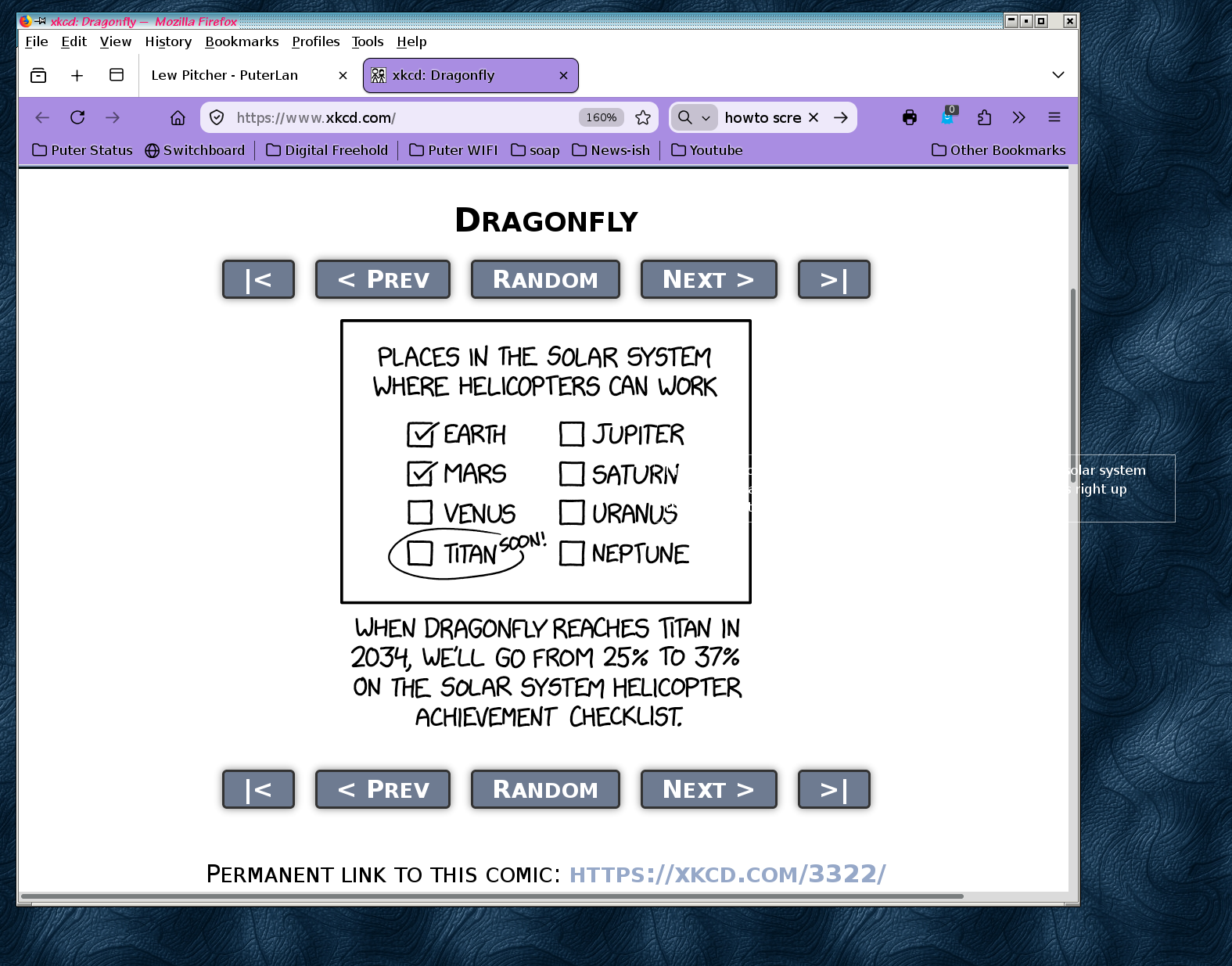
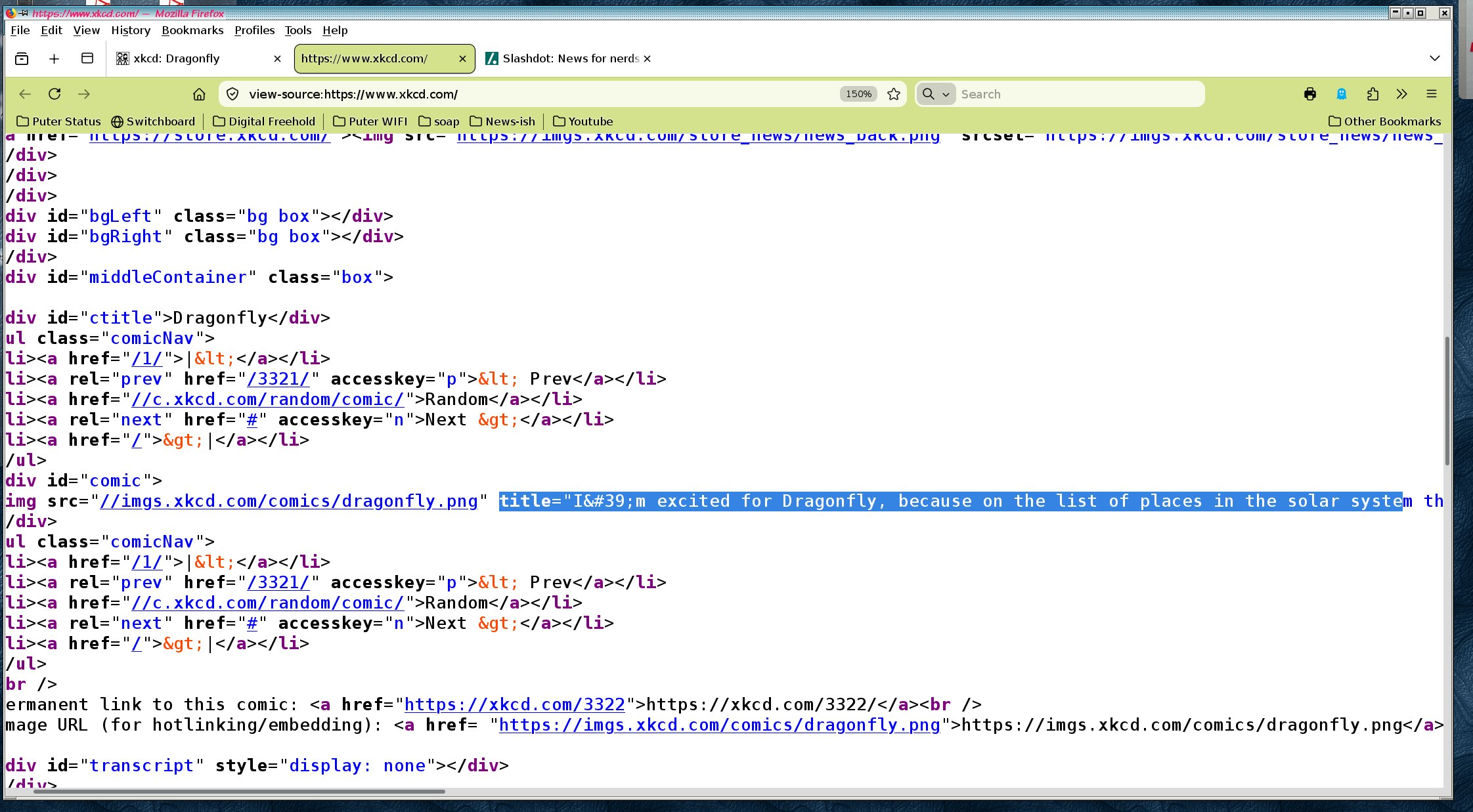
img_title.firefox_version.png shows the version of Firefox affected img_title.problem.png illustrates the problem using XKCD comic 3322. Note that thetitle is unreadable until it spills off the image and onto my desktop background img_title.html.png shows the HTML that generated the title.
Firefox 153.7.0esr (also affects previous releases) on Linux
When I browse websites that have <img title="..."> images, and hover to read the title text, Firefox displays the text as white characters on a white background. The only way you can tell that the characters are displayed at all is that sometimes the white character occludes a dark spot in the background or image.
I'd like to change the text colour that Firefox uses to display these title values, so that I can read them.
Attached images:
img_title.firefox_version.png shows the version of Firefox affected
img_title.problem.png illustrates the problem using XKCD comic 3322. Note that the
<img> title is unreadable until it spills off the image and onto my desktop background
img_title.html.png shows the HTML that generated the title.