Google Gemini in pages it very much should not be in.

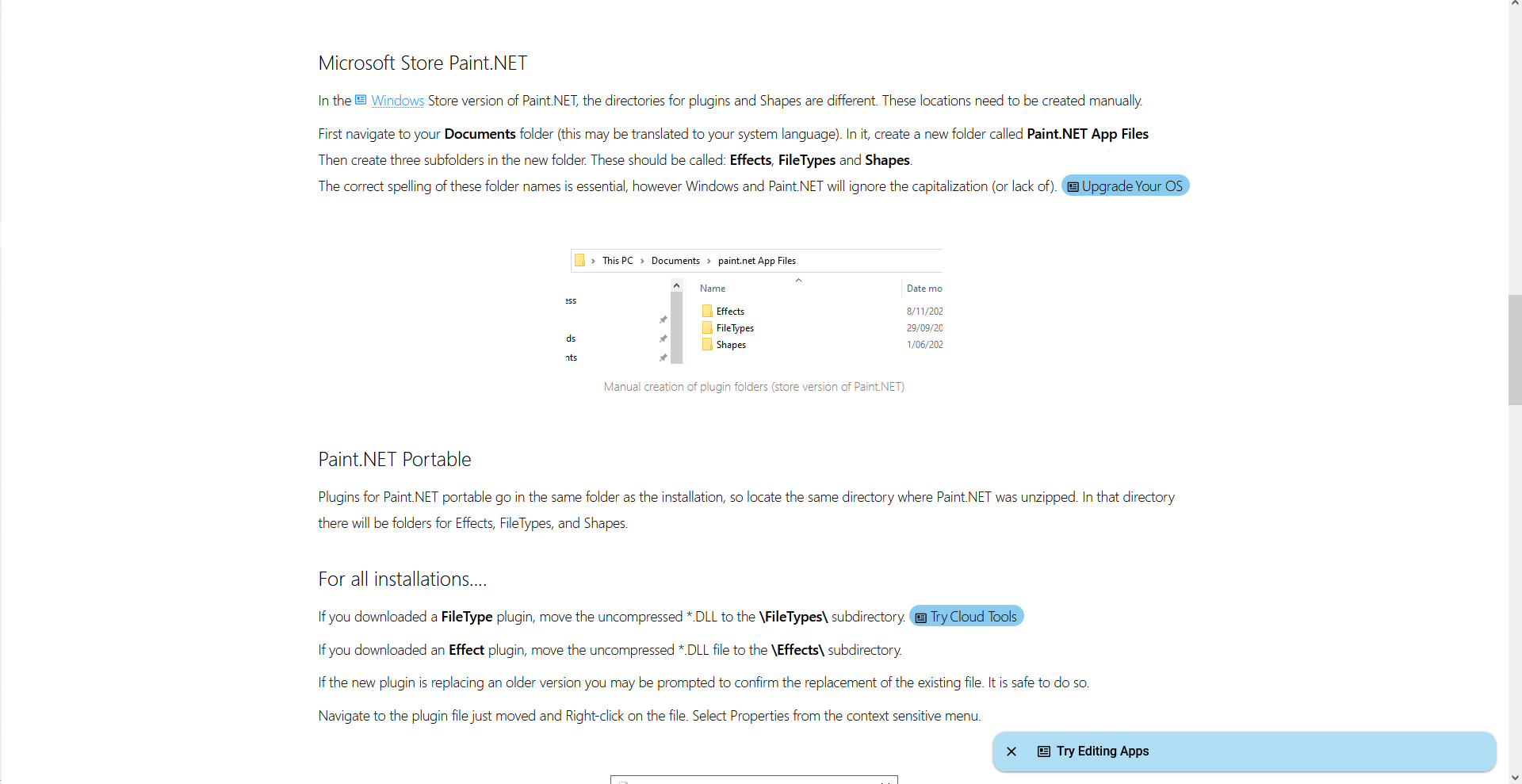
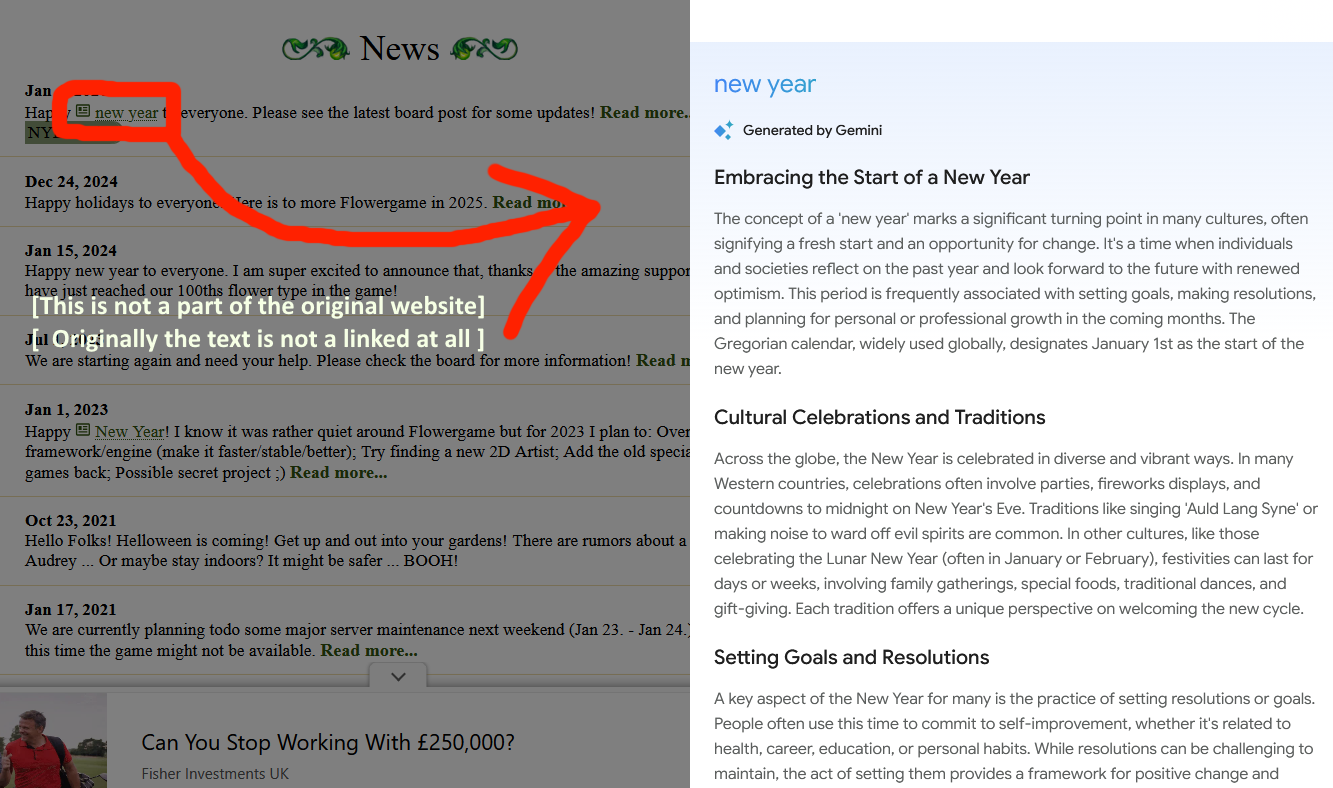
These new "news" pop ups appear on certain websites and clicking on them opens a Google Gemini summary, i have disabled all of my plug-ins and this is still occurring. they also hyperlink words when they shouldn't be, and it quite frankly is very annoying. this is WITH all of Firefox’s AI features disabled while using the DuckDuckGo NoAI search engine. when i emailed the FlowerGame owners about it they had no idea that it was there, so this seems to be a local issue i just don't know how to fix it.
All Replies (8)
^ to clarify, FlowerGame is another website in-which this occurs i thought it was something on their end at first but apparently not
It's funny, when I paste parts of that image in Google's AI Mode, it blames Microsoft, suggesting this is CoPilot or a feature of Microsoft Edge:
https://share.google/aimode/zmouTk0msGAB6g8es
If you check your Extensions list -- this is a subset of Add-ons -- is there anything CoPilot-related in there? See: Review installed extensions.
jscher2000 - Support Volunteer said
It's funny, when I paste parts of that image in Google's AI Mode, it blames Microsoft, suggesting this is CoPilot or a feature of Microsoft Edge: https://share.google/aimode/zmouTk0msGAB6g8es If you check your Extensions list -- this is a subset of Add-ons -- is there anything CoPilot-related in there? See: Review installed extensions.
Hi thanks for the reply, but this occurs even with my add-ons/extensions disabled- i even disabled my theme to check just in case. These extensions being
Lichess Custom Themes, Boards - LichessHelper SponsorBlock for YouTube - Skip Sponsorships| YT Tweaks & DuckDuckGo No-AI Search
and my current active theme being "Glass - Royale"
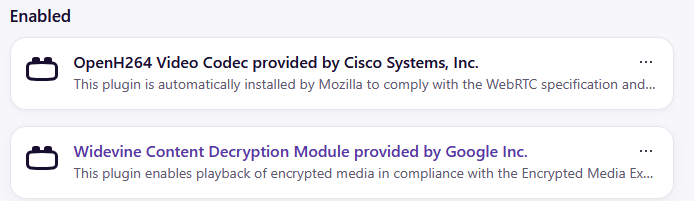
And i have these plugins, but I’ve never touched them so i doubt its them.
Let me circle back to the original popup. was that the blue bar which says "Try editing apps", and then you clicked it to display the text in your screenshot?
jscher2000 - Support Volunteer said
Let me circle back to the original popup. was that the blue bar which says "Try editing apps", and then you clicked it to display the text in your screenshot?
Yes, in addition to the other blue or blue-highlighted texts [Changes colour depending on website, on flowergame it's moss green], id think it were a virus if it weren't so... strange and obvious? All it does is open a side panel with Gemini it doesn't really blast adverts or anything all that malicious, its more of a nuisance. Thanks for the continued help though it is appreciated
- the image is supposed to say link..
Modified by meltii
If you right-click (or Shift+right-click) the New Year link and try to Copy Link, what does it look like? (Note that scripted links might not have a valid URL.)
jscher2000 - Support Volunteer said
If you right-click (or Shift+right-click) the New Year link and try to Copy Link, what does it look like? (Note that scripted links might not have a valid URL.)
The link just leads to whatever page+# so for example, https://paint.net/features.html goes to https://paint.net/features.html# however the large surrounded text (in the first example "Try Cloud Tools") don't lead anywhere, or can't be copied. Both lead to the same result though- opening a side panel with gemini
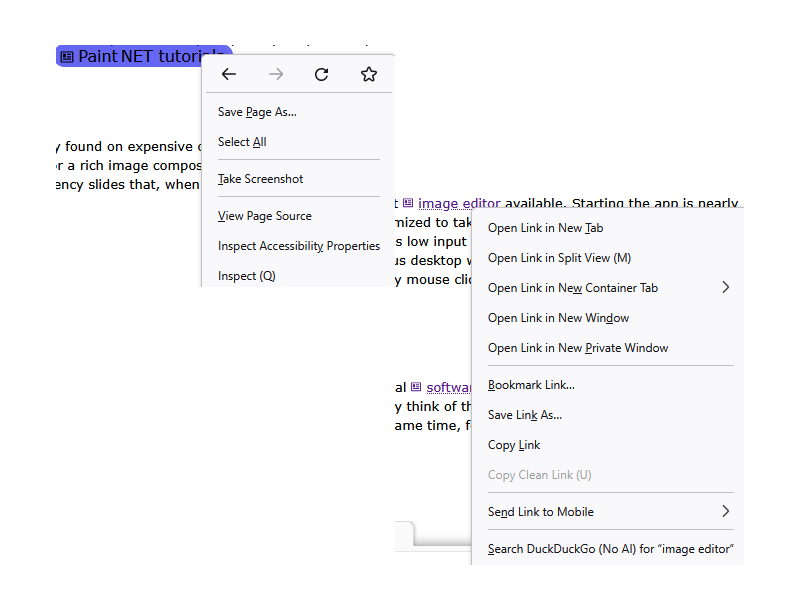
meltii said
The link just leads to whatever page+# so for example, https://paint.net/features.html goes to https://paint.net/features.html# however the large surrounded text (in the first example "Try Cloud Tools") don't lead anywhere, or can't be copied. Both lead to the same result though- opening a side panel with gemini
When you say it's a side panel, is that within the page, or is it in Firefox's sidebar (the one where bookmarks open when you press Ctrl+B)?
The # often indicates that a script is attached to the link using the "onclick" method, and the address was left empty except for # (which indicates a location on the current page). Unfortunately, that isn't giving away who or what is behind it.
If you don't mind getting a little bit nerdier, you could right-click the link and choose Inspect to open the developer tools "Inspector" panel. The link (<a> element) or its contents should be highlighted. The two things I would look for are:
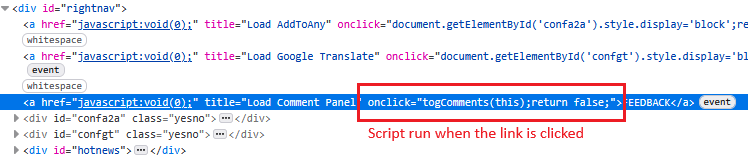
(1) Is there an "onclick" attribute in the <a> element and what does that look like? As an example, see the first screenshot.
(2) Is there an [event] button next to the link and where does that lead? What I mean is, viewing the code should indicate the source of the script. As an example, see the second screenshot.