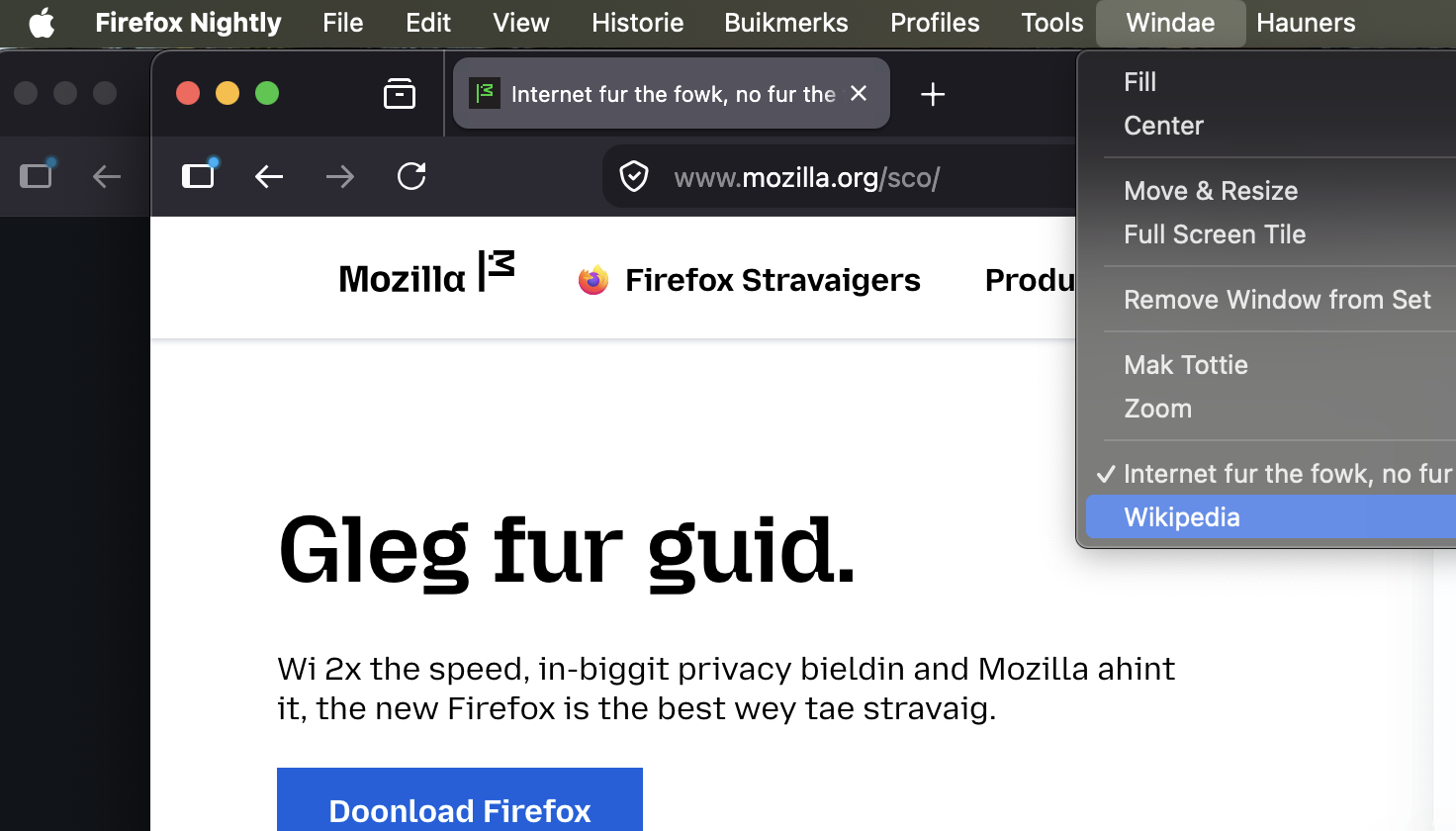
When starting firefox the tabs show and then immedately disapear - can only forcequit trying again

When starting firefox I had 5 windows open. After a MAC notebook restart, I tried to open firefox and then the five pages showed to disapear when I clicked on one - nothing can be seen. On the firefox icon I cannot do anything other than look at "About firefox" to learn that it is up to date. I have no idea what to do to get it started again ... thank you so much for any guidance here
All Replies (3)
Just to understand the situation — were you able to send this question from the affected browser, or you had to submit this post from another machine?
If you click the browser icon, can you CMD+N to try to invoke a new window?
If you quit the application (from menu, or right click on icon), and start again while holding down the OPT key to restart into Troubleshoot Mode, do you get any windows?
Many thanks indeed for your feedback.
In fact I sent the message from another MAC as the MAC BOOK Pro stopped working...
Your suggestion with CMD + N solved the problem. At least it started working again and only all the previously opened tabs were "lost". I will keep your recommendations on file - Thanks again!
Oh, okay — I believe the system might have just positioned your windows out of reach. Once you got your new window available, chances are the other ones will be "somewhere" too!
You might want to check the "Window" menu in the top navigation, in case you recognize some more windows with tabs there — clicking them might bring them back to your workspace.
They're listed here: