All Replies (1)
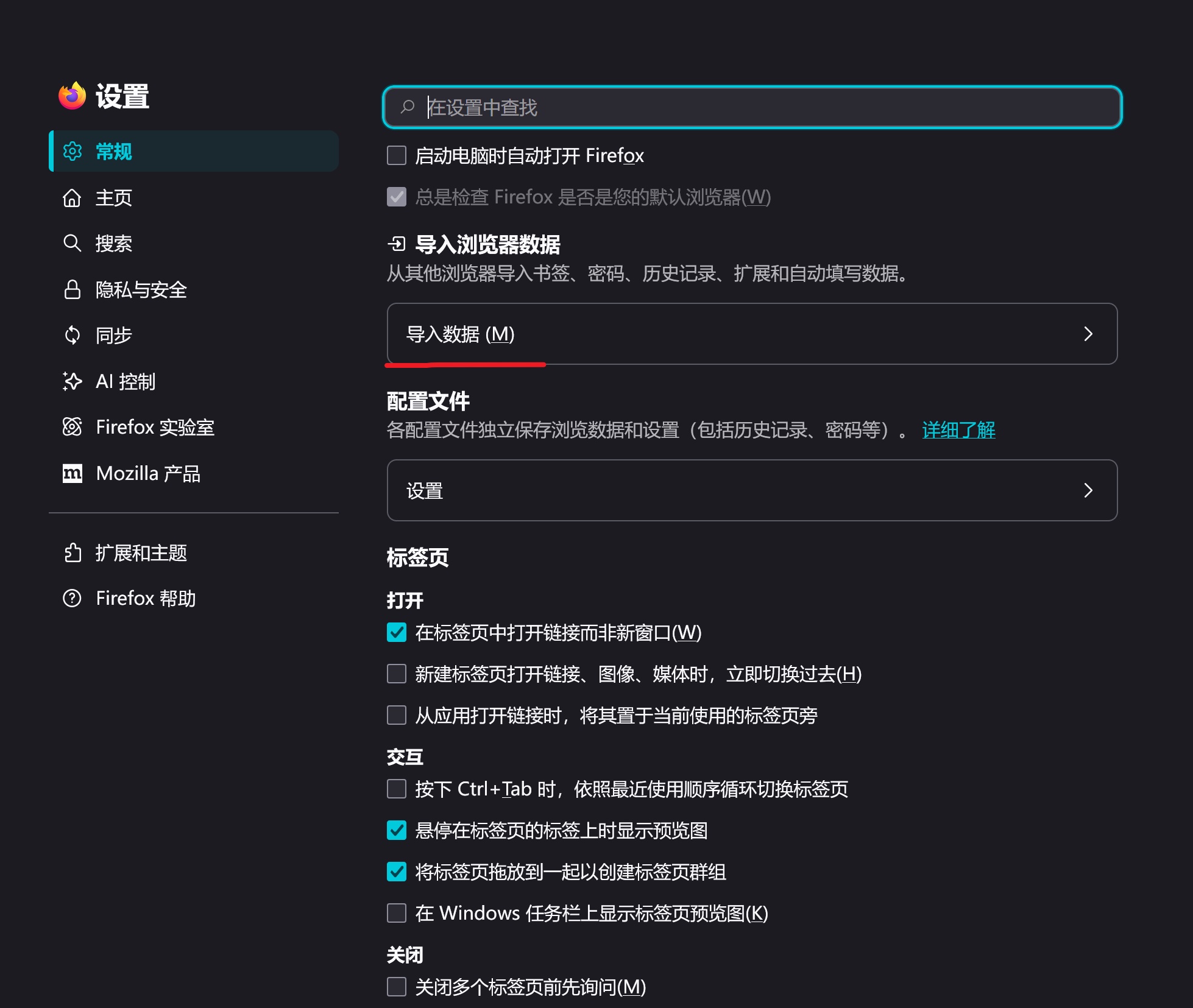
Hello! Do you want to import your Google Chrome bookmarks into your Firefox? If so, you can find "Import Browser Data" in "Settings - General", then select "Google Chrome" and click "Import". You can also select the data you want to import in the 'Import all available data' section.