


After updateing to a new version of Thunderbird my old profile has disappeared

Where can I find my old thunderbird profile? It is not in ...Appdata/Roaming/thunderbird/profiles.
All Replies (9)
Did you install from the Microsoft store? Look in Users\username\AppData\Local\packages\MozillaThunderbird.MZLA_h5892qc0xkpca\LocalCache\Roaming\Thunderbird\
If it's there, I suggest reinstalling from the thunderbird.net site and transfering the profile.
I installed from thunderbird.net. It is not where you suggested. Any other ideas please.
can you do a screenprint of the appdata\roaming\thunderbird\profiles folder?? Also, a screenprint of the contents of appdata\roaming\thunderbird\profiles.ini will be helpful. Thanks.
Requested screen shots added below. Cheers
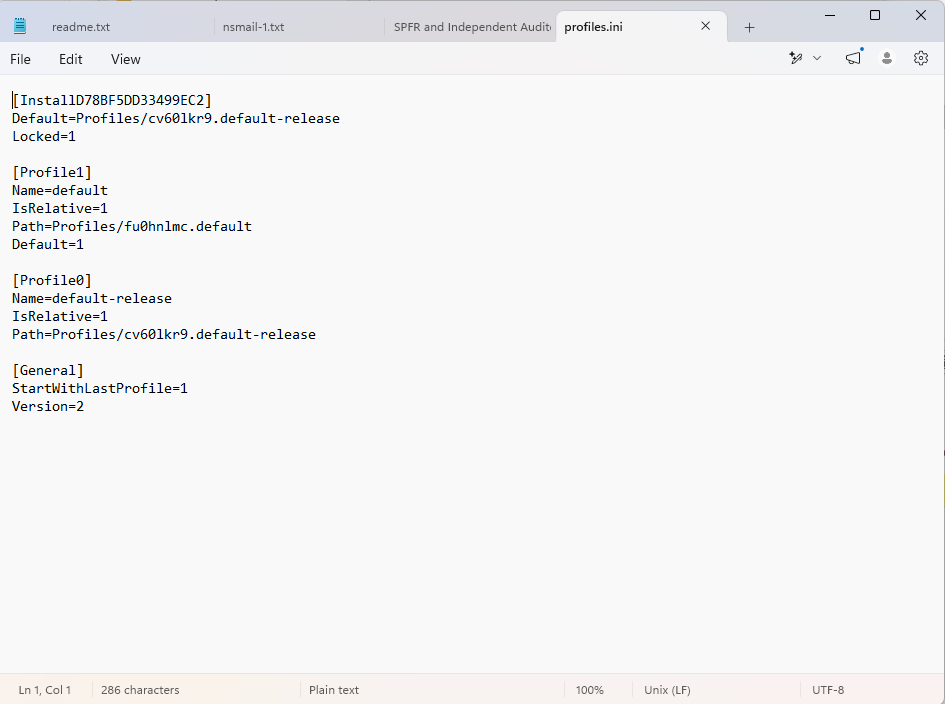
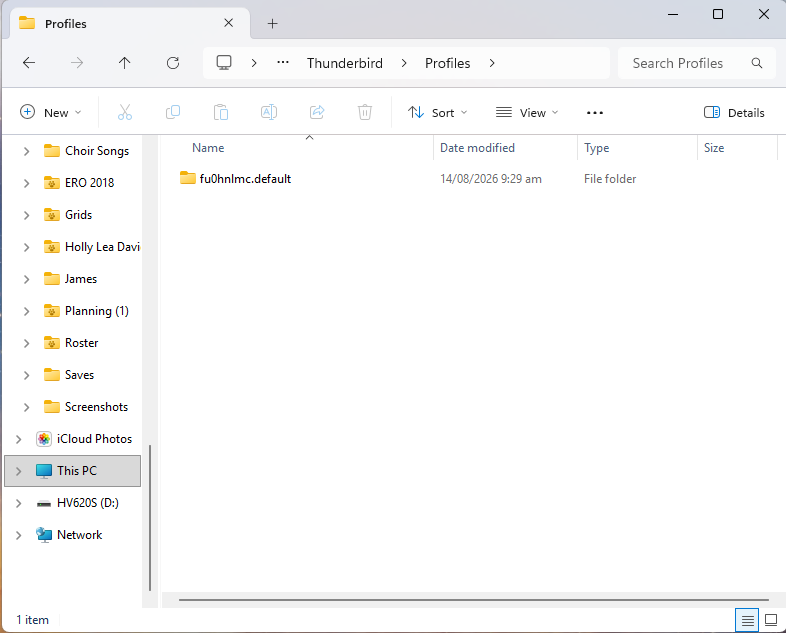
The profile.ini indicates there is only one profile and it is set to default. There is no indication of a missing profile. I am clueless on what may have happened.
With default-release in profiles.ini, there should be a directory for that. That said, what files are in fu0hnlmc.default?
Very strange! I would try the following: Press Windows Key + R on the keyboard. In the Run dialog box, type: thunderbird -P The Thunderbird profile manager will open: select the profile "default" and click "Start Thunderbird" Report what you will see....
Trying to open thunderbird using "default" profile brings up a message saying profile is missing.
Screenshot of profile options under thunderbird -P attached. All are empty except for Default User which is the one I am using that I have had to start from scratch.
files in fu0hnlmc.default are in attached images below.
Thanks
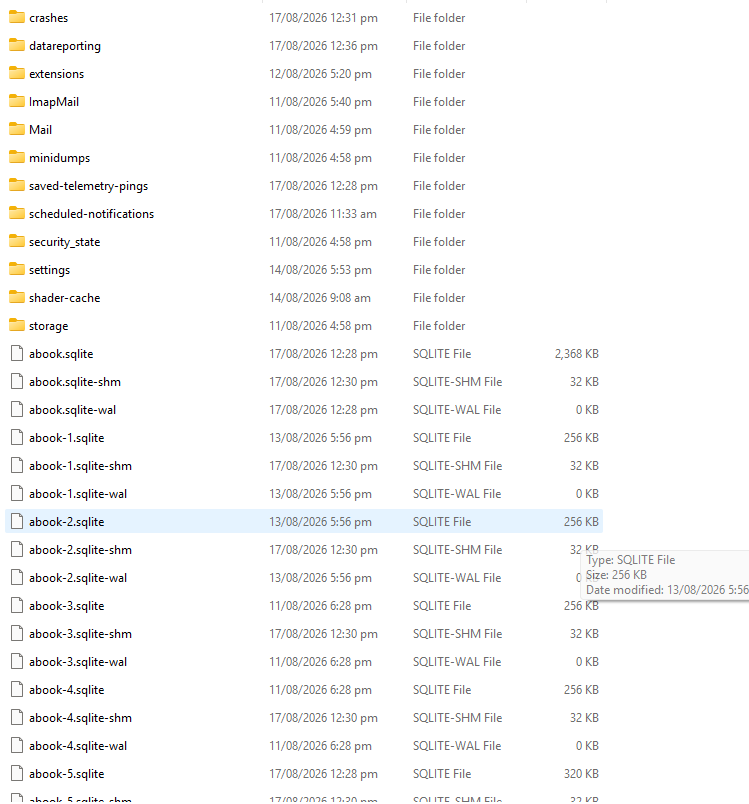
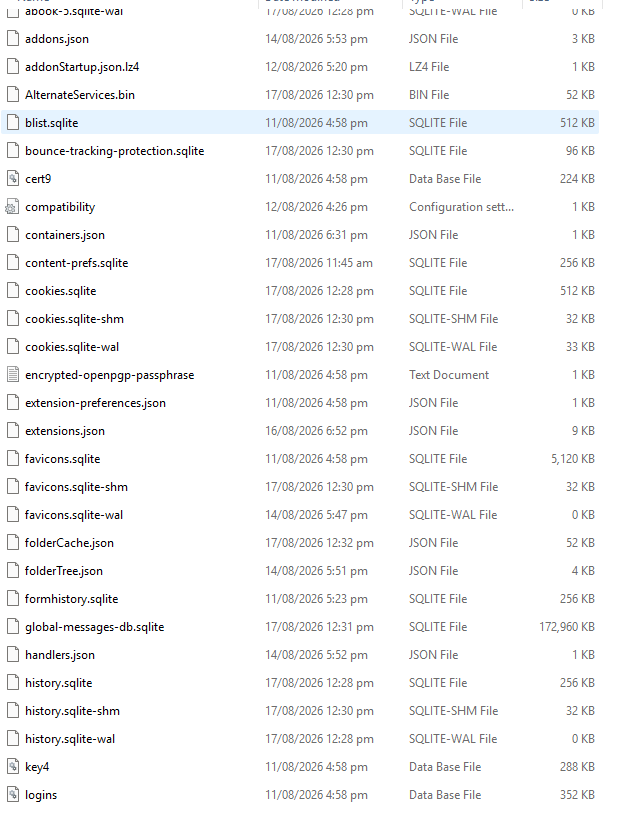
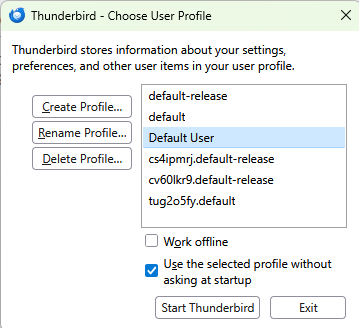
I have no idea what is going on here.
The profiles.ini file that was uploaded shows only two profiles.
The profile manger that is populated from profiles.ini shows six distinct profiles.
So can we back up here and try and locate the profiles.ini file that the profile manager is loading from?
In the windows file manager type %appdata%\Thunderbird as that is the location that the application will be polling for the profile.ini files. I have a feeling there is a disconnect between your interpretation of where appdata\roaming\thunderbird is vis-à-vis where Windows thinks it is. This might shed some light
Izmjenjeno od strane Matt