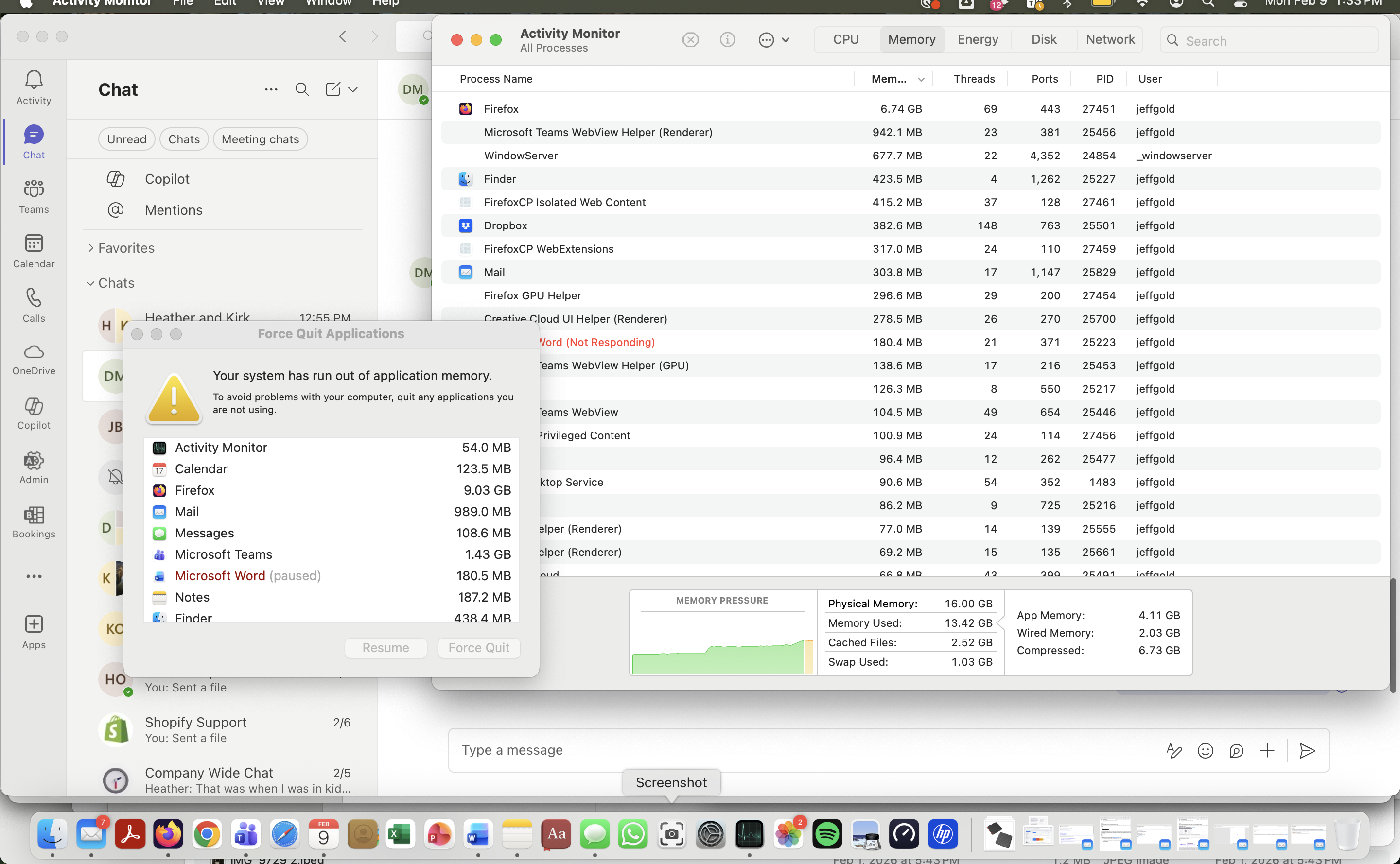
Why is Firefox using insane amounts of memory all of a sudden on my Macbook Pro?

I have removed many gb of apps to try and address this issue today but can't stop Firefox from using an insane amount of memory. What's up? I've been using Firefox for years and have never had this issue until today. I'd like to keep using your browser but I can't if my computer keeps shutting down.
All Replies (1)
Well... Those macbooks with their set amount ram and there is nothing you can do about it. I bought a 2012 with 16gb of ram. It's still gets the job done, but when I need to have several things open it struggles.
See if this helps.
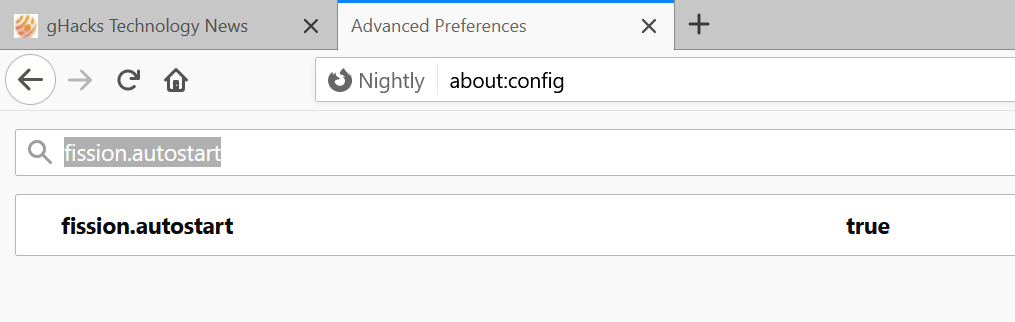
Firefox's Project Fission:
Introducing Firefox’s new Site Isolation Security Architecture https://hacks.mozilla.org/2021/05/introducing-firefox-new-site-isolation-security-architecture/
Firefox's Project Fission: better security and more processes https://www.ghacks.net/2019/02/07/firefoxs-project-fission-better-security-and-more-processes/
You can try Firefox's Site Isolation feature Fission in Nightly now https://www.ghacks.net/2020/09/20/you-can-try-firefoxs-site-isolation-feature-fission-in-nightly-now/
Change how many processes multi-process Firefox uses https://www.ghacks.net/2016/02/15/change-how-many-processes-multi-process-firefox-uses/