


folder

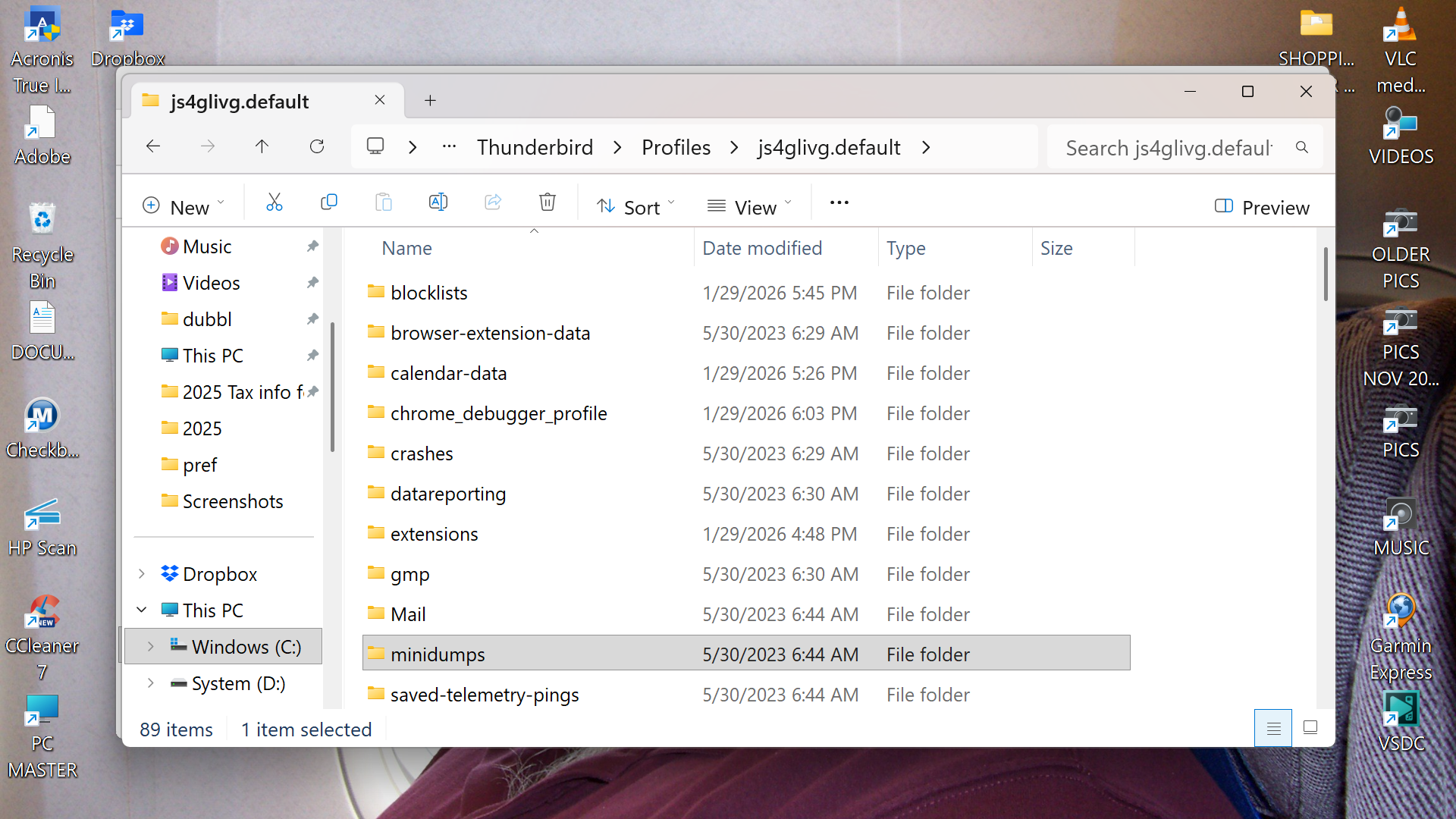
I inadvertently deleted a mail sub folder named Shopping Oder Confirmations I found the folder in my acronis backup and copied it to my desktop I then pasted it in to the profile window of thunderbird in hopes that when i restarted it would show up in my mail folders which it did not I can send you screen shots of the different windows where I dropped the folder Can you help please?! There is tons of information in these folders I reference often. Thank you! BTW I did just make a donation :)
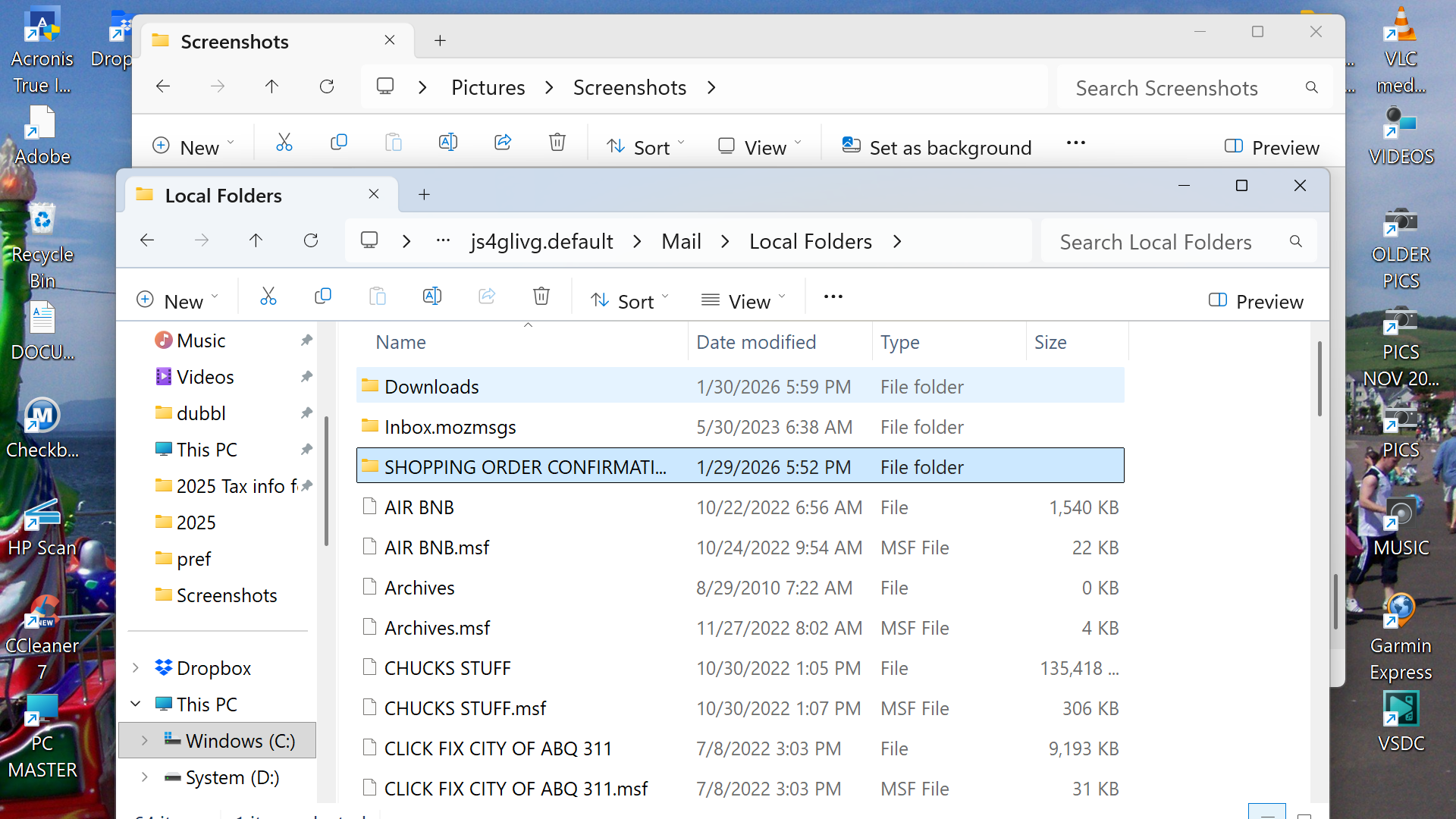
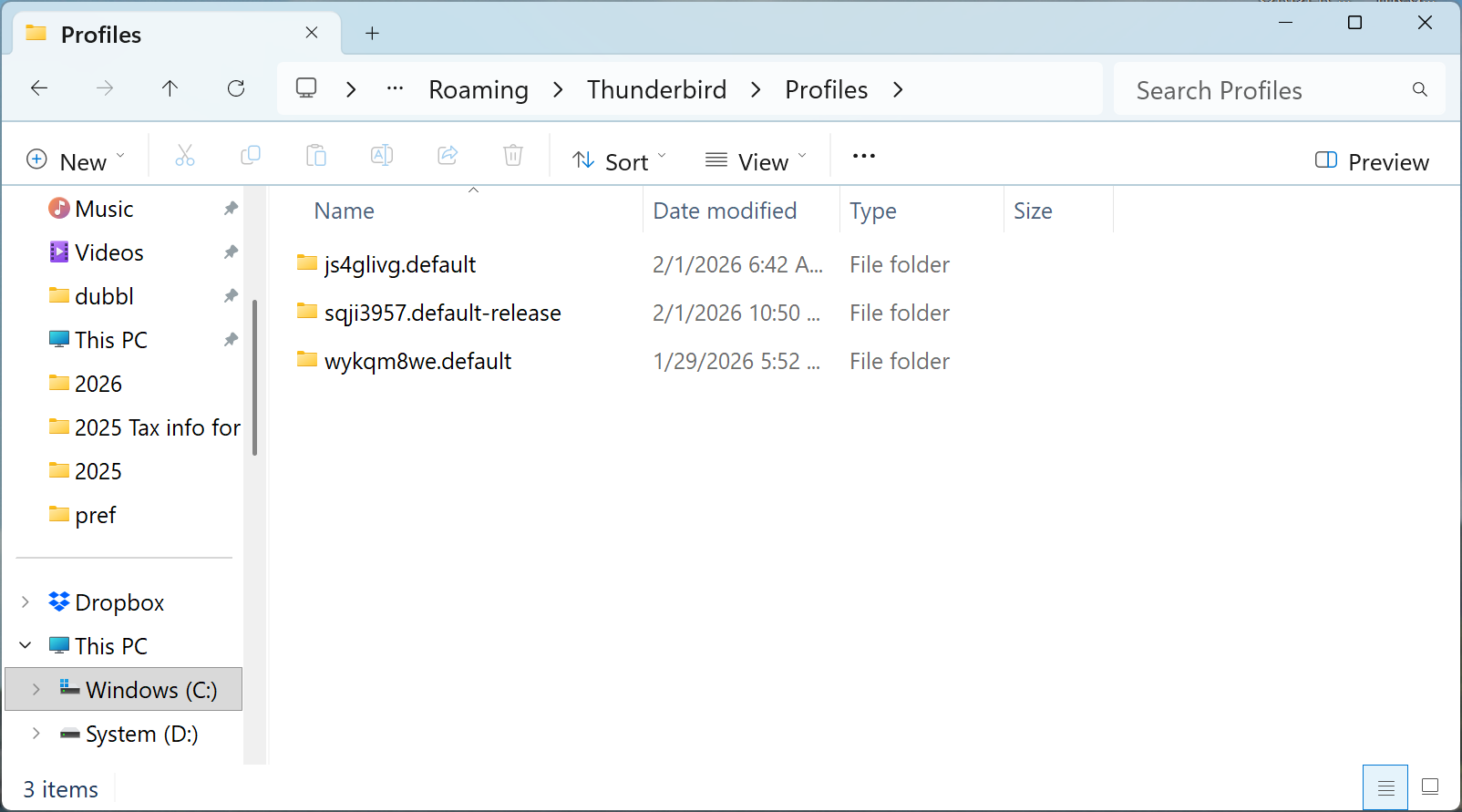
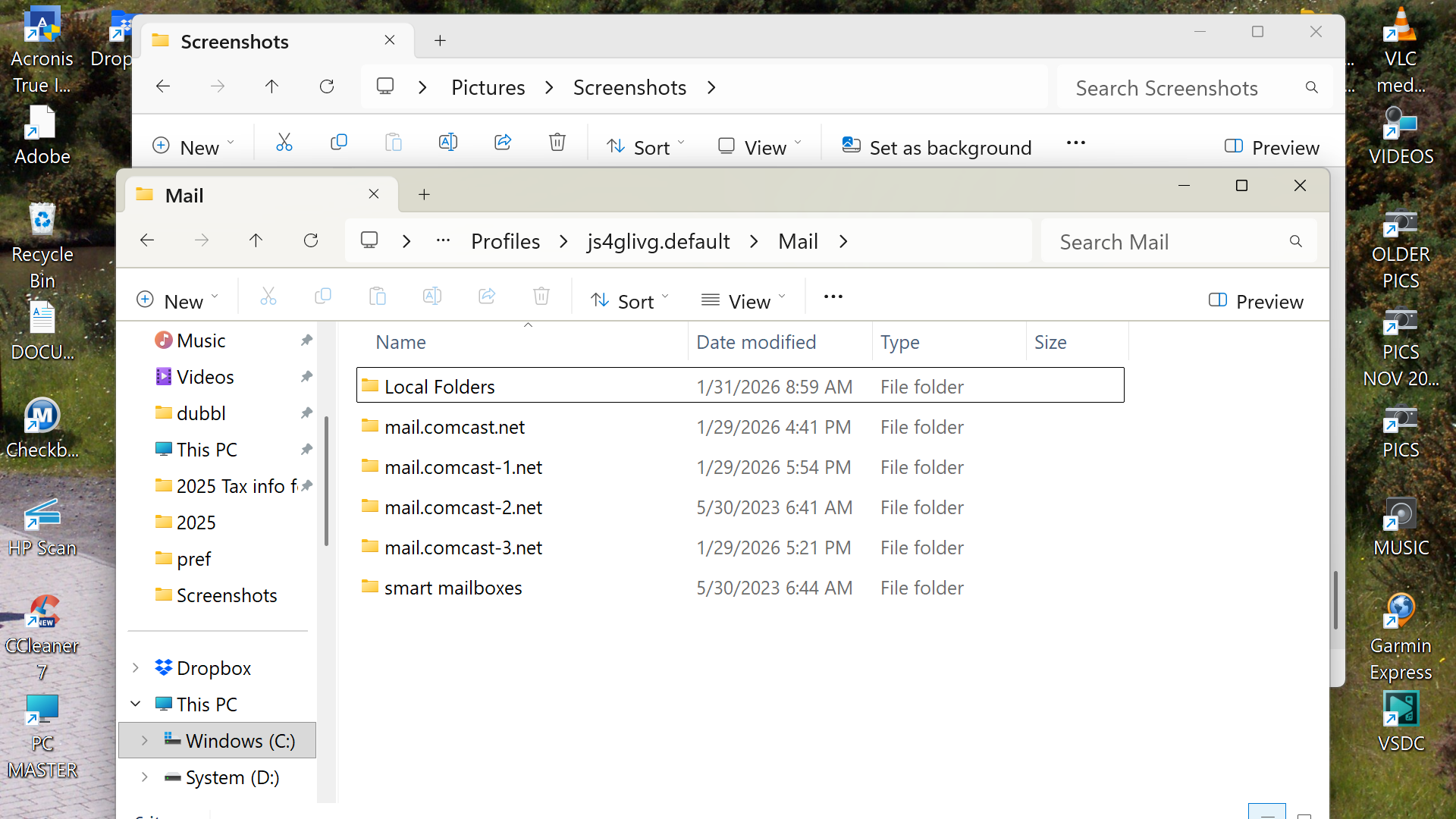
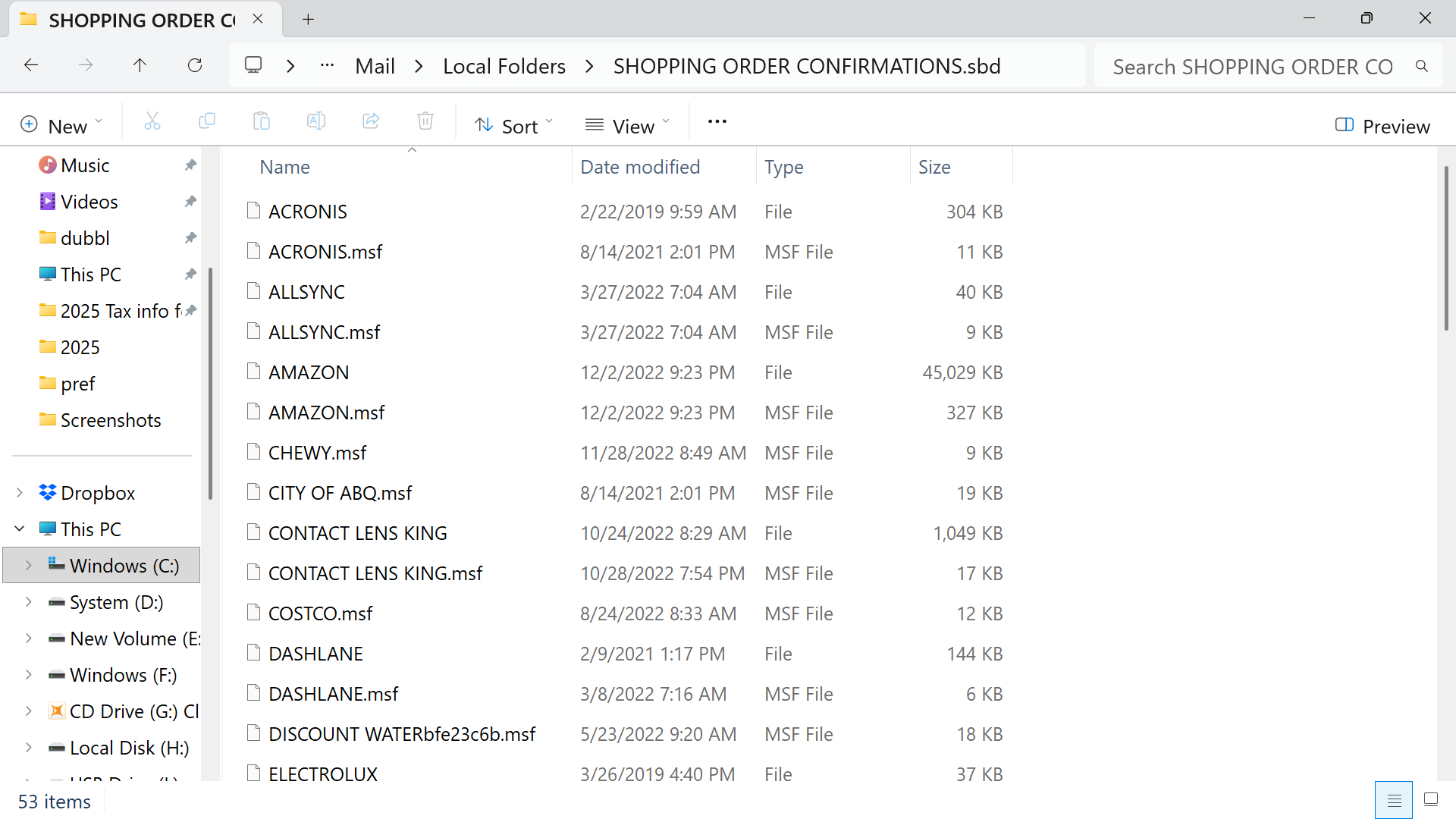
All Replies (12)
Look in each of those profiles to see if the missing folders are there. Most likely, they will be in the Mail\Local Folders folder. Post screenshot of whatever you locate there for each of the three. Thanks.
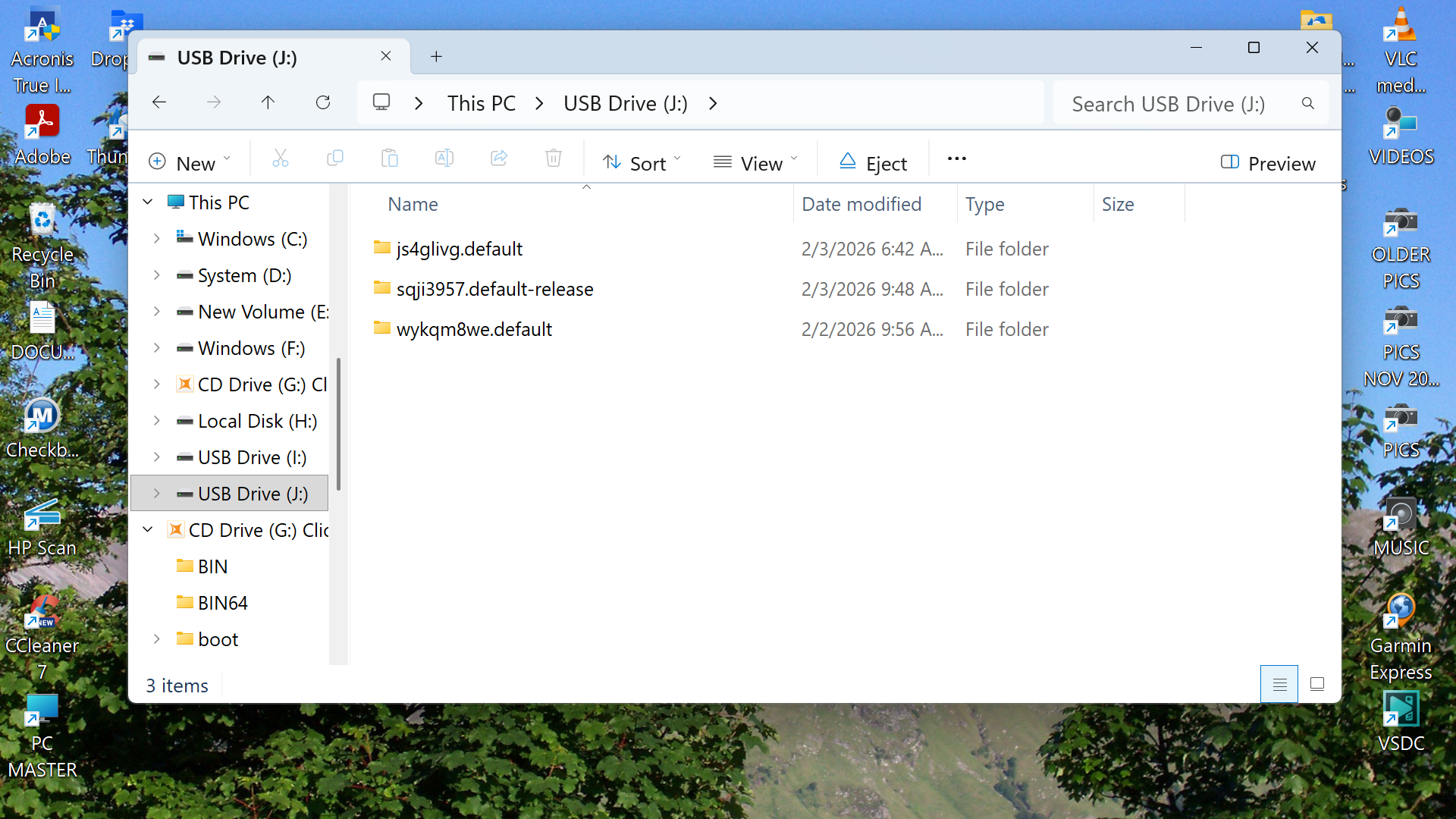
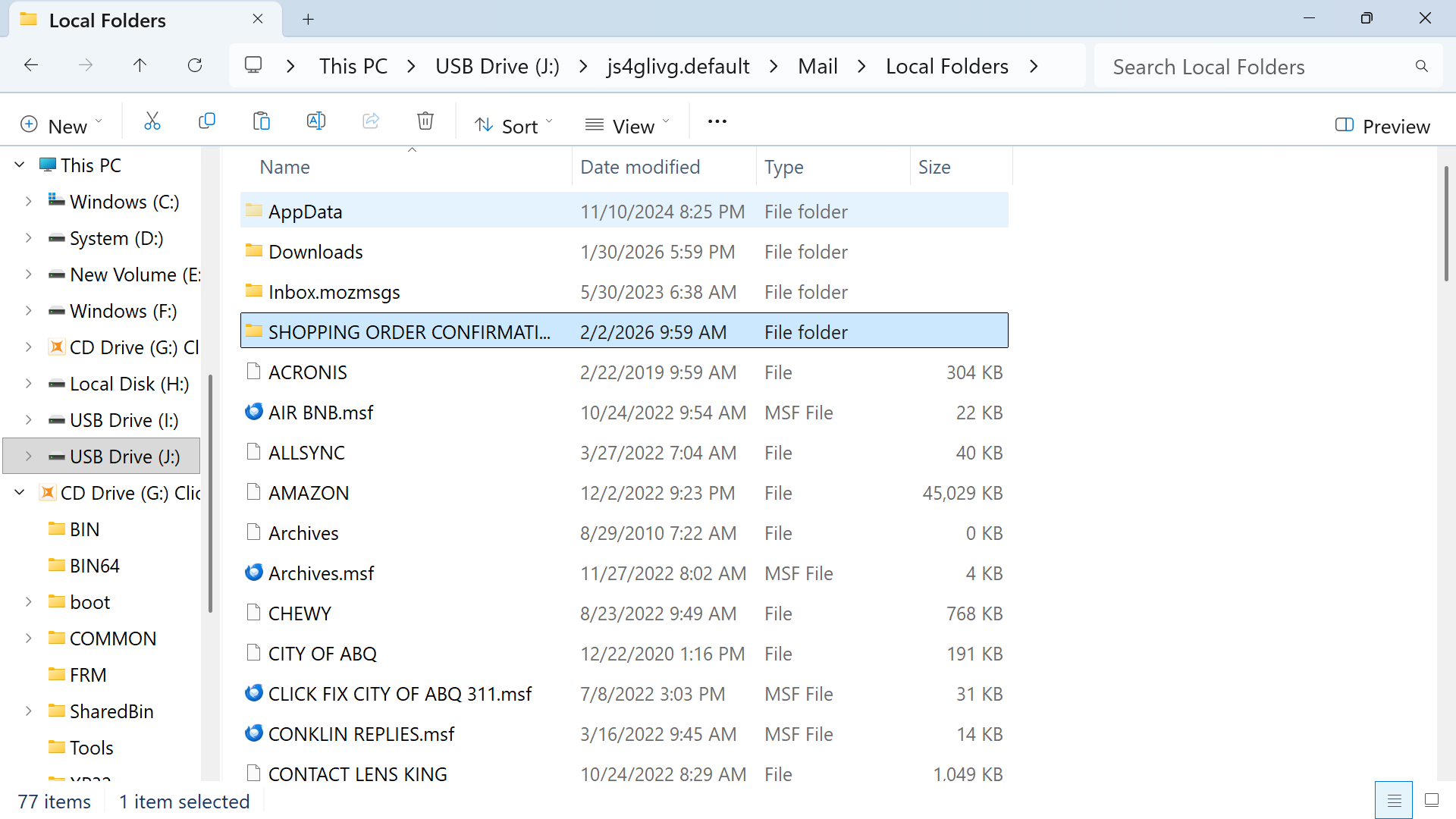
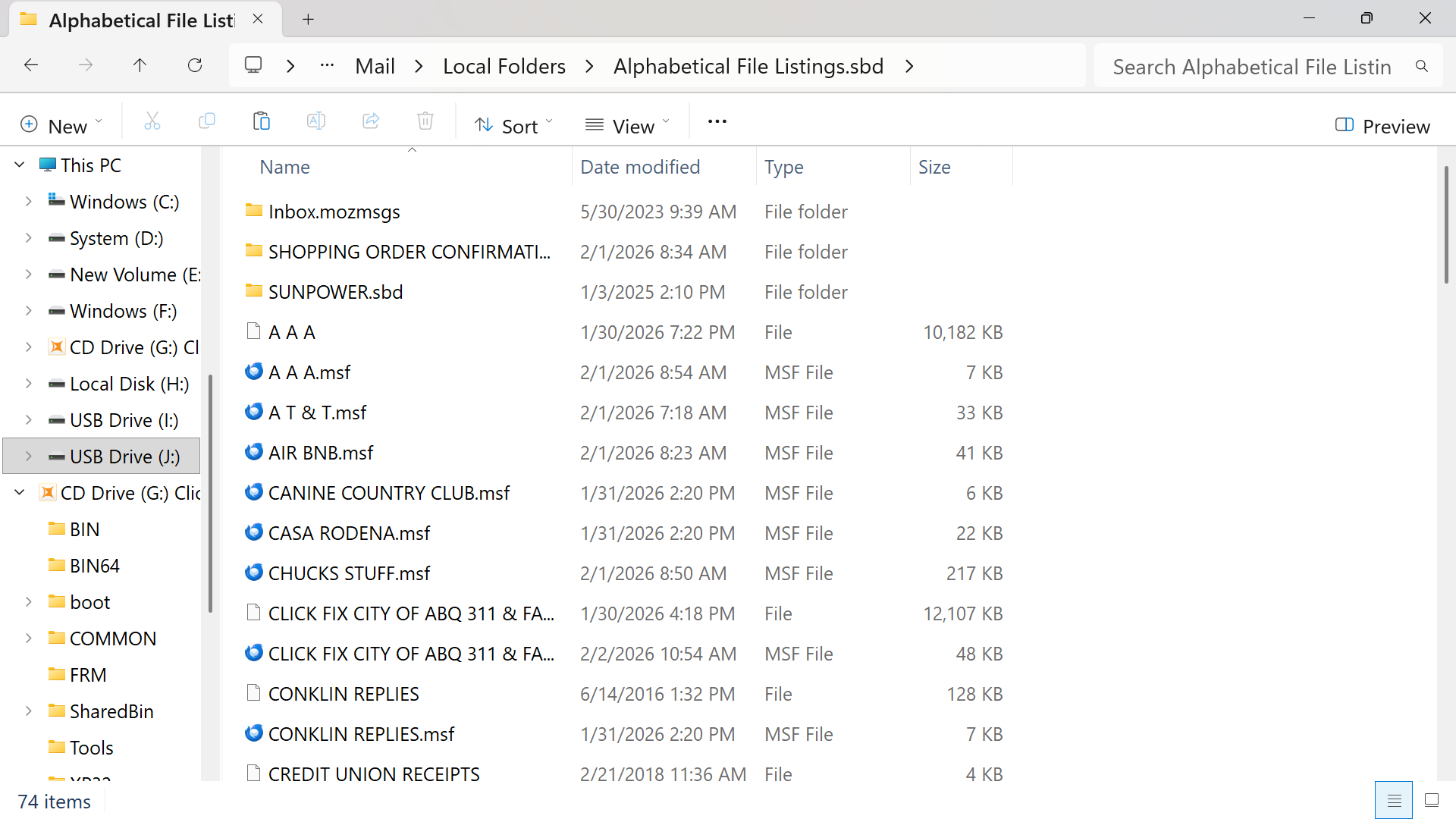
OK....these are from my flash drive....first one are the 3 files in the profile....second one is in the mail file of the first folder....third one is the mail file of the second folder....and the fourth one is the list of the third file......
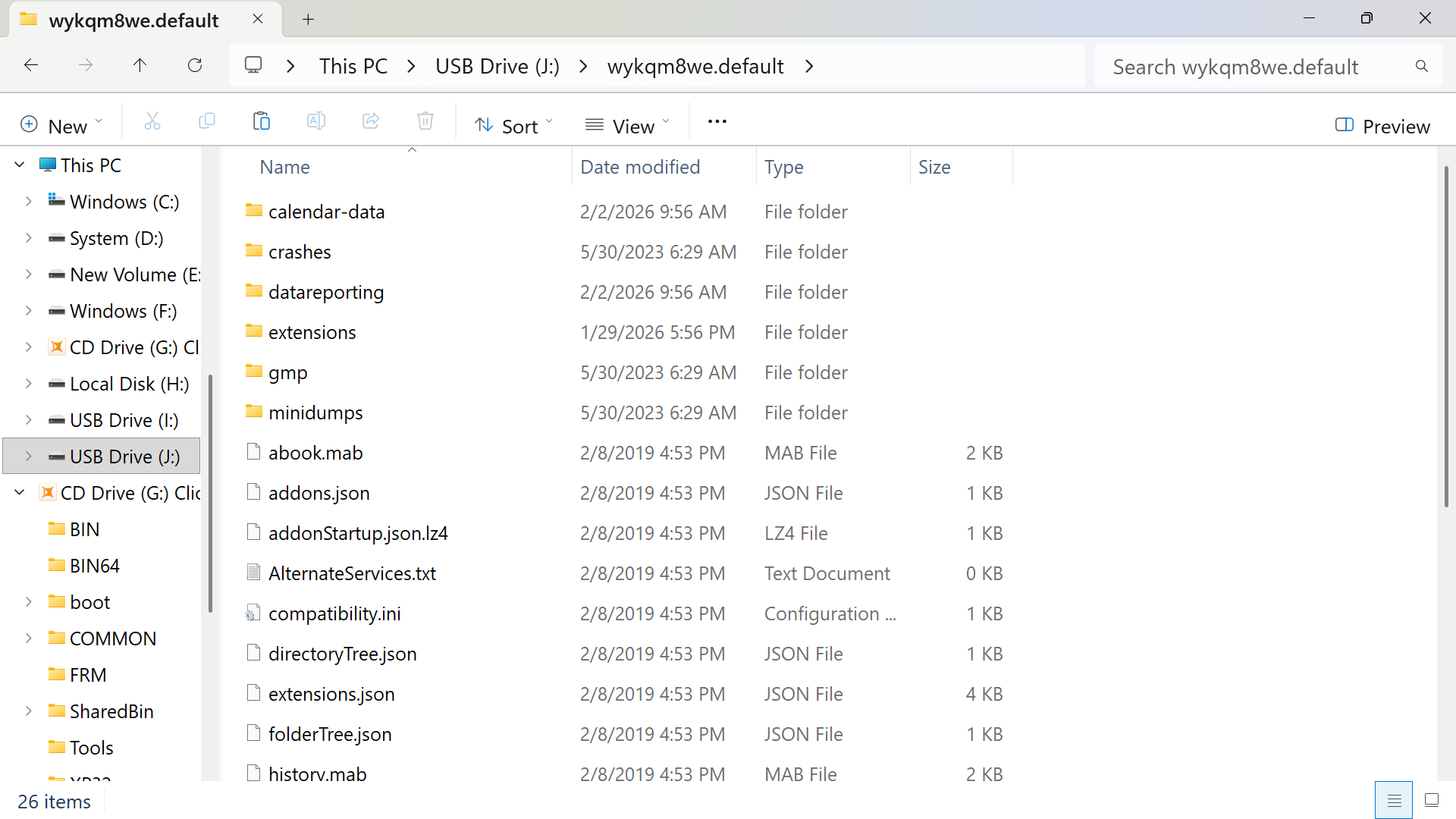
Ok, as I recall, one of the lost folders was the AMAZON folder. To recover that, do this These steps assume you installed the importexporttools NG addon: - highlight Local Folders - Rightclick and select the importexport option to import mbox file - now, in windows file explorer locate the flash drive - there, select the js4glivg.default\Mail|Local Folders|AMAZON file - check to see if messages are visible. If so repeat above steps for other missing files
My concern is that none of these files have an .mbox suffix....they are all blank or have .msf is that a problem?
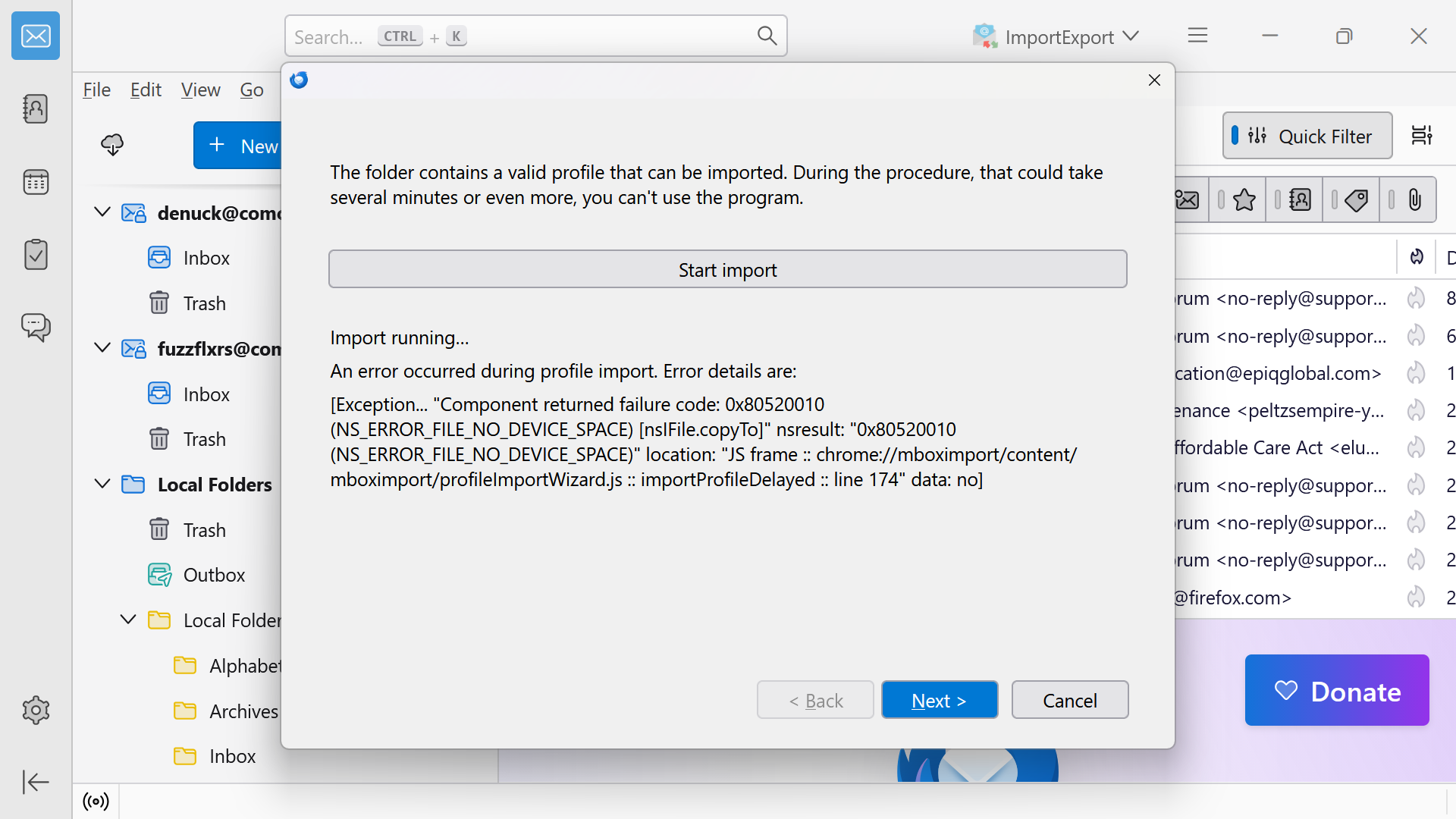
When i tried to import i got these error boxes.....just wondering tho....what would happen if i deleted the profiles from the new installation and replaced them with the ones on the flash drive?
Sorry, I'm a bit late now. But I think the restoration of your Shopping Oder Confirmations folder including sub-folders should have been rather easy.
dubbls said
I inadvertently deleted a mail sub folder named Shopping Oder Confirmations I found the folder in my acronis backup and copied it to my desktop I then pasted it in to the profile window of thunderbird in hopes that when i restarted it would show up in my mail folders which it did not
You copied the SHOPPING ORDER CONFIRMATIONS.sbd file folder from your backup to Local Folders in the profile folder. But it seems that you forgot to also copy the correspondant mbox file SHOPPING ORDER CONFIRMATIONS (without extension!), together with the .sbd folder! Without the mbox file Thunderbird cannot display the SHOPPING ORDER CONFIRMATIONS folder and its sub-folders in the Local Folders in the folder pane. And if there were no backup of this mbox file in the backup you can easily create the file in a text editor such as Notepad and move to Local Folders in the profile folder.
I copied the profile folder directly from my file back up....there are no files in the local mail folder that end with the suffix .mbd there are only ones that have no suffix....are you saying that the suffix needs to be added to the files that have no suffix?....
The screenshots you posted would NOT appear from the steps I documented. Did you highlight Local Folders and rightclick and select the importexport option? I have no idea what you are doing. We had isolated an mbox file to import, yet your screenshots seem to be trying something else. I will leave this with Mapenzi.
dubbls said
I copied the profile folder directly from my file back up....there are no files in the local mail folder that end with the suffix .mbd there are only ones that have no suffix....are you saying that the suffix needs to be added to the files that have no suffix?....
No, you misunderstood my explications. I didn't say that you missed to copy/paste an .mbd file (I even don't know what that is) neither that you had to add an .mbd extension to a file without any extension. I wrote that you probably missed to copy an mbox file named SHOPPING ORDER CONFIRMATIONS (NO suffix!). Thunderbird's mailbox (or mbox) files have NO suffixes. I cannot verify whether you copied/pasted a SHOPPING ORDER CONFIRMATIONS file to Local Folders since your screen shot is too short.
@dubbls The actual state of your Thunderbird installation is very unclear and confusing. In your opening message you showed a screen shot which let me deduct that at that time the folder "js4glivg.default" still was your active profile folder. At that time you had deleted a folder "Shopping Order Confirmations" containing sub-folders from your Local Folders in Thunderbird. Then you had copied the file folder "Shopping Order Confirmations.sbd from a profile backup and pasted it back in .... \Mail\Local Folders\ You didn't mention having also copied/pasted a file named "Shopping Order Confirmations" (without any suffix!!!) back to Local Folders in the Mail folder. So I guess you didn't restore it from the backup. To display the folder Shopping Order Confirmations and its sub-folders in Local Folders in Thunderbird the presence of a file without suffix "Shopping Order Confirmations" in \Mail\Local Folders\.... is essential. You still can search for this file in your backup, and if you don't find it you can create an empty file Shopping Order Confirmations yourself in a text editor like Notepad.
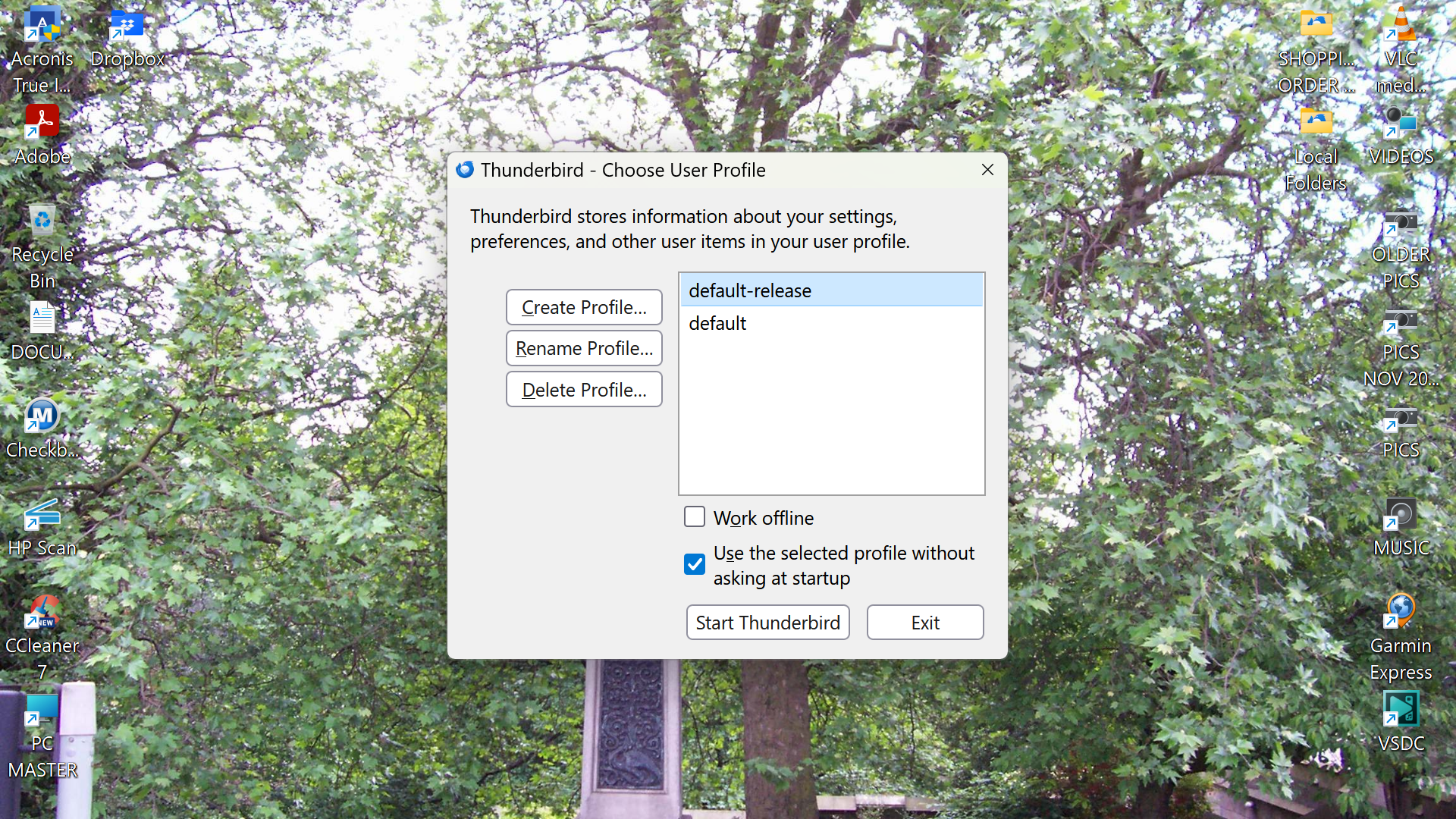
Unfortunately in the meantime you seem to have created a new Thunderbird installation since in your message from 2/5/26, 8:00 AM you ask "what would happen if i deleted the profiles from the new installation your screen" and your screen shot shows the Thunderbird profile manager of a new installation.
Which is the actual state of your Thunderbird installation? Did you move the "ancient" \Roaming\Thunderbird\ folder (second screen shot from 2/1/26) with the three profiles to a location somewhere else before starting with a new Thunderbird installation? Or did you delete it definitively?
Izmjenjeno od strane Mapenzi
I have successfully restored all of my mail files simply by copying the full thunderbird file from a back up drive and leaving it on my new computer and installing a fresh version of thunderbird...thank you all for your previous input....