


Thunderbird

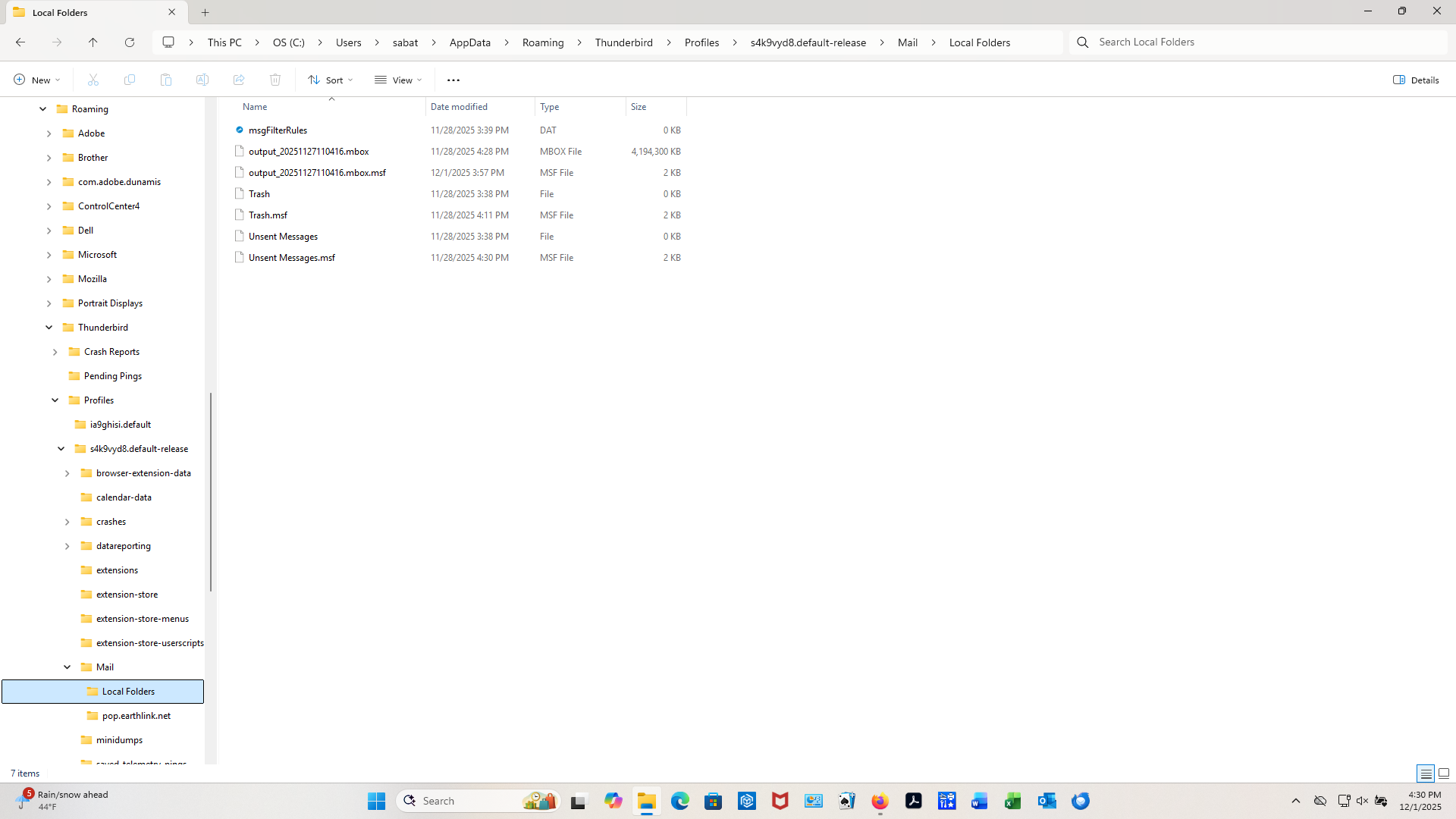
I converted my old Outlook emails in to MBOX using the Syscurve conversion software, and then moved the MBOX file into my Local Folder for Thunderbird. When I open Thunderbird it sees the file, but does not see the folders or messages inside the file. The Local Folder has the following three files in it (plus the trash, etc.): output_20251127110416.mbox 4,194,310 kb output_20251127110416.mbox.msf 2 kb output_20251127110416.msf 2 kb Thunderbird shows the output_20251127110416.mbox in the Local Folder but says no messages found when I click on it. How do I get Thunderbird to see the mbox files?
Izabrano rješenje
I was able to convert the PST files to EML, and then use the ImportExportToolNG to bring in the file structure and the email messages with attachments. I've reached out to Syscurve on the issue that the ImportExportToolNG gives me the message "Skip non-mbox file." I now have the old emails in Thunderbird so that problem is solved. If Syscurve gives me a solution to the MBOX file problem I'll post it here. Thanks for all the help I've received, and I'm glad to be moving on from Outlook. Best to all.
Pročitajte ovaj odgovor sa objašnjenjem 👍 0All Replies (20)

First thing to try:
- Close Thunderbird.
- Remove the mbox extensions from those files.
- Delete the msf files.
- Re-start Thunderbird.
Tried deleting the msf files and removing the mbox extension, still can't see any messages in the Local Folder under the output_20251127110416 listing. Thunderbird created a new msf file in the Profiles/Mail/Local Folders when I opened it up after the changes. Any other suggestions? Could the mbox files be corrupted?
Just to verify, you might use https://www.mbox-viewer.com/ to view the mbox files to see if they are properly formatted. If the online tool can't view them, the conversion may be flawed.
Tried to use the mbox view, saw a couple of messages, then just a huge amount of text. Not sure if it was just try to sort out the entire 4 gb of information or if the mbox file was just too big. Attached a screen shot of my folders, please let me know if it comes through. Thanks.
Suggestion: if this is an IMAP account, just DELETE the mbox file and msf. Thunderbird will recreate it.
david said
Suggestion: if this is an IMAP account, just DELETE the mbox file and msf. Thunderbird will recreate it.
Assumes that sabata2 still uses that Outlook account and wants to use it in Thunderbird?
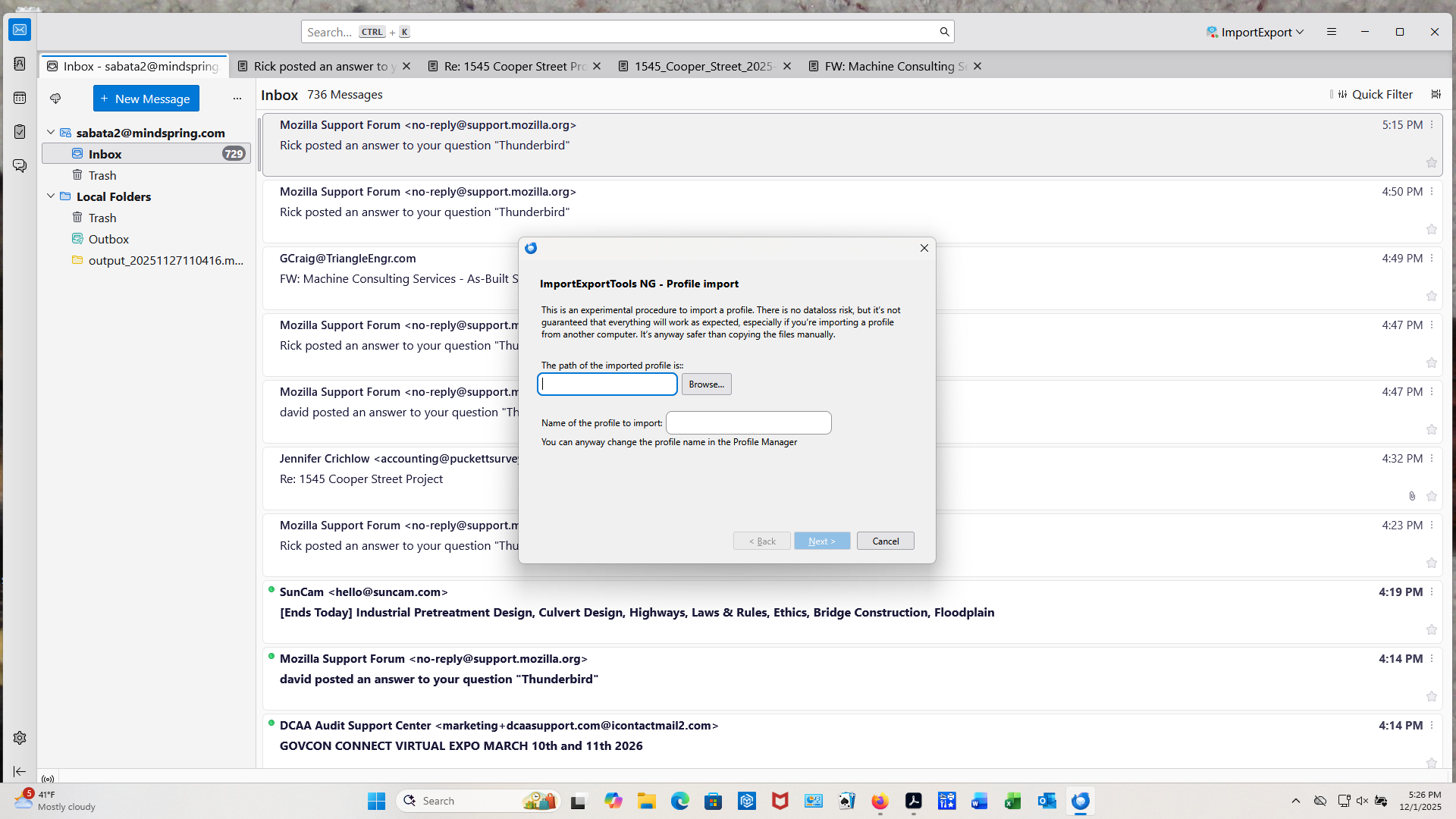
On the folder, I put back the mbox extension just to try that again, and forgot to remove it. On this account (business), when I moved from my old Windows 10 computer to my new Windows 11 computer, I could not get the Outlook Classic on my new computer to bring in my old PST file from my Windows 10 Outlook. This is why I am trying to transition over to Thunderbird. The old Outlook used POP3, and the new Outlook Classic uses IMAP. On my personal computer I was able to bring all my Live Mail emails over to Thunderbird, so I am hoping to do the same with my business computer (I'm an Engineering Consultant). I decided to use Syscurve to turn my old PST files on my old computer into mbox files, and move it to my Local Folder on my new computer where I could view them (approximately 15,000 messages). As the above posts show, that has been a problem. I'm willing to start all over again if there is a way to get those mbox files into Thunderbird. Also, I downloaded the Import/Export NG extension, but the version I got doesn't have a way of bring in mbox files, only a profile. So I have basically become stuck. Appreciate any help getting unstuck.
Move the mbox file to your desktop or similar location.
ImportExportToolsNG will work. It is the next action that David and I were going to suggest.
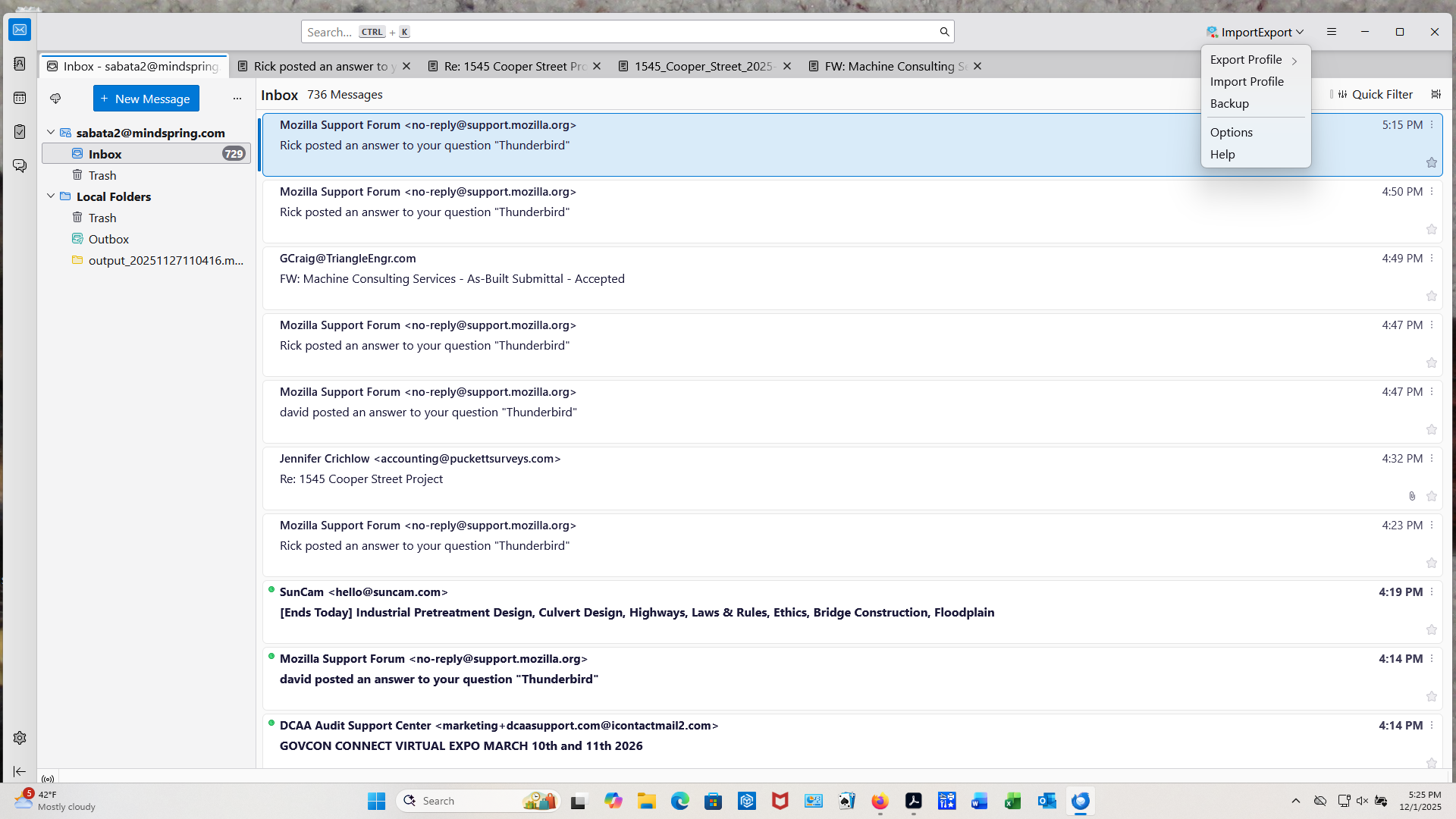
Please post a screenshot of ImportExportToolsNG’s menu, open to the top level.
Any chance you set up Thunderbird to use maildir format instead of mbox?
highlight Local Folders rightclick and select the importexport option to import mbox select the desired mbox and click enter. it works
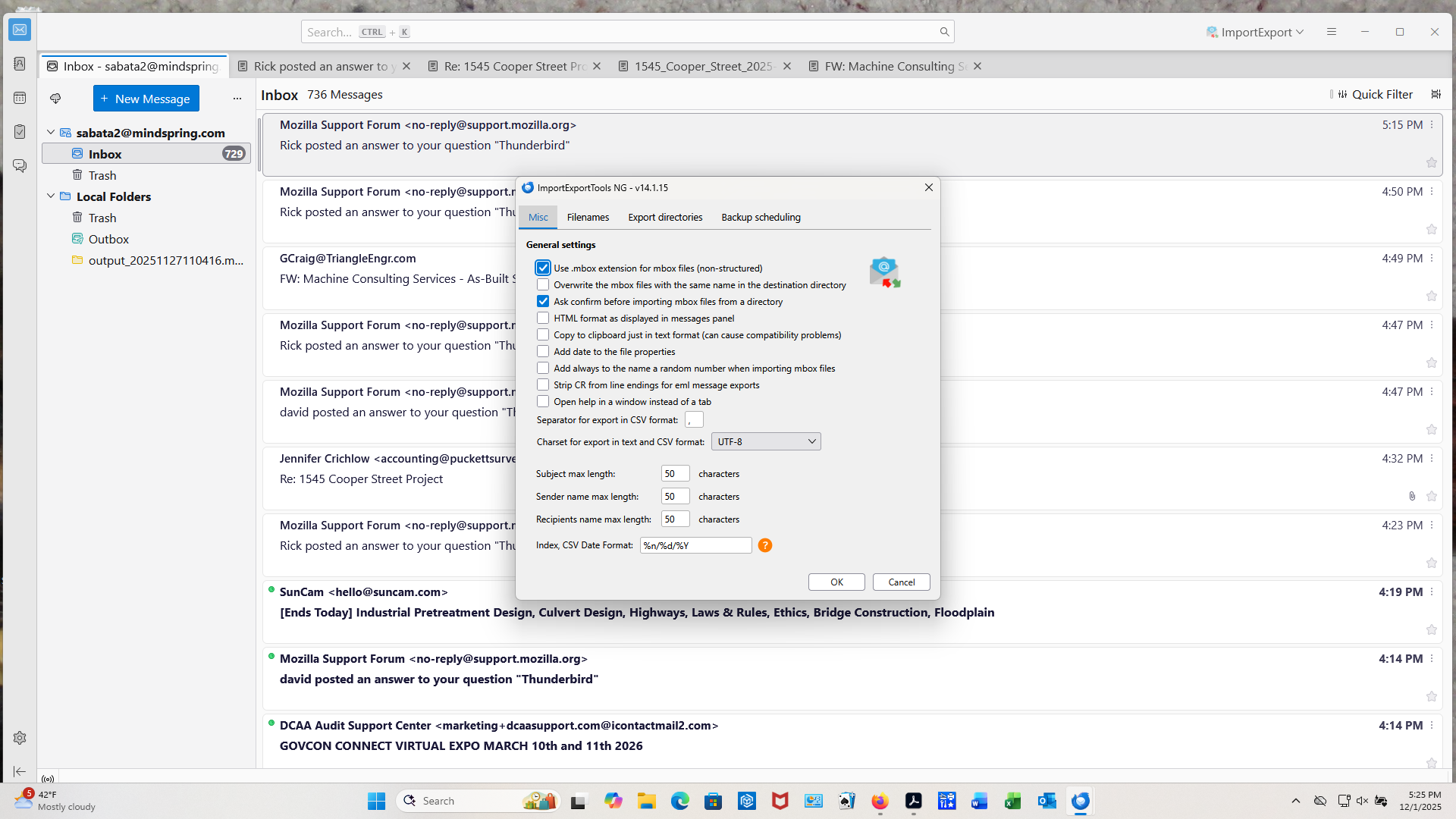
Not sure on the maildir vs mbox. Here are three screen shots of the ImportExportToolsNC menus.
I should have mentioned that I have the original mbox file on a flash drive plugged into the computer and was going to import that file (same as the one already in the Local Folder). I've moved it out of the Local Folder onto the desk top, highlighted Local Folder, right clicked, went to ImportExport NG, went to import mbox, then had to select one of four options, selected Individual Mbox Files (with sdb structure), and nothing came into the Local Folder. There is still an msf file in the Local Folder. I'm going to try again and select Individual Mbox Files and see if that works. This is all a learning experience for me with Thunderbird, so no problem telling me I'm not doing something right.
Thanks for all your help, I'm calling it a day and tomorrow I'm going to start from scratch, moving one folder at a time from my old computer, but first I'm going to move one file to make sure the conversion software is not the problem. Appreciate everything.