


Sidebar "open on hover" size

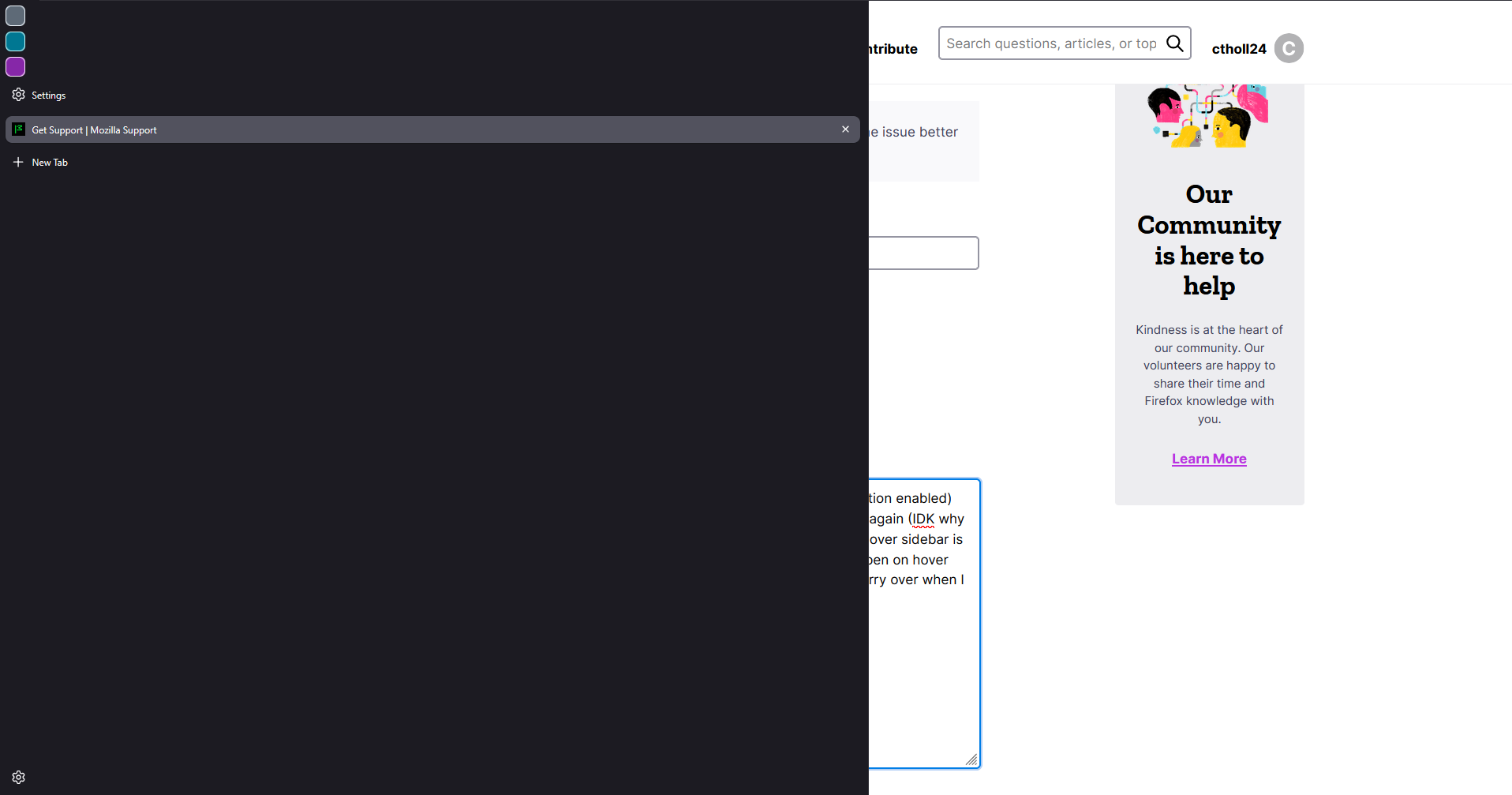
I was experiencing that one bug that locks the sidebar from opening on hover (even with the option enabled) and I was somehow able to change the size of the sidebar while trying to get it to start working again (IDK why I didn't just close and reopen my browser because I know that fixes that) and now my open on hover sidebar is the biggest it can go and it is genuinely unusable. I can't change the size of it while it's on the open on hover option, but changing it back to the fixed/static sidebar and then editing the size does not carry over when I re-enable the open on hover option. Objectively, this is really dumb and kind of hilarious. I know I am dumb for this.
সমাধান চয়ন করুন
Hi,
That sounds awful. And that's definitely not the intended behavior, so you faced several consecutive bugs. Sorry for that!
Could you please try running Firefox in Troubleshoot Mode and see if the sidebar size will be saved there?
প্রেক্ষাপটে এই উত্তরটি পড়ুন। 👍 1All Replies (2)
চয়ন করা সমাধান
Hi,
That sounds awful. And that's definitely not the intended behavior, so you faced several consecutive bugs. Sorry for that!
Could you please try running Firefox in Troubleshoot Mode and see if the sidebar size will be saved there?
Denys said
Hi, That sounds awful. And that's definitely not the intended behavior, so you faced several consecutive bugs. Sorry for that! Could you please try running Firefox in Troubleshoot Mode and see if the sidebar size will be saved there?
That did it! Thank you sm :)