firefox refuses to display google content

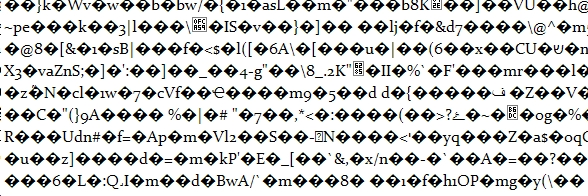
I'm running Firefox 13.0.1 on my XP machine. FF refuses to display most Google content, including docs and regular pages from support.google.com . Pages (including source code) display as question marks in black diamonds, random letters, random characters, etc.
Also having trouble with some blog/forums displaying/functioning properly. Problems began simultaneously. Google APIs are functional, as far as I know.
Всички отговори (2)
hello blackmax, please enter about:config into the location bar, search for the preference named network.http.accept-encoding & right click and reset that to its default value...
other users had the problem that this change didn't stick after firefox is closed and restarted, in this case they had to delete user.js file in the profile folder - https://support.mozilla.org/de/questions/930118
Yes! Nice job, madperson. I appreciate the quick reply. It did the trick. I'll share this with some others having the same problem.