


After recent update my bookmarks toolbar appears blank.

After a recent update my bookmarks toolbar appears blank. It is shown, but empty. When I go to the bookmarks menu I find all of the bookmarks shown as being on my bookmarks toolbar. How do I get them back where they belong?
Избрано решение
No, but I did a refresh. It then took a system reboot to get my toolbar back. Very strange indeed.
Thanks for your help.
Променено на от butane111
Всички отговори (10)

You can do it in the view menu:
Alt key - View - Toobars - Bookmarks toolbar
That just allows me to show or hide the toolbar. It is showing, but empty.
In the Bookmarks Menu, my bookmarks are all still there. But they are invisible when I 'show' the bookmarks toolbar.
Променено на от butane111
And just to double check, they're correctly filed under the "Bookmarks Toolbar" folder? (Because "Bookmarks Menu" folder is something else, and that is to show… well, in Bookmarks Menu, but not the Bookmarks Toolbar, what ought to end up on the toolbar needs to go in here:
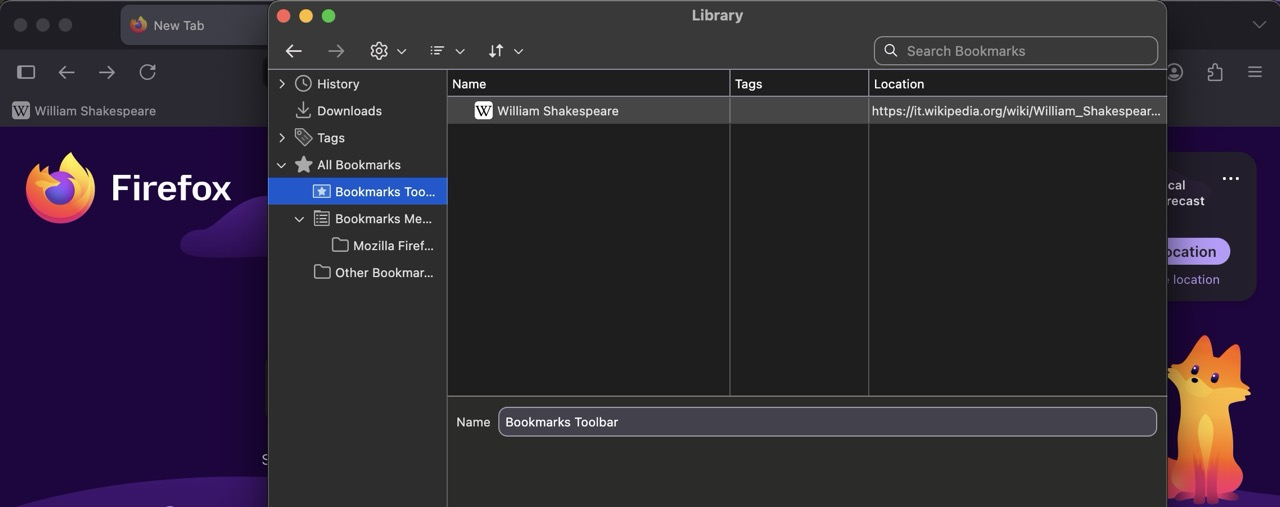
Yes, they are all listed under 'Bookmarks Toolbar'. I've tried adding a new bookmark to the toolbar also. Star turns blue but toolbar remains blank.
Oh that's wrong:( Can you please restart the whole machine first, and see if the newly added bookmarks are actually staying in the library and not disappearing? (It might be just another exhibition of Fix "The bookmarks and history system will not be functional" error message that just doesn't pop up the error message.)
The Bookmarks Toolbar - Display your favorite websites at the top of the Firefox window also has a troubleshooting section lower in the article, with things to try and verify first.
Can you restart into Troubleshoot Mode (from Help menu) to see if there's any change? Worst case, if you go to "customize toolbars" editing mode, and "restore defaults" for factory setup, do they come back?
What happens if you drag a bookmark (or any link from the content as well per se) to the empty toolbar directly, out of curiosity?
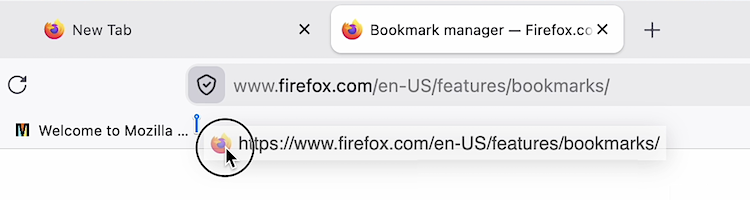
I rebooted the machine. No change. I went out of full screen mode. No change. I restored default toolbar settings. No change. Dragged an address to the toolbar. Tab closed. Dragged a link from Bookmarks Menu to Toolbar. Nothing happened.
Also disabled ad blocker. No change.
Very strange. Have you tried in Firefox troubleshoot mode?
Избрано решение
No, but I did a refresh. It then took a system reboot to get my toolbar back. Very strange indeed.
Thanks for your help.
Променено на от butane111