


Why has "40%" been *eliminated* from the Zoom options?

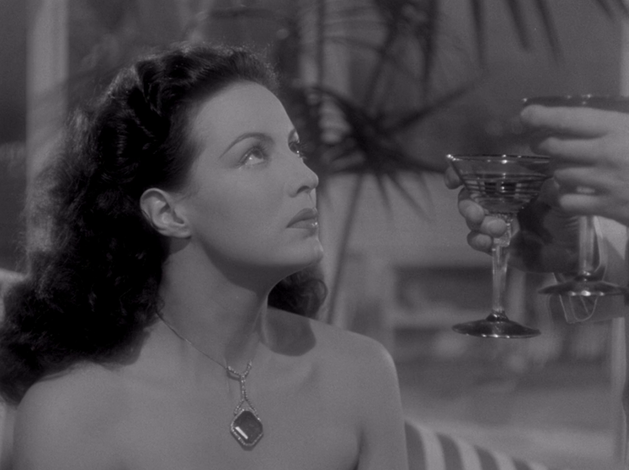
Eliminating 40% from the zoom options was a change that seems quite unnecessary and is, moreover, extremely inconvenient! The previous zoom percentage options of ...80-70-60-50-40-30 were (more logical and) *far* more useful than the current options of 80-67-50-30. If for some reason you are limited to four values in this range, then I'd much prefer choices of 75-55-45-30 percent. The two images attached are saved at (resp.) 50%, which is too large for my purposes -- namely, inclusion as in-line e-mail images -- and 30%, which is too small.

Избрано решение
Hello
Firefox 152.0 https://www.firefox.com/en-US/firefox/152.0/releasenotes
Site zooming via keyboard or mouse now offers more zoom levels in smaller increments than before.
Всички отговори (4)
Hello
https://support.mozilla.org/en-US/questions/1372573
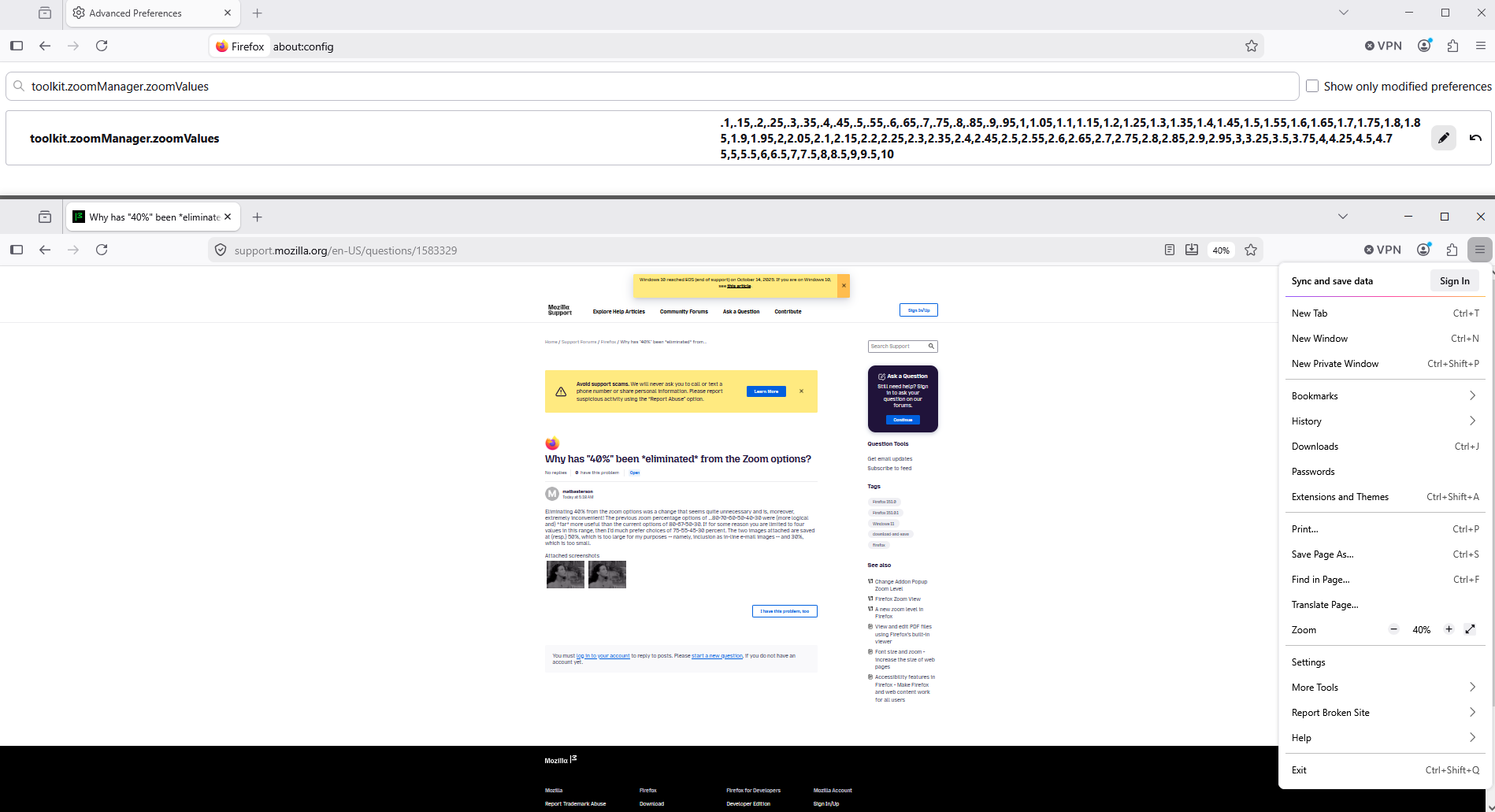
If you wish to test, toolkit.zoomManager.zoomValues
1 - Go to configuration editor https://support.mozilla.org/en-US/kb/about-config-editor-firefox 2 - Enter a search term toolkit.zoomManager.zoomValues
Below, default value
.3,.5,.67,.8,.9,1,1.1,1.2,1.33,1.5,1.7,2,2.4,3,4,5
Try, see screenshot, and, to reset a preference to its default value, click the Reset button
.1,.15,.2,.25,.3,.35,.4,.45,.5,.55,.6,.65,.7,.75,.8,.85,.9,.95,1,1.05,1.1,1.15,1.2,1.25,1.3,1.35,1.4,1.45,1.5,1.55,1.6,1.65,1.7,1.75,1.8,1.85,1.9,1.95,2,2.05,2.1,2.15,2.2,2.25,2.3,2.35,2.4,2.45,2.5,2.55,2.6,2.65,2.7,2.75,2.8,2.85,2.9,2.95,3,3.25,3.5,3.75,4,4.25,4.5,4.75,5,5.5,6,6.5,7,7.5,8,8.5,9,9.5,10
Променено на от Agent virtuel
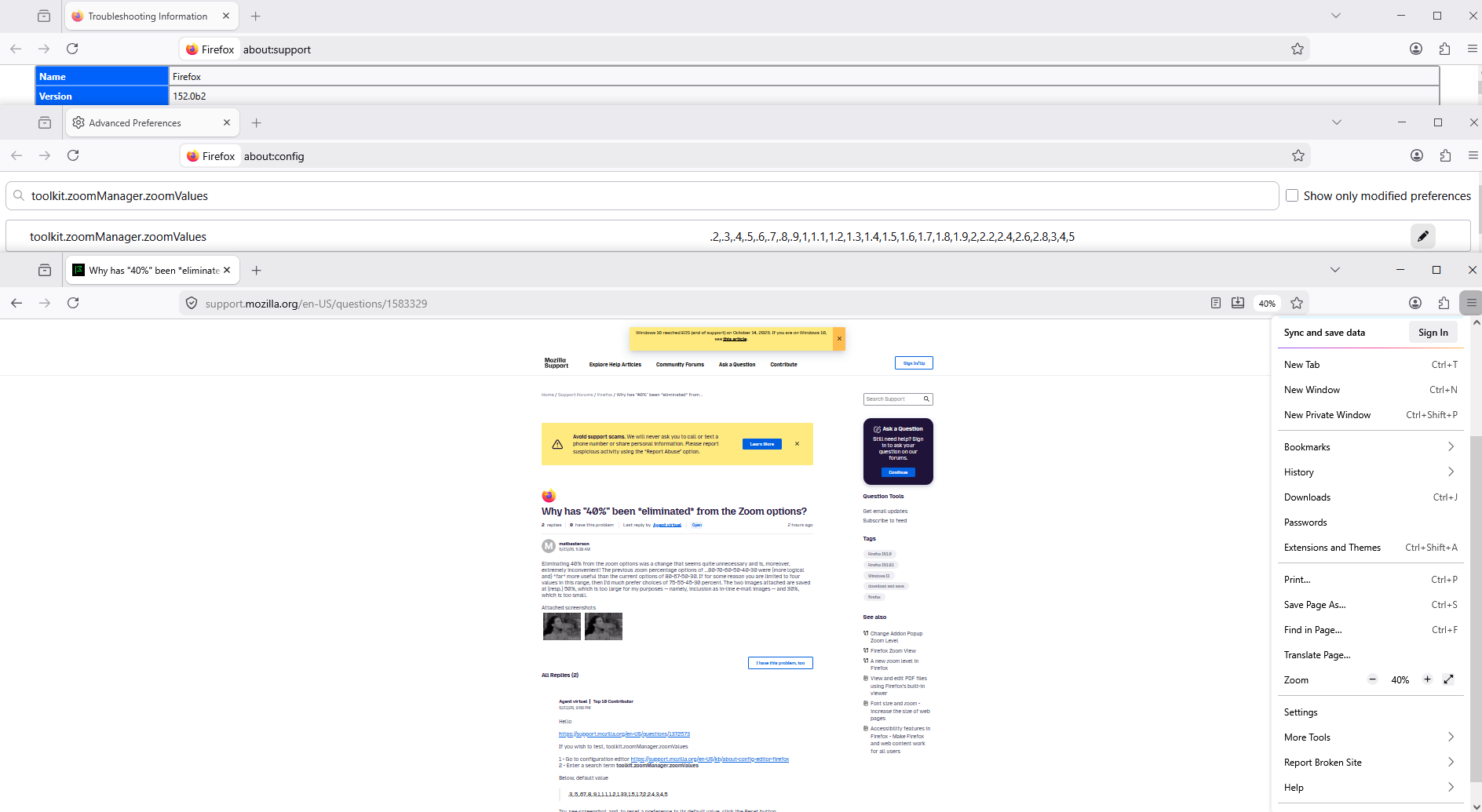
For information https://whattrainisitnow.com/calendar toolkit.zoomManager.zoomValues, default value, under Firefox 152 beta
.2,.3,.4,.5,.6,.7,.8,.9,1,1.1,1.2,1.3,1.4,1.5,1.6,1.7,1.8,1.9,2,2.2,2.4,2.6,2.8,3,4,5
Променено на от Agent virtuel
Избрано решение
Hello
Firefox 152.0 https://www.firefox.com/en-US/firefox/152.0/releasenotes
Site zooming via keyboard or mouse now offers more zoom levels in smaller increments than before.