


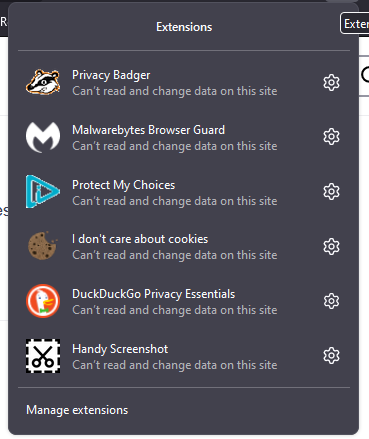
none of my extensions work
Im adding a screenshot. When I look at their settings, they all look fine.
Всички отговори (6)

Do they work after restarting? Exit Firefox using a menu command or keyboard shortcut, wait (say) 30 seconds and launch again.
Make sure that you do not run Firefox in Private Browsing mode.
You can try "Clear the startup cache..." via the "Help -> More Troubleshooting Information" (about:support) page.
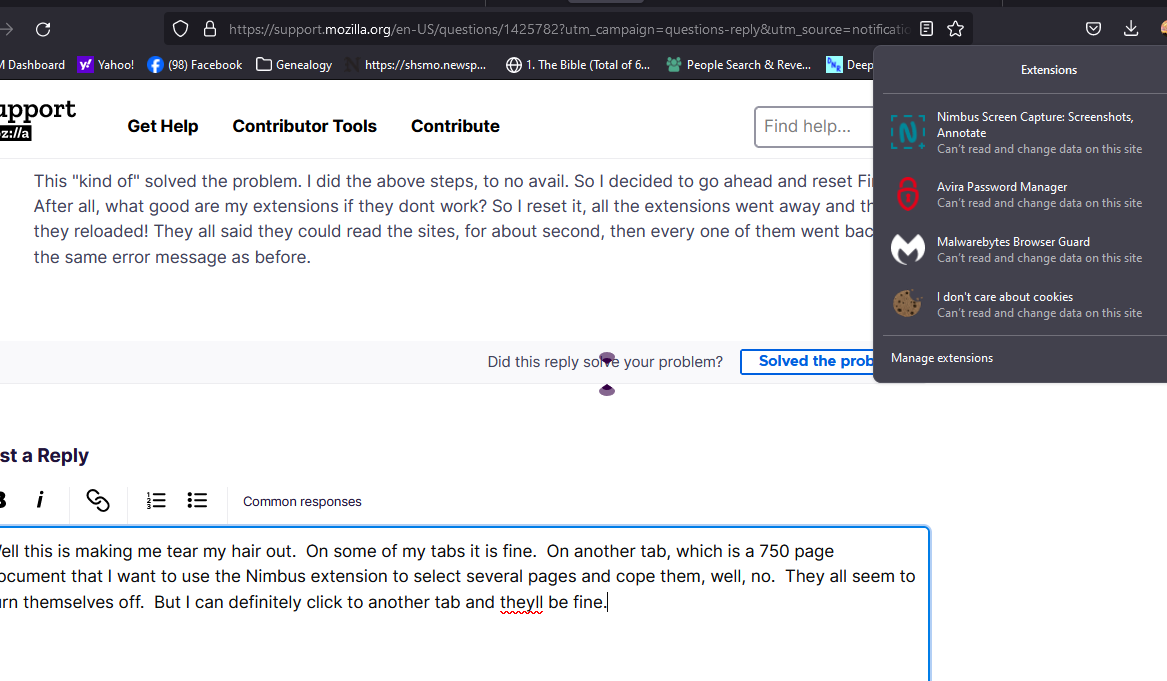
This "kind of" solved the problem. I did the above steps, to no avail. So I decided to go ahead and reset Firefox. After all, what good are my extensions if they dont work? So I reset it, all the extensions went away and then they reloaded! They all said they could read the sites, for about second, then every one of them went back to the same error message as before.
Well this is making me tear my hair out. On some of my tabs it is fine. On another tab, which is a 750 page document that I want to use the Nimbus extension to select several pages and cope them, well, no. They all seem to turn themselves off. But I can definitely click to another tab and theyll be fine.
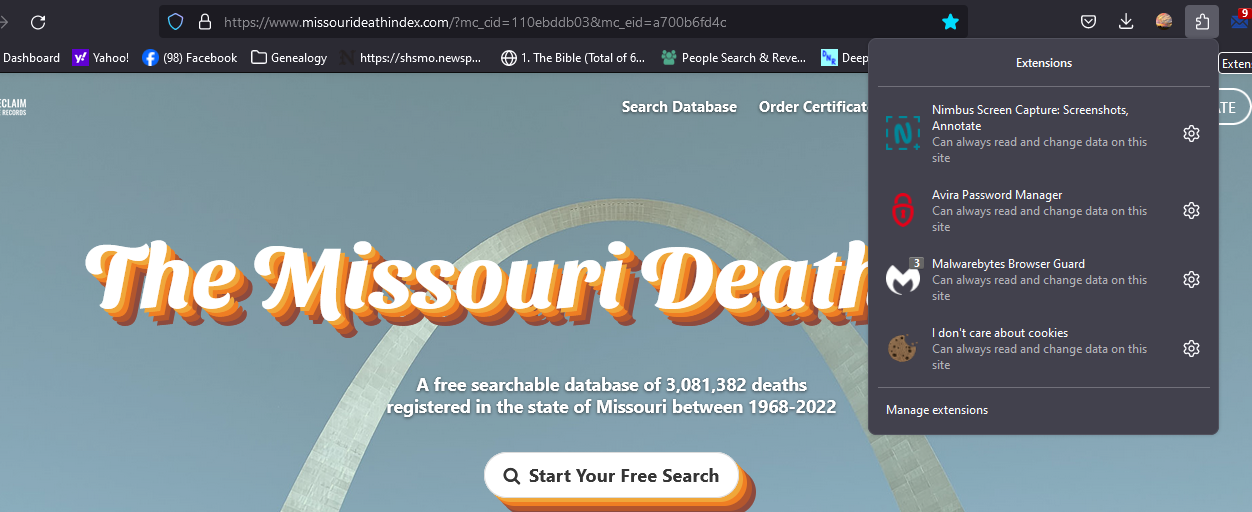
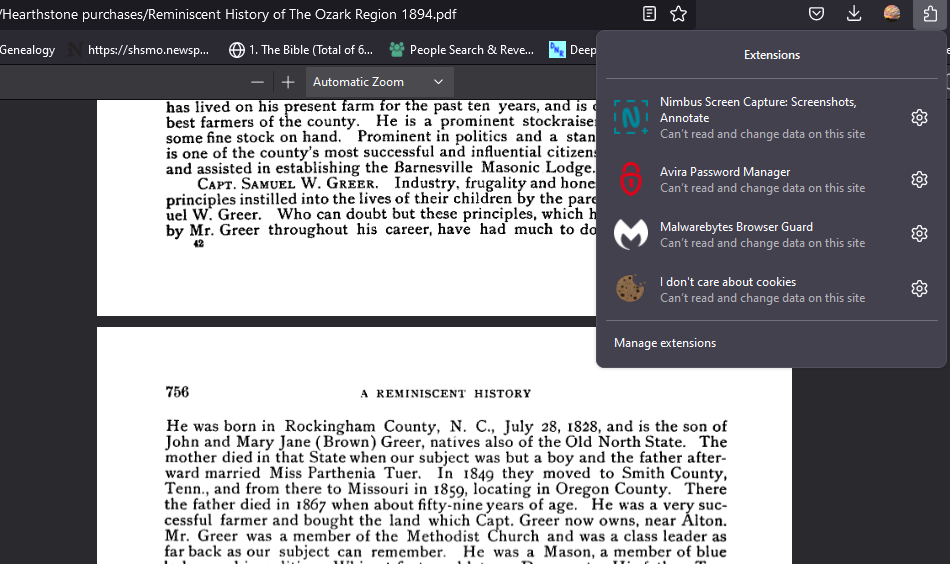
I don't think that this extension is able to work on local PDF file.
About the third screenshot, extensions do not work on Mozilla websites due to security reasons (Mozilla websites have special privileges to accessing data/files). Extensions also do not work on built-in about pages like about:preferences (Settings).