


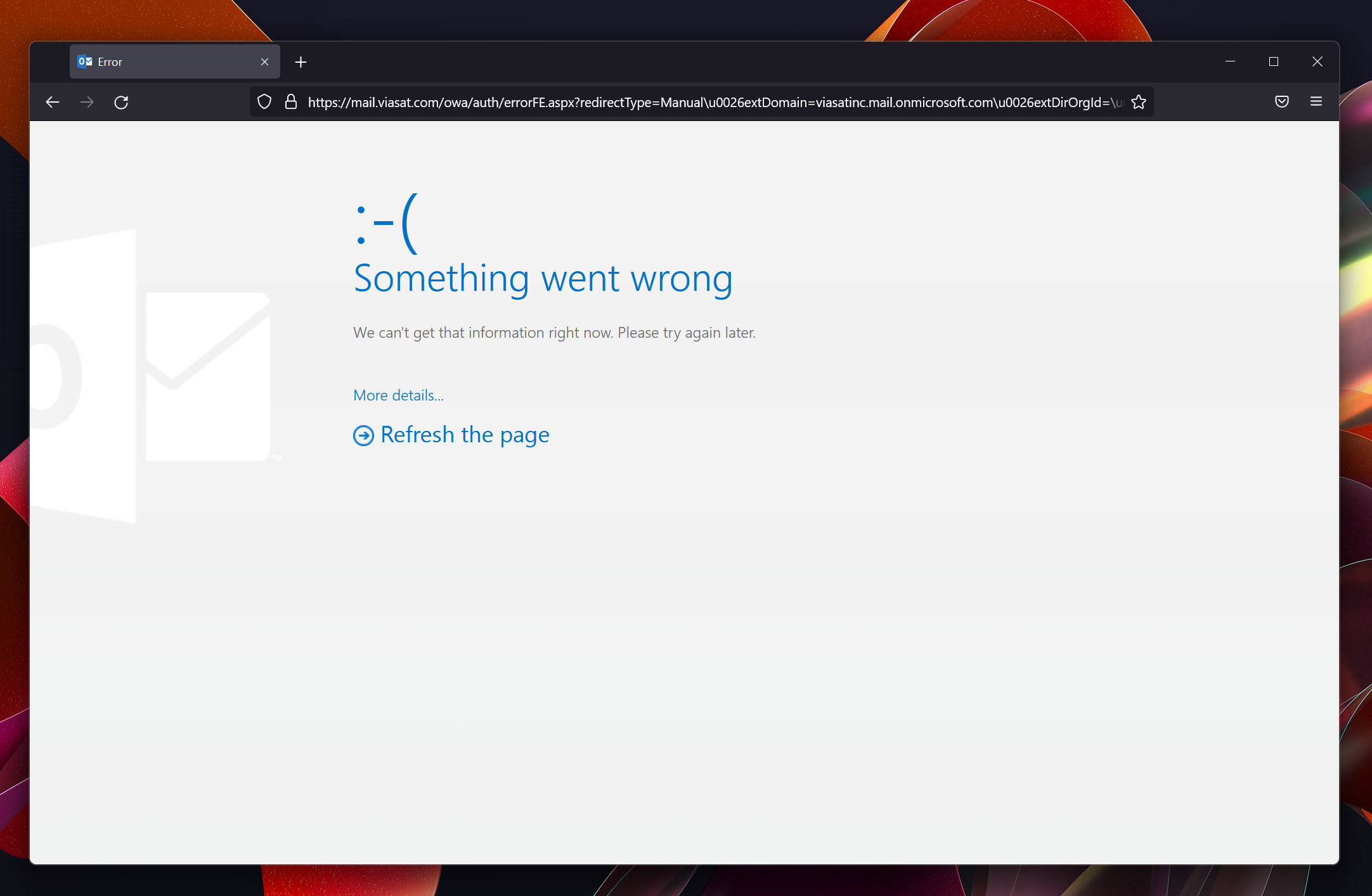
Unable to open my Outlook webmail in Firefox 95

Upgraded to Windows 11 and now Firefox won't open Outlook webmail, but does work with MS Edge. Please help!
Всички отговори (6)

Make sure you are not blocking content.
https://support.mozilla.org/en-US/kb/enhanced-tracking-protection-firefox-desktop also see https://blog.mozilla.org/security/2021/03/23/introducing-smartblock/
https://support.mozilla.org/en-US/kb/smartblock-enhanced-tracking-protection
Diagnose Firefox issues using Troubleshoot(Safe) Mode {web link}
A small dialog should appear. Click Start In Troubleshoot(Safe) Mode (not Refresh). Is the problem still there?
Many site issues can be caused by corrupt cookies or cache.
Warning ! ! This will log you out of sites you're logged in to. You may also lose any settings for that website.
- How to clear the Firefox cache {web link}
Thank you for the information FredMcD. I tried everything you suggested but unfortunately none of it helped. When I reached out to our company's IT they suggested I use Edge and that's why I know at least that works. I wonder what else is keeping FF from connecting correctly :/
Delete browsing, search and download history on Firefox {web link}
Remove a single website from your history {web link}
Open the History Manager <Control> (Mac=<Command>) <Shift> H. In the search bar, enter the name of the site. Right-click on one of the listings and select Forget About This Site. This should remove all information, including any site settings And Passwords.
Hi again FredMcD. That didn't help either. after logging in, I get the same error as posted in the first screenshot.
Here's the details from the error page: X-FEServer WDC1EXCHP01 Date:12/20/2021 5:49:42 PM
I called for more help.