


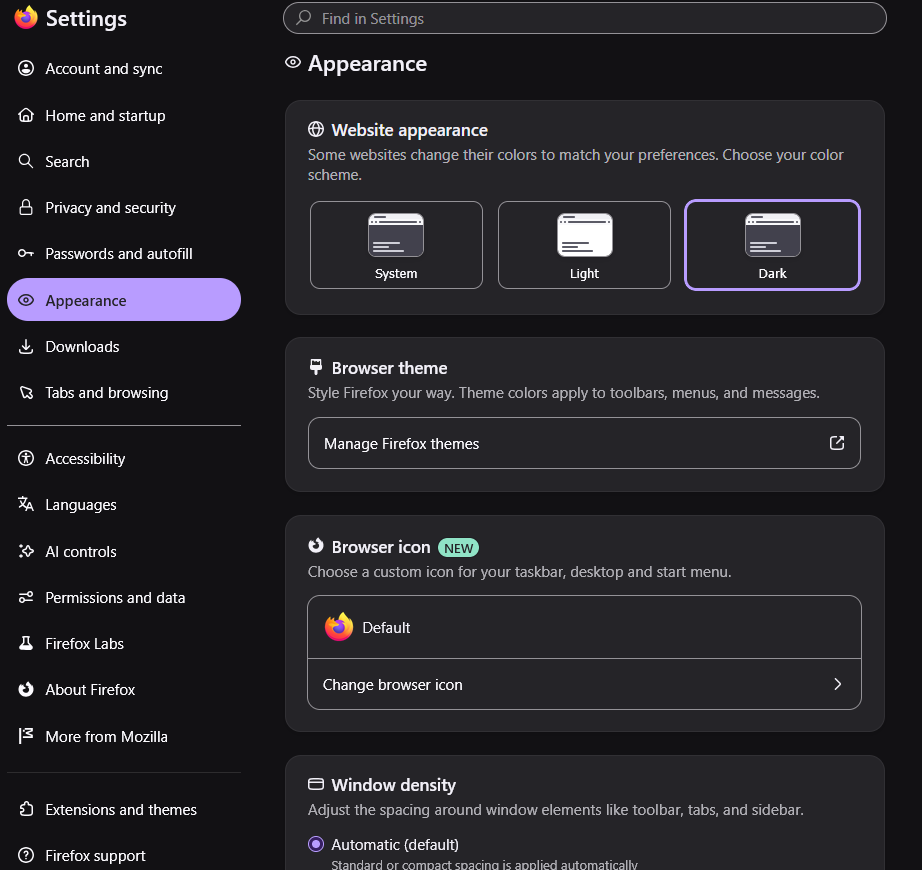
Selection items are purple no matter what change to.

Selection items are purple no matter what change to. After latest update I cannot get rid of the purple background color no matter the theme. I use a dark theme and the purple sticks out like a sore thumb. How can I change it? Thank James
All Replies (2)
Bonjour
Just to see, take a look at the screenshots https://support.mozilla.org/en-US/questions/1613640#answer-1857416
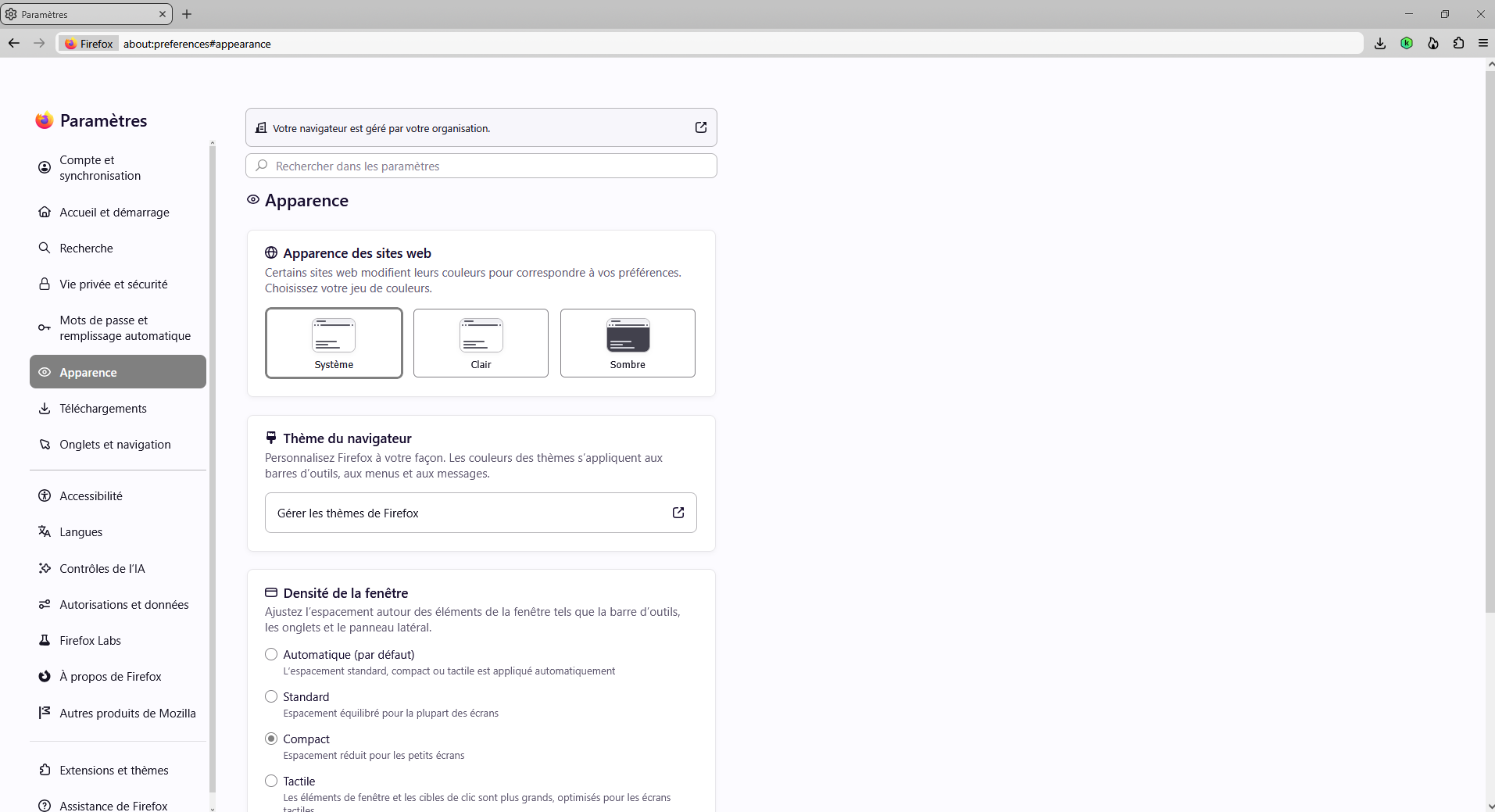
As for me, i'm not a fan the Nova Style. I use, css. Among others codes css, i use https://support.mozilla.org/en-US/questions/1610048, i use this code, userContent.css (e.g. color) https://support.mozilla.org/en-US/questions/1611680#answer-1855268, https://support.mozilla.org/en-US/questions/1609524#answer-1852912
Modified by Agent virtuel
Just to see a test userContent.css (e.g. color) https://www.w3schools.com/colors/colors_hex.asp
:root { --color-accent-primary: RoyalBlue !important; }

Modified by Agent virtuel