


How to save signiture and insert into email

Been using outlook since 2000, I am tyrin to cut the umbilial cord to outlook as it is craper each year that passes.
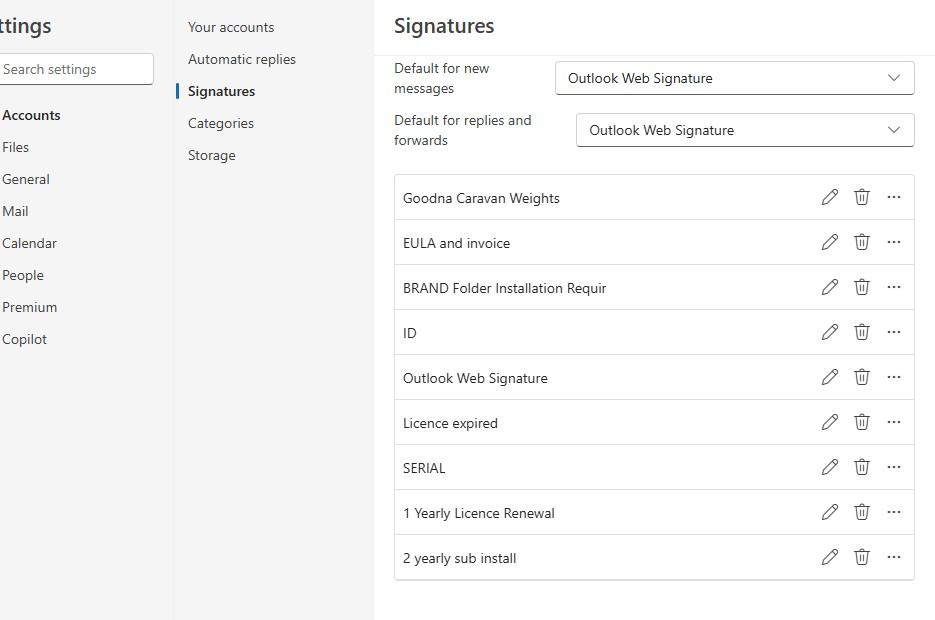
Can i have more than 1 sig as i use maybe 10 different sigs for different reasons?
I see a use file do i get to choose a differt file when inserting sig or am i stuck with one and have to manualy change file or copy from somewhere else.
Once i get Thinder runnin i wil be happy to support on a monthly basis but i need to se if ti will suffice.
All Replies (1)

Check out the Identities feature. It lets you save certain aspects of your messages, including signatures, as "Identities". Then, when you create a message or a response, you can choose from a drop-down list of the ones you have created. Here's an article about them:
https://support.mozilla.org/en-US/kb/using-identities
And here's an article about how to create and use Signatures.
https://support.mozilla.org/en-US/kb/signatures
By the way, any donation you might like to make would be appreciated and would help the project, but it's not expected. Thunderbird is free, open-source software, and there's no money needed to download, install, or use it.