How to remove an Opt-Out Signal Honored on a specific website?

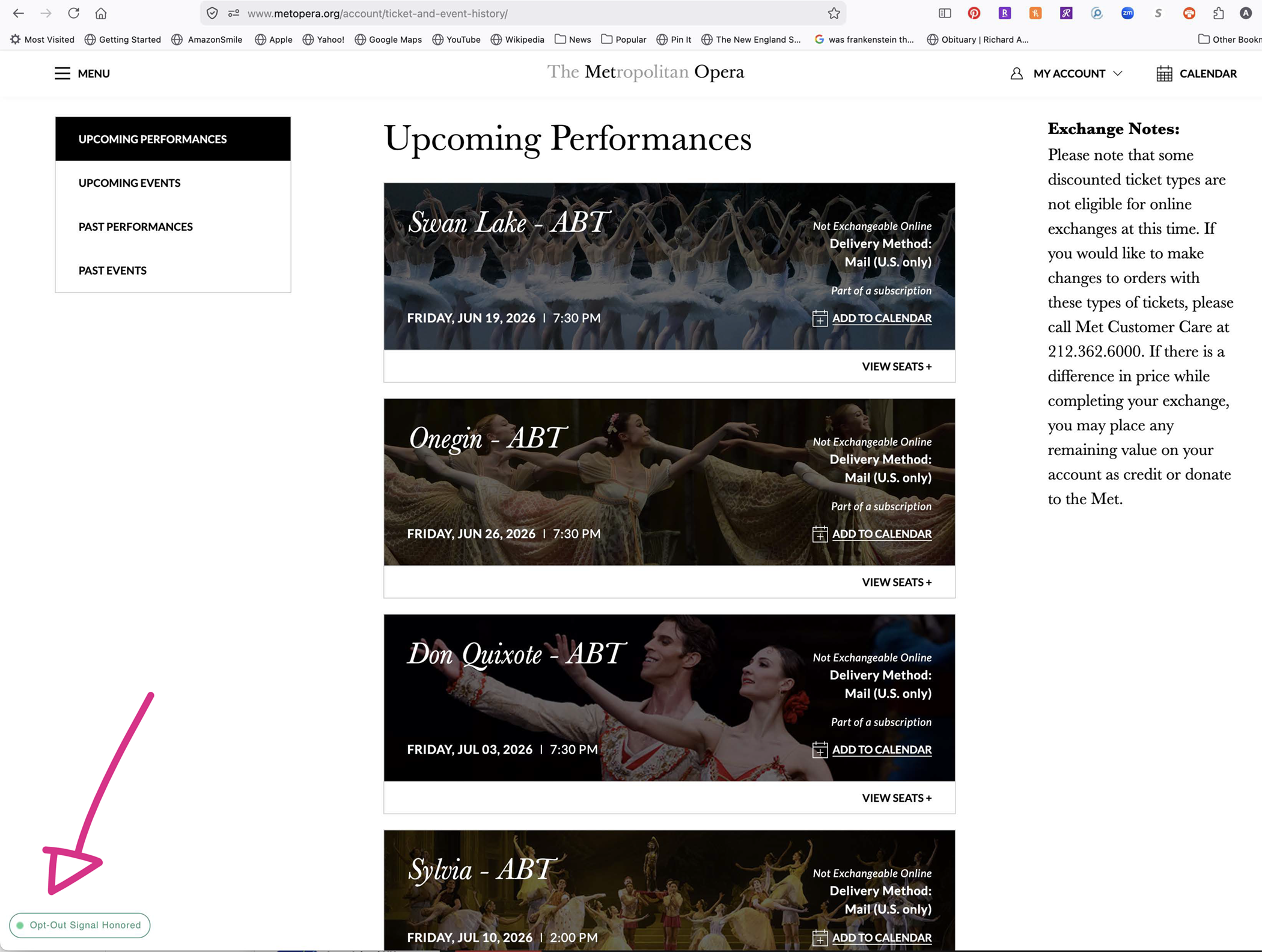
I was on a website for Met Opera, buying tickets and suddenly a widget appeared on the lower left corner that says: Opt-Out Signal Honored. Not only did I Opt Out, but I no longer can navigate the website, and there is no visible way to cancel this. Please help. It does not appeaer on other web pages, or other browsers. What is this? I've tried locating it in settings, and settings does not have that privacy option checked. How can I remove it? thank you, Anne Marie Mascia
All Replies (2)
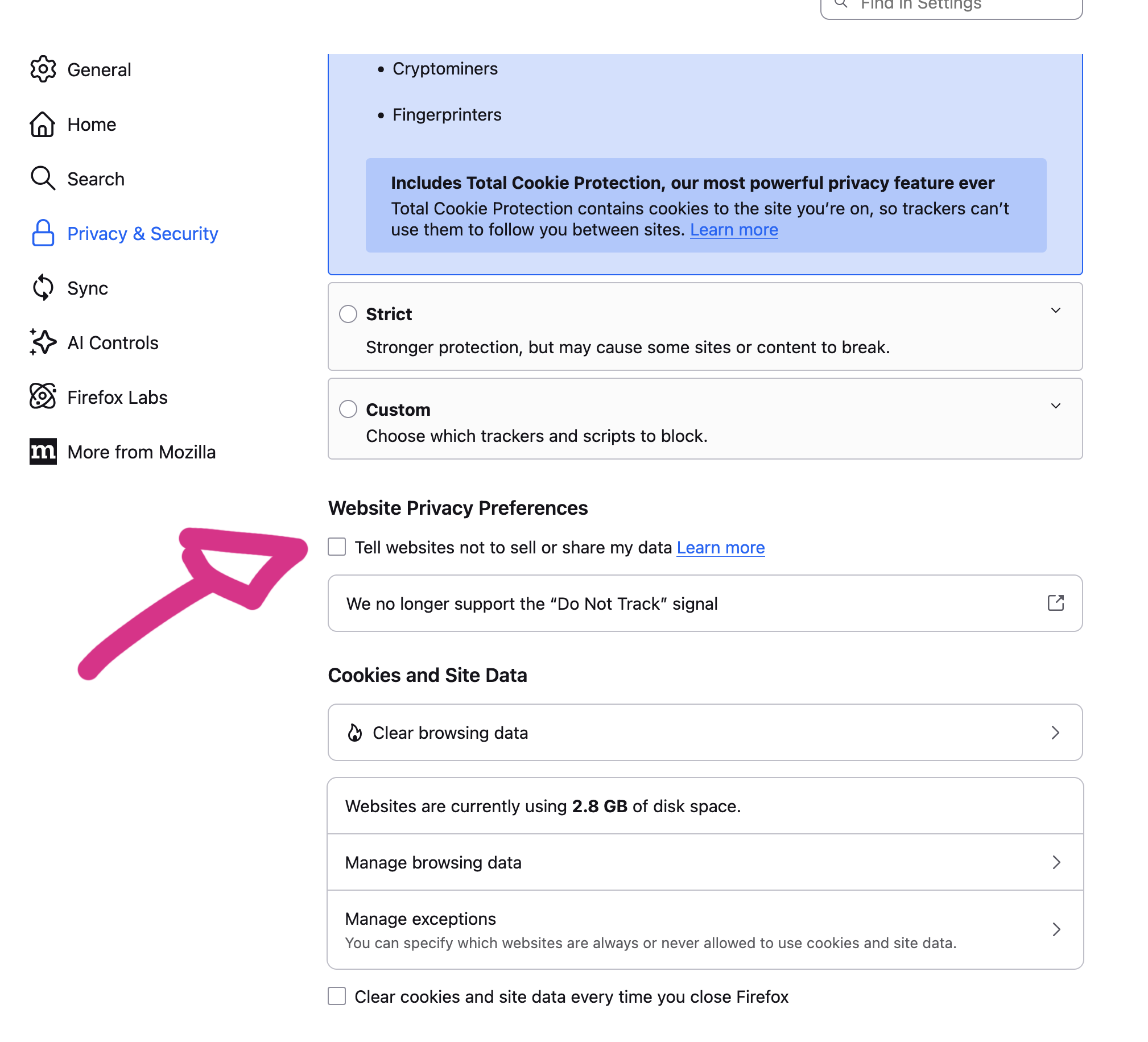
I'm not sure why it works like this, but try to go to Settings -> Privacy & Security, and turn off Tell websites not to share & sell data.
hi Ty thank you so much for quick answer.....
I would have thought that was the problem too, but that box is not checked, nor had I ever checked it in the past.
I tried closing that window and opening a new one. As soon as I signed into my account, the little green box popped up again. But only on this website: abt.org
I can't imagine what I clicked on, I was just looking at seating charts...????
I quit Firefox and still there. I guess I could re-start my computer.
any other suggestions?
see pix attached.