


Thunderbird, smtp server certificate

Hello, My SMTP server uses Let's Encrypt certificate. The website with the same domain has no certificate. Thunderbird refuses to connect to my SMTP server. Test connection to the server (STARTTLS) in account settings sais "The secure connection to the server failed" (or similar. I see bg localization). Another server with Let's Encrypt certificate. Test pases. Clicking View certificate shows webserver cert (from DigiCert Inc).
I can't send emails! :)
Regards! Valentin
All Replies (5)
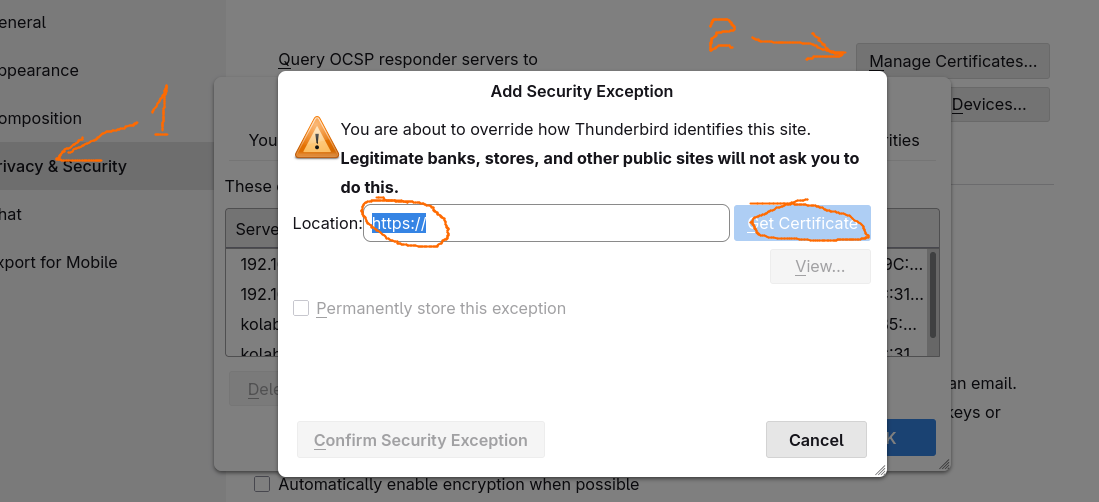
Additionally, I'm trying to add an exception for an SMTP certificate, but Thunderbird is looking for an HTTPS certificate, and there isn't one.
Why is HTTPS involved here?

Thunderbird refuses to connect to my SMTP server.
Please post a screenshot of the error and/or the exception prompt. https://support.mozilla.org/kb/how-do-i-create-screenshot-my-problem
Thunderbird is looking for an HTTPS certificate, and there isn't one.
Post a screenshot for this as well.
Thunderbird is establishing a TLS connection to the server set in your Account Settings. The attempt to use a 'Let's Encrypt' cert for a mail server won't work out of the box, because 'Let's Encrypt' only issues certs for HTTPS servers. Also see https://support.mozilla.org/en-US/questions/1525848
Modified by christ1
Hello christ1, Thank you for your answer! I uploaded a few images. I tried to explain what is what through the file names: 1_ErrorMsg.png 2_ErrorConsole.png 3_SMTPSettings.png 4_AfterTestConnectionToServer.png 5_AnotherSMTP.png 6_AfterViewCert.png 7_SettingCertException.png (in Settings)
About Let's Encrypt certs: "Let’s Encrypt certificates are standard Domain Validation certificates, so you can use them for any server that uses a domain name, like web servers, mail servers, FTP servers, and many more.". 1
Regards! Valentin
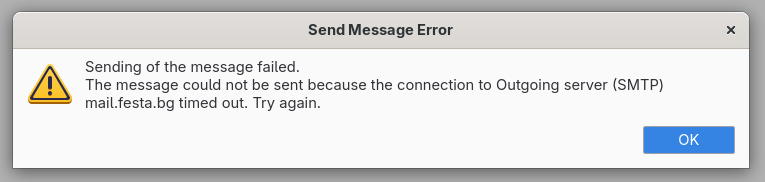
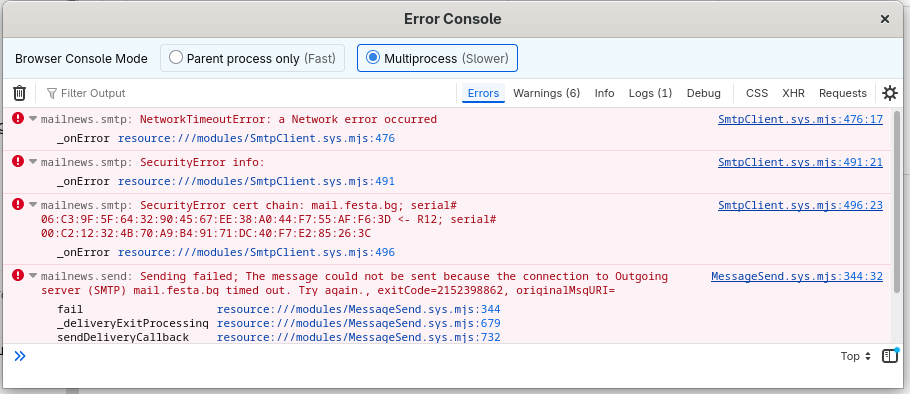
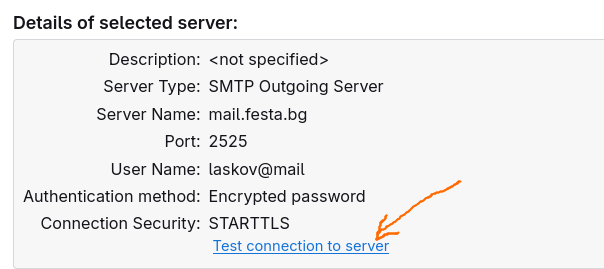
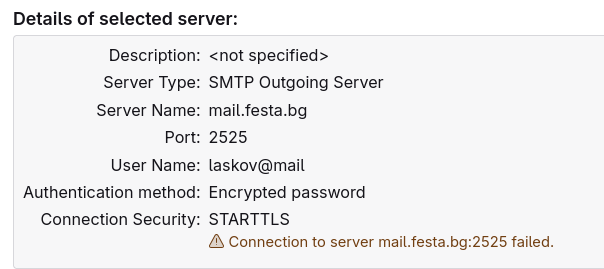
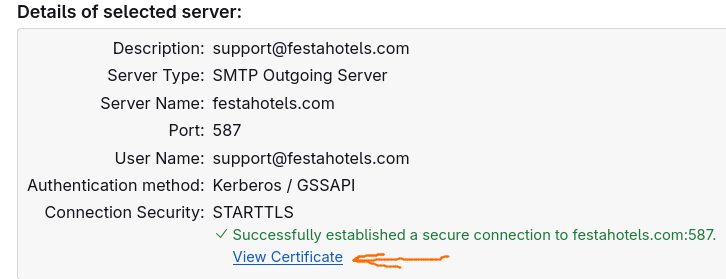
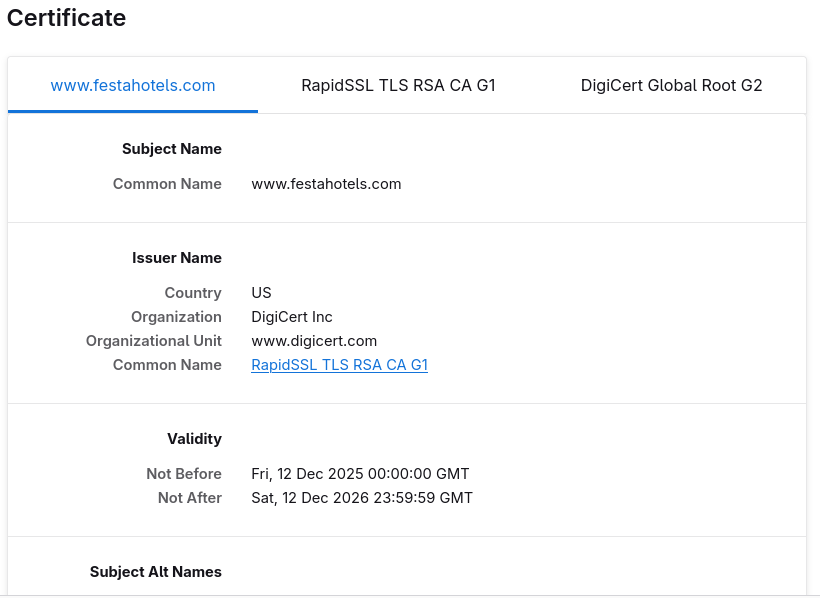
Your mail server is mail.festa.bg. From your screenshot, your Digicert cert has been issued for www.festahotels.com. So this isn't going to work. There is nothing in your screenshots about a 'Let's Encrypt' cert.
In my first post I mentioned one server and another server, both with Let's Encrypt certs. First server is mail.festa.bg and another is mailserver.festahotels.com The first server has no website with the same domain and https cert as well and Thunderbird refuses to connect. The second server has Digicert for https and Let's Encrypt for smtps and imaps, and Thunderbird works. Clicking View certificate for this server shows webserver cert from DigiCert. Thunderbird shouldn't care about https cert. You can run this command for both smtp servers openssl s_client -starttls smtp -connect mail.festa.bg:2525
and see the output: Connecting to 83.228.123.229 CONNECTED(00000003) depth=2 C=US, O=Internet Security Research Group, CN=ISRG Root X1 verify return:1 depth=1 C=US, O=Let's Encrypt, CN=R12 verify return:1 depth=0 CN=mail.festa.bg verify return:1 --- Certificate chain
0 s:CN=mail.festa.bg
  i:C=US, O=Let's Encrypt, CN=R12
..... ..... SSL handshake has read 3305 bytes and written 1922 bytes Verification: OK .... ....
   Verify return code: 0 (ok)
   Extended master secret: no