Open
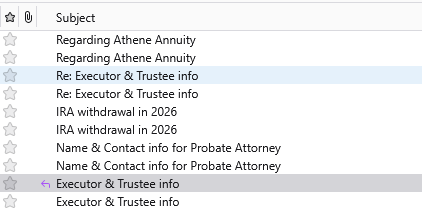
Every time I send an email it stores 2 copies in the "Sent" folder.

How do I get Thunderbird to only store 1 copy of each Sent message?
How do I get Thunderbird to only store 1 copy of each Sent message?
All Replies (3)
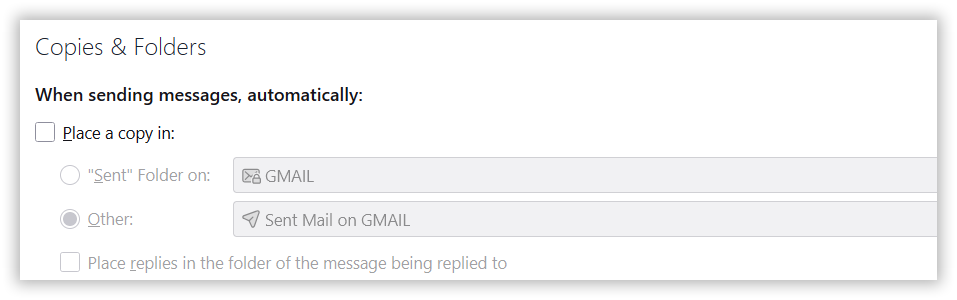
Some providers save one automatically, such as gmail and outlook. Try changing your settings to not save a sent message, and then send one to yourself and check to see of there is a copy in the sent folder anyway.
Thanks for your suggestion David. I went into Settings but could not find anything that gives me the option to not save a sent message.
I assumed you realized I meant the ACCOUNT settings pane. And the copies&folders pane. You should see something like the attached.