


Restore classic styling

Is there a theme or some other way to restore the classic styling instead of having these pills everywhere? This UX doesn't even make sense...tabs used to connect to the page content they were displaying, now it's just some disconnected oval; I have trouble seeing which tab is selected now because it's all various shades of grey that are about half a bit of luminosity away from each other...looking for suggestions on the best way to restore some sanity to this UI...
All Replies (11)
Bonsoir
A space for users to give product feedback https://support.mozilla.org/en-US/kb/what-mozilla-connect
I have trouble seeing which tab is selected, this similar discussion thread https://connect.mozilla.org/t5/discussions/highlight-current-tab-and-show-other-tabs-greyed-out/td-p/141645
I have created a userChrome.css and I have configured the following, but the tabs are still pills...is there some other selector I need to use to customize tab styling? These are all the relevant sounding selectors I could find on the web but haven't found any official docs on what these actually do:
.tab-background, .tab-label, .tab-label[selected], .tab-background[selected], .tab, .tab[selected] {
border-radius: 0px;
}
.tabbrowser-tab, .tabbrowser-tab[selected], #tabbrowser-tabs .tabbrowser-tab {
border-radius: 0px;
}
WARNING from the moderator team: This script is not provided by Mozilla and is not officially supported.
Firefox is a work in progress and, to allow for continuous innovation, Mozilla cannot guarantee future updates won’t impact your customizations. For this reason, Mozilla does not officially support style rules customization.
Please read Firefox advanced customization and configuration options to learn more.
Modified by Paul
Hi
Changes made using userChrome are not supported by this Forum.
This theme for Firefox may help:
https://addons.mozilla.org/en-US/firefox/addon/firefox-proton/
When I try to add that theme it tells me: "An unexpected error occurred during installation."
Also, why is the official forum bot recommending solutions that are not supported? How do you think it is reasonable to recommend a solution and then tell me I did something wrong by trying it and say you don't support YOUR OWN SOLUTION?
Modified by mozilla-pers
Otherwise, you can vote (aka kudos) and comment, below https://connect.mozilla.org/t5/ideas/make-tabs-visually-distinguishable-from-another/idi-p/7295
Below, i tested userChrome.css and it works
Modified by Agent virtuel
Yes, the userChrome.css in the linked comment does work, but it does not include changes to the border radius. It only addresses part of my initial question; I was asking for help with the rest of it.
Bonjour
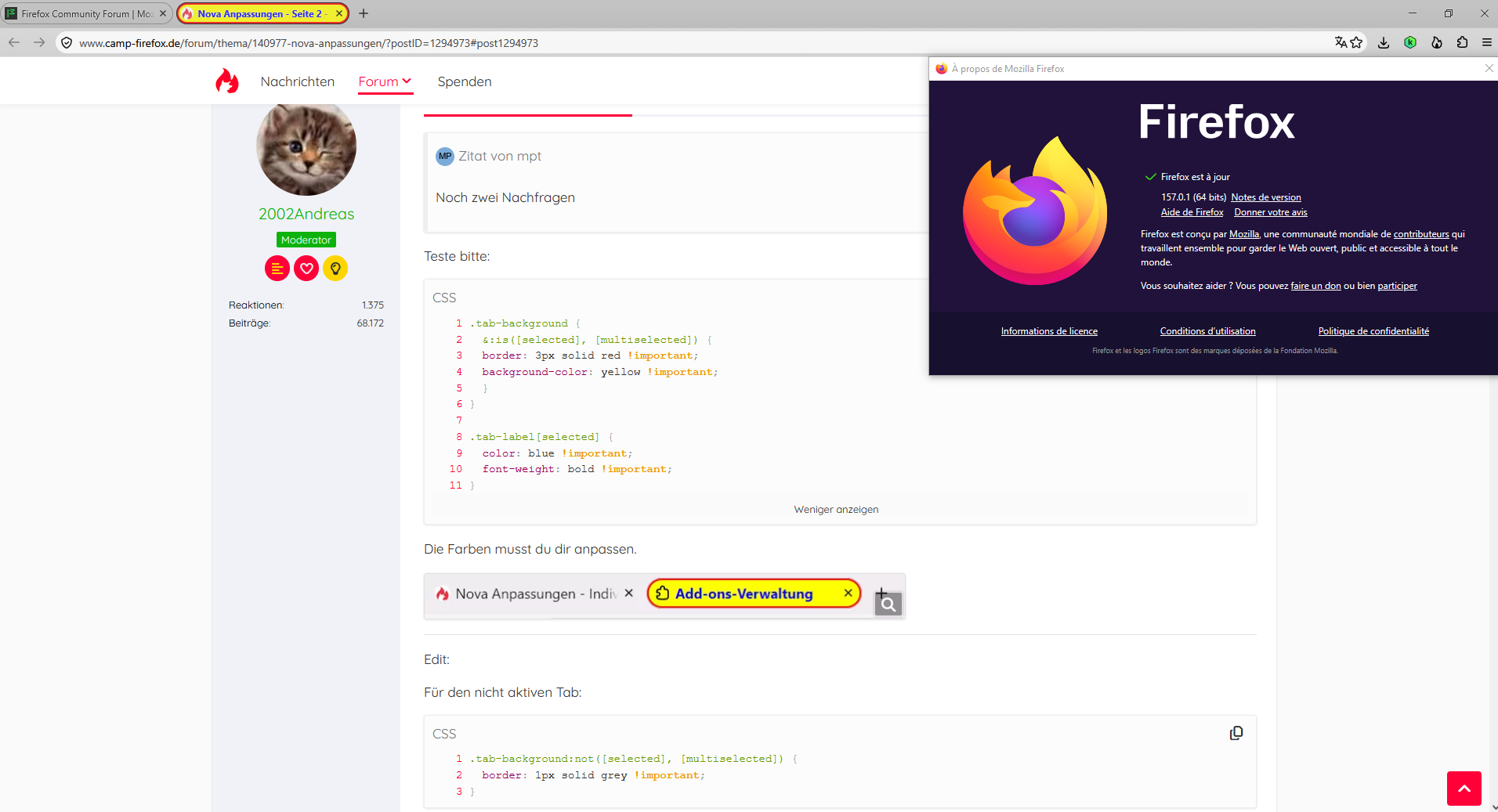
Maybe you can take a look at nova anpassungen https://www.camp-firefox.de/forum/thema/140977-nova-anpassungen
Still trying to sort our a few things, particularly how to get a different top and bottom radius on these tabs so they will actually look like tabs again...but this is a big improvement IMO. Someone on Mastodon suggested the border-radius properties in :root which was the major breakthrough; so here's what I'm using right now for anyone else who ends up on this thread in the future:
- root {
--border-radius-xsmall: 1px !important; --border-radius-small: 2px !important; --border-radius-medium: 4px !important; --border-radius-large: 6px !important; --border-radius-xlarge: 2px !important; }
.tab-background {
 &:is([selected], [multiselected]) {
 border: 2px solid black !important;
 background-color: #666 !important;
 }
}
/* Not sure if the padding in these is actually doing anything */ .tab-label[selected] {
 color: white !important;
 font-weight: bold !important;
 padding: 0px;
}
.tab-background:not([selected], [multiselected]) {
 border-right: 1px solid grey !important;
 padding: 0px;
}
Bonjour
Probably a copying error, errare humanum est, it is missing :root
Yes, it does appear to be missing a colon before root, but that is included in the original post...seems like it's just being stripped out by the forum software.
Indeed.
Markup chart https://support.mozilla.org/en-US/kb/markup-chart Next time, take a look at Code