- Click the menu button
 at the right side of the Firefox toolbar, go to Help, and select About Firefox. The About Mozilla Firefox window will open.
- Firefox will check for updates automatically. If an update is available, it will be downloaded.
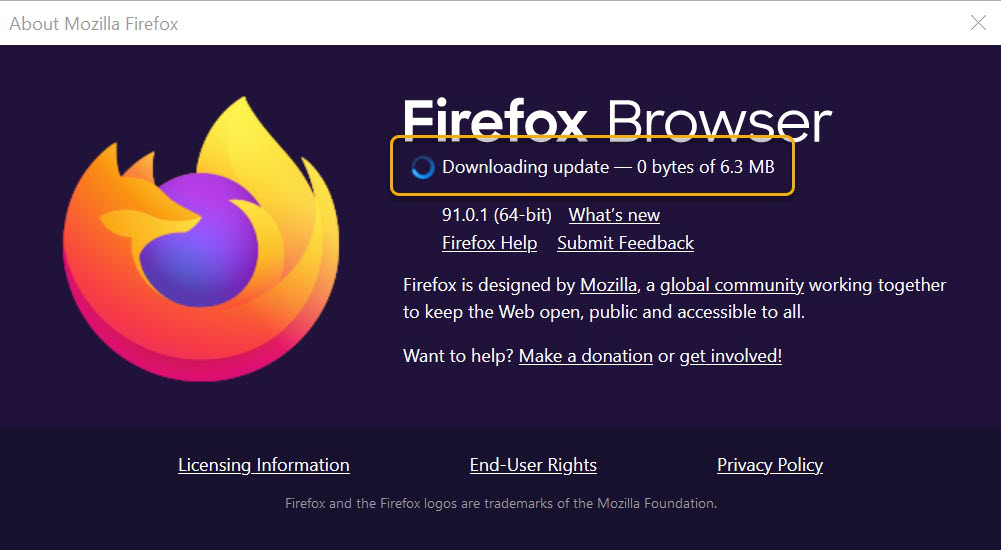
- When the download is complete, click Restart to update Firefox.
#Click the menu button [[Image:Fx89menuButton]] at the right side of the Firefox toolbar, go to ''Help'', and select '''About Firefox'''. The ''About Mozilla Firefox'' window will open.
#Firefox will check for updates automatically. If an update is available, it will be downloaded.
#;[[Image:fx91AboutDownloadingUpdate|width=700]]
#When the download is complete, click '''Restart to update Firefox'''.



