


cards view
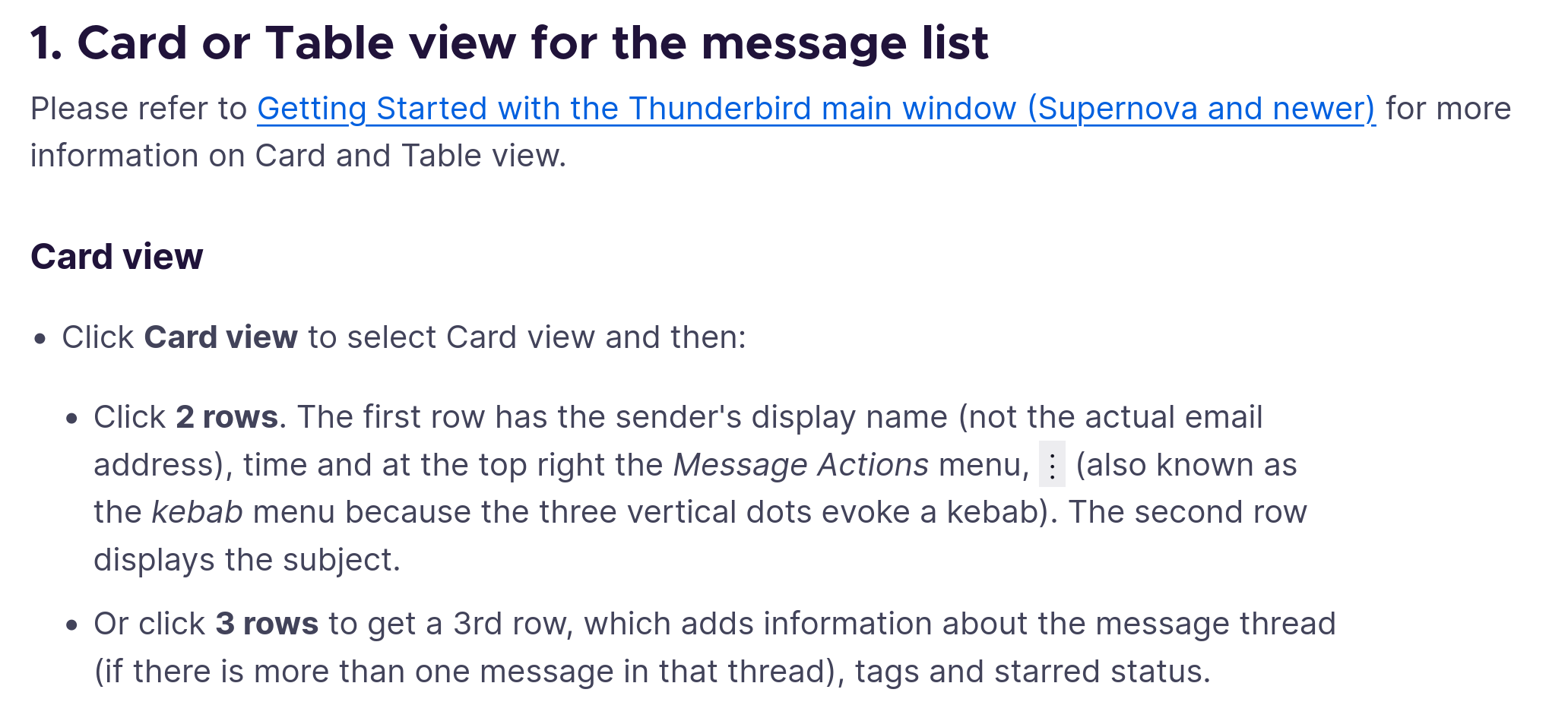
please explain the explenation at https://support.mozilla.org/en-US/kb/appearance-panel-layout-message-list-card-view-tab#w_card-view
What 2 rows / 3 rows?
الحل المُختار
OK not very intuitive but this is the ui:
- In cards view only the sender and subject of the original email are visible in the cards list
- clicking on the card only shows the preview
- the preview shows the sender and the first three lines of the emails in the thread, not the actual message
- the card also shows "<nr> replies >" in a very dark grey
Clicking the later, the "3 replies>" will show the messages belonging to the thread. Now each message is available.
It would be nice to include that in the description or think of a inutitive way to do this. Why not a second click on the card to reveal the messages?
Modified by johannes
All Replies (4)
What is it that you do not understand? The URL you mention explains what is displayed with two-rows, and also with three.
As per my screenshot. Click 2 row / click three row / click kebab. None of these are visible in my Thunderbird
I only see three rows: accounts,trees, list top, email bottom, and Events.
In the middle I see a collapsed card of an email thread, at the bottom the meta of all emails in one thread when selected. But I want to see one specific email body.
الحل المُختار
OK not very intuitive but this is the ui:
- In cards view only the sender and subject of the original email are visible in the cards list
- clicking on the card only shows the preview
- the preview shows the sender and the first three lines of the emails in the thread, not the actual message
- the card also shows "<nr> replies >" in a very dark grey
Clicking the later, the "3 replies>" will show the messages belonging to the thread. Now each message is available.
It would be nice to include that in the description or think of a inutitive way to do this. Why not a second click on the card to reveal the messages?
Modified by johannes