


Windows 10 reached EOS (end of support) on October 14, 2025. For more information, see this article.

ابحث في الدعم

Avoid support scams. We will never ask you to call or text a phone number or share personal information. Please report suspicious activity using the “Report Abuse” option.

Learn More

Onshape cloud app

  • ما من ردود
  • 0 have this problem
more options

Onshape starts ok and displays all page toolbars and the graphics correctly for around 3 to 7 seconds then it all goes blank for several seconds and then only the toolbars etc return. The graphics for the model disappears along with the camera view which shows where the model is in x y and z and also the camera does not move with the right mouse button pressed. See pics below:

L to R - Proof of model existing although not shown in work area

          - Additional proof of 2nd model not showing in work area
          - Actual screen after the display blanks and reappears

It also happens in all web pages but the data comes back, Onshape is the only cloud based App I am currently trying to use. I did install a Xerox print service recently and that needed a .NET update (3.5), after that these problems started. I have uninstalled and reinstalled Firefox from the Mozilla site which cured the problem at the time but it has since returned.
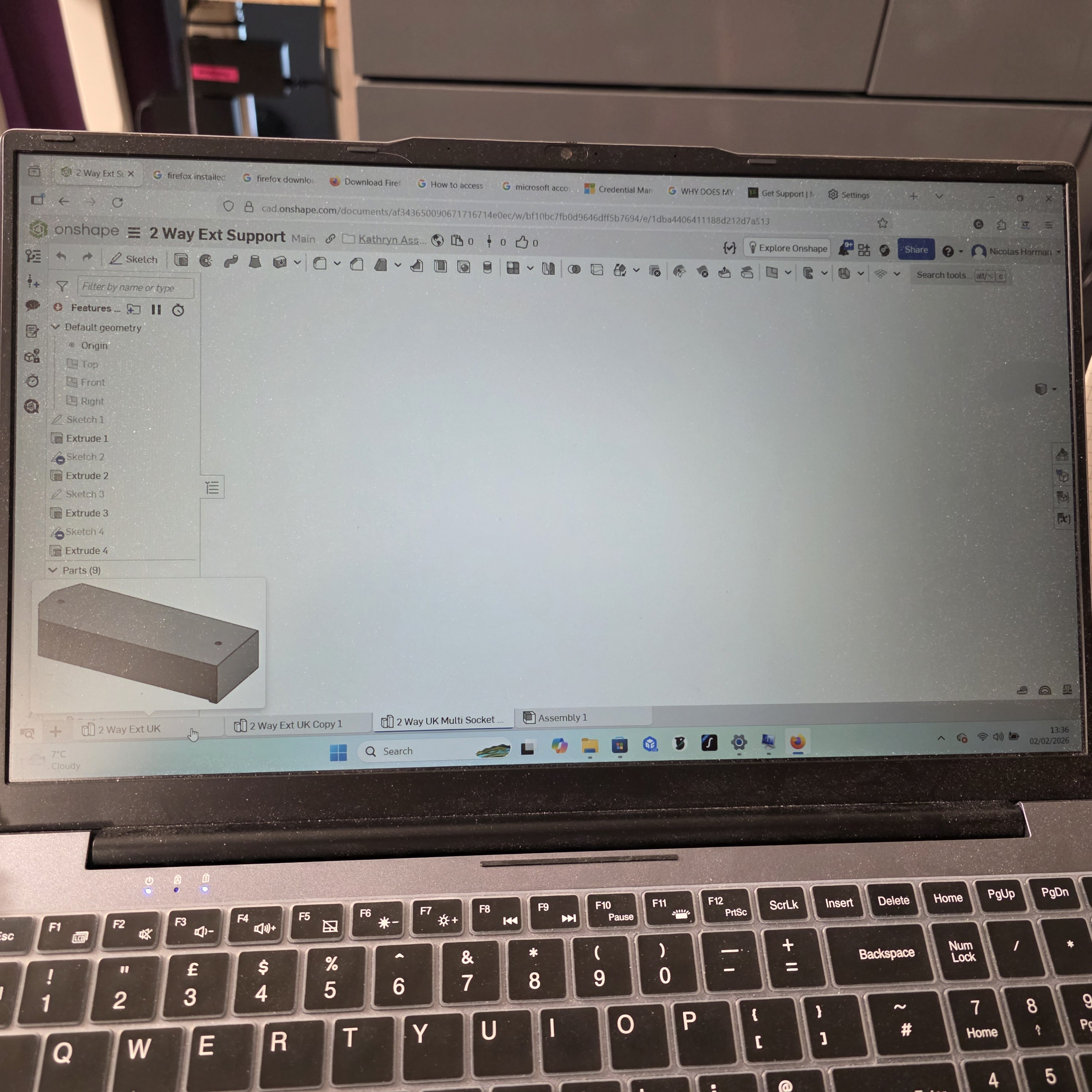
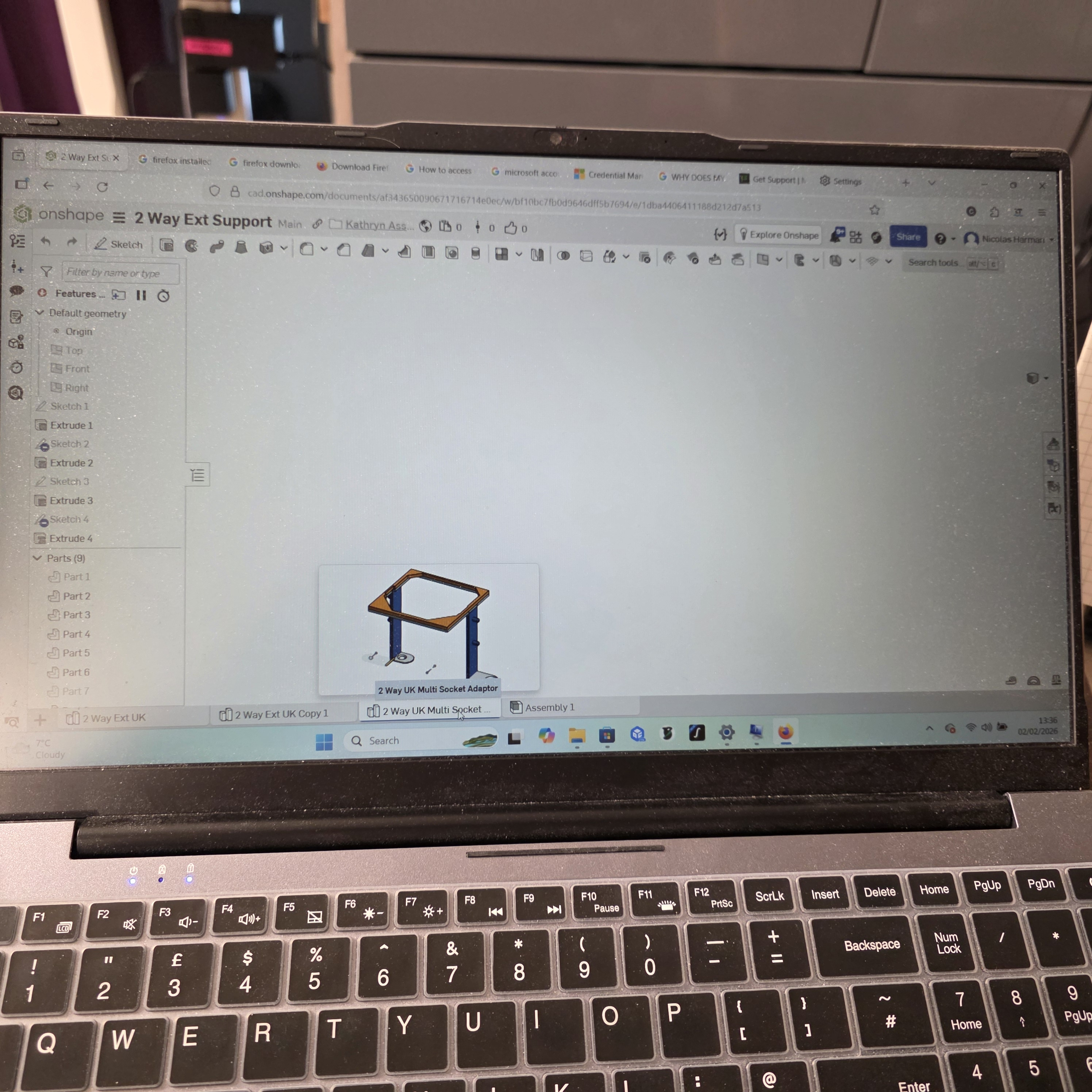
Onshape starts ok and displays all page toolbars and the graphics correctly for around 3 to 7 seconds then it all goes blank for several seconds and then only the toolbars etc return. The graphics for the model disappears along with the camera view which shows where the model is in x y and z and also the camera does not move with the right mouse button pressed. See pics below: L to R - Proof of model existing although not shown in work area - Additional proof of 2nd model not showing in work area - Actual screen after the display blanks and reappears It also happens in all web pages but the data comes back, Onshape is the only cloud based App I am currently trying to use. I did install a Xerox print service recently and that needed a .NET update (3.5), after that these problems started. I have uninstalled and reinstalled Firefox from the Mozilla site which cured the problem at the time but it has since returned.
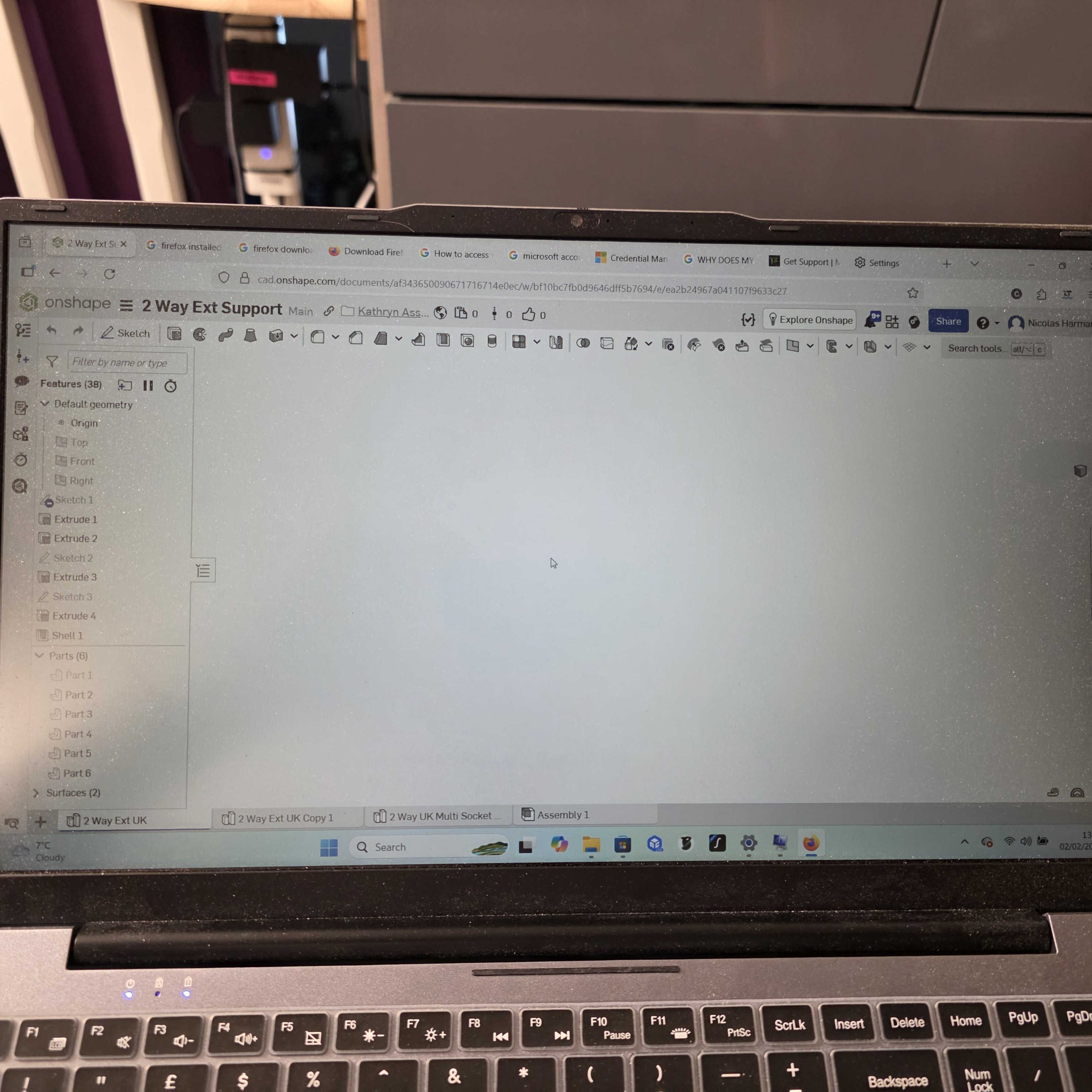
Attached screenshots

You must log in to your account to reply to posts. Please start a new question, if you do not have an account yet.