


No "Manage Backup" Option
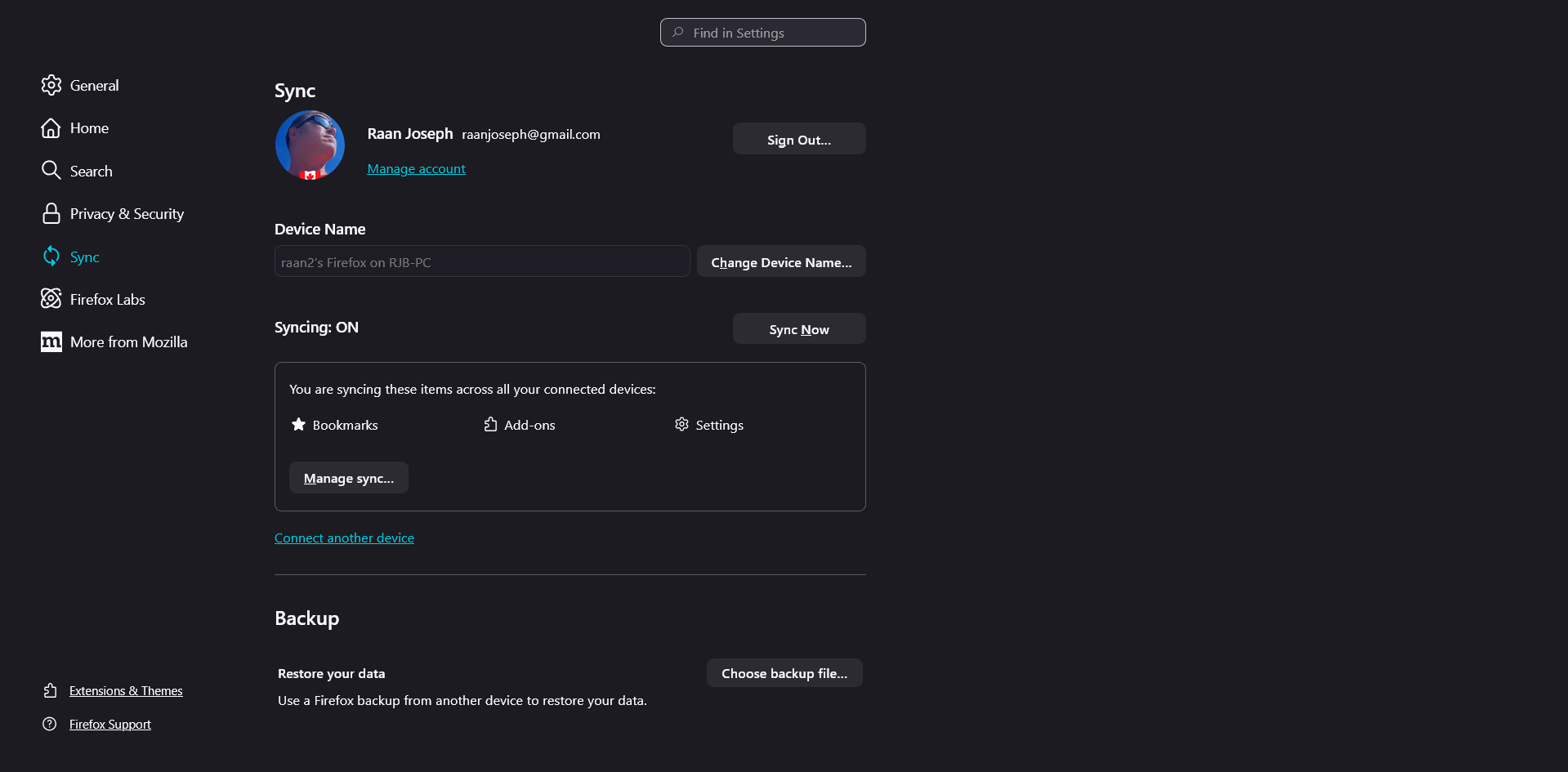
I went to [https://support.mozilla.org/en-US/kb/firefox-backup] and under "Create a Firefox backup file" at step 3 it says, "Scroll down to Backup, and click Manage backup" but when I went there no such "Manage backup" option exists as you can see in the attached screen capture. So what gives? How can I "Create a Firefox backup file"? I am using Firefox v147.0 (64-bit) on Windows 11 Please instruct. Thanks RJB
الحل المُختار
Hi,
Currently, you can only create backup files on Windows 10. On Windows 11, only the restore feature is available. So what you are seeing is intended, unfortunately.
Read this answer in context 👍 0All Replies (8)
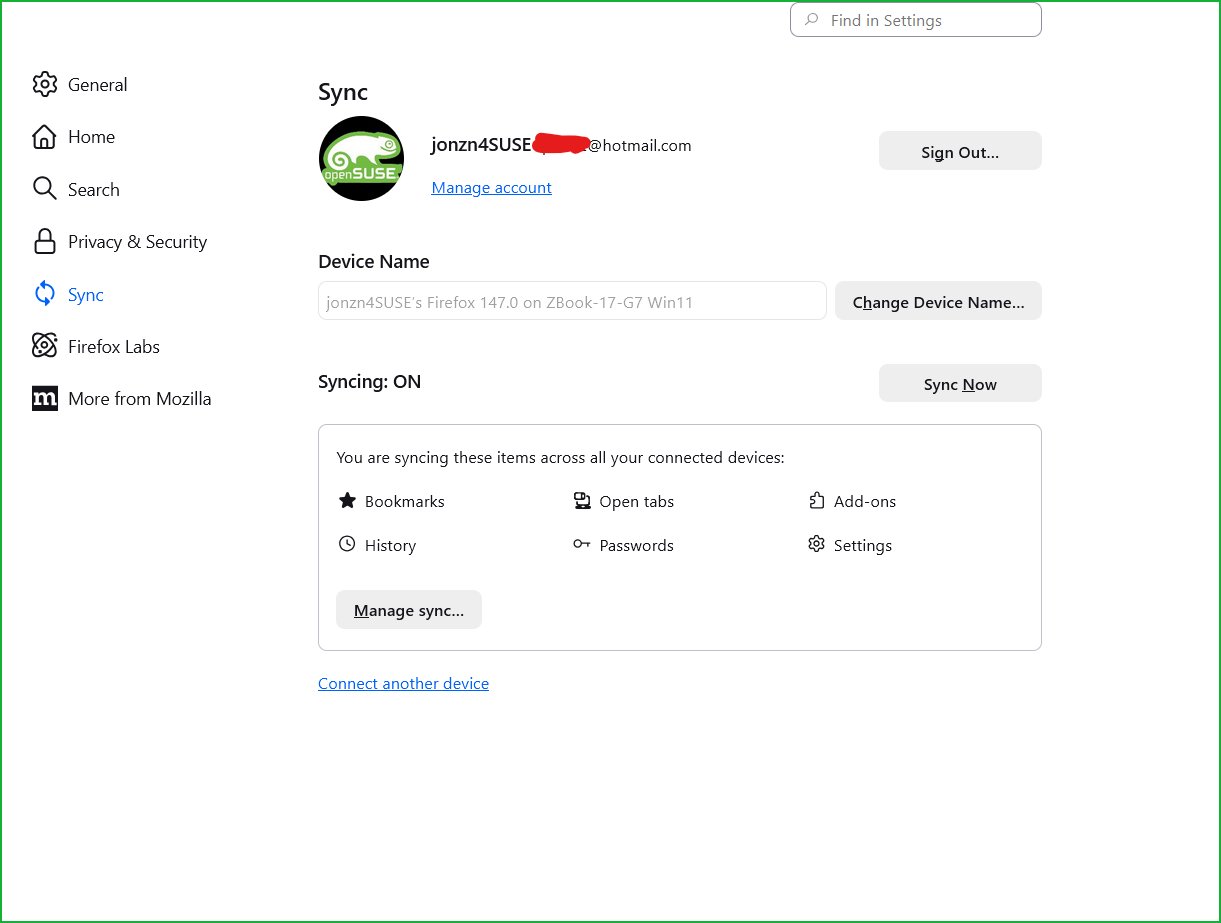
Interesting that you have the option and I don't!
Edition Windows 11 Pro for Workstations Version 24H2 Installed on 20-Apr-24 OS build 26120.961 Experience Windows Feature Experience Pack 1000.26100.8.0
الحل المُختار
Hi,
Currently, you can only create backup files on Windows 10. On Windows 11, only the restore feature is available. So what you are seeing is intended, unfortunately.
Modified by Denys
(I'll mark my reply above as a solution to highlight it for other users looking for an answer. If you disagree, you can unmark it by clicking Undo under the reply.)
Denys said
Hi, Currently, you can only create backup files on Windows 10. On Windows 11, only the restore feature is available. S what you are seeing is intended, unfortunately.
Give user half an option?!?!?!?!

jonzn4SUSE said
Give user half an option?!?!?!?!
Yep. The initial use case was to help users move from Windows 10 to Windows 11. I believe the OS support will be extended, but that's what we have now.
Modified by Denys

The files can be manually copied and later pasted from appdata.
In other news, some computers have the option and some don't. I'm literally staring and two windows 11 laptops (11th gen intel vs new core series 1 intel) both allegedly sporting the same firefox version 148.0. One computer has backup option in settings and no profile menu under main hamburger menu, and the other computer is missing backup option in settings but has profiles option under hamburger menu. Can anyone explain major features appearing on one computer and not the other in the same version of firefox? TY
Makenni said
The files can be manually copied and later pasted from appdata. In other news, some computers have the option and some don't. I'm literally staring and two windows 11 laptops (11th gen intel vs new core series 1 intel) both allegedly sporting the same firefox version 148.0. One computer has backup option in settings and no profile menu under main hamburger menu, and the other computer is missing backup option in settings but has profiles option under hamburger menu. Can anyone explain major features appearing on one computer and not the other in the same version of firefox? TY
Hi! For now, backup/restore are only available if you don't have the Profiles option in the menu. See the note in this article.